|
VOOZH | about |
|
VOOZH | about |
In React class components play an important role in building robust and scalable applications. In the class component render method is used for rendering user interface elements on the screen. In this article, we will understand the use of the render method.
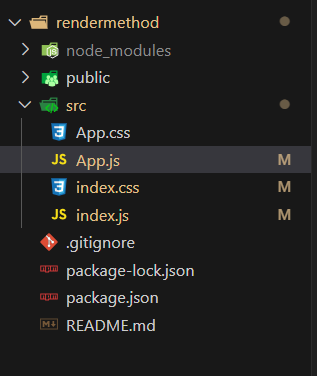
Step 1: Create a React application using the following command:
npx create-react-app foldernameStep 2: After creating your project folder i.e. foldername, move to it using the following command:
cd foldernameThe updated dependencies in package.json file will look like.
"dependencies": {
 "@testing-library/jest-dom": "^5.17.0",
 "@testing-library/react": "^13.4.0",
 "@testing-library/user-event": "^13.5.0",
 "react": "^18.2.0",
 "react-dom": "^18.2.0",
 "react-scripts": "5.0.1",
 "web-vitals": "^2.1.4"
}
The render Method can be implemented in several ways and each approach serves a different purpose. Let's explore all possible approaches -
Now let's understand all of these ways in detail -
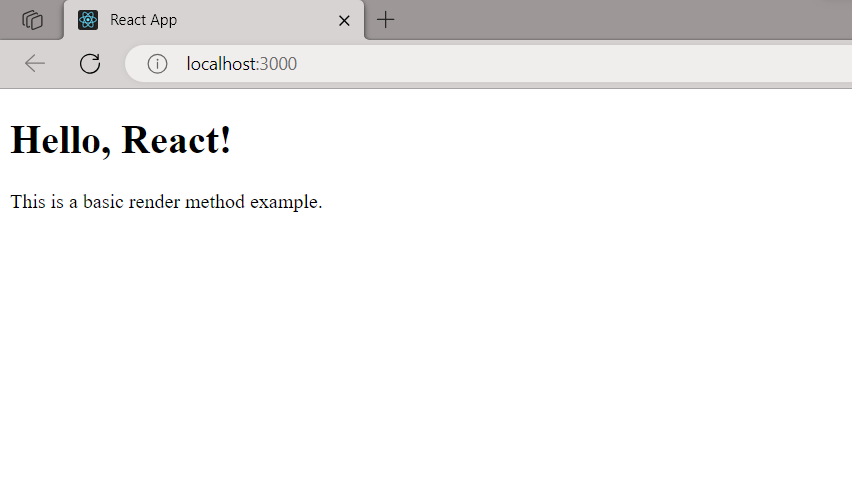
The most fundamental use of the render method involves returning JSX elements to be displayed on the screen. Here is an example for understanding this-
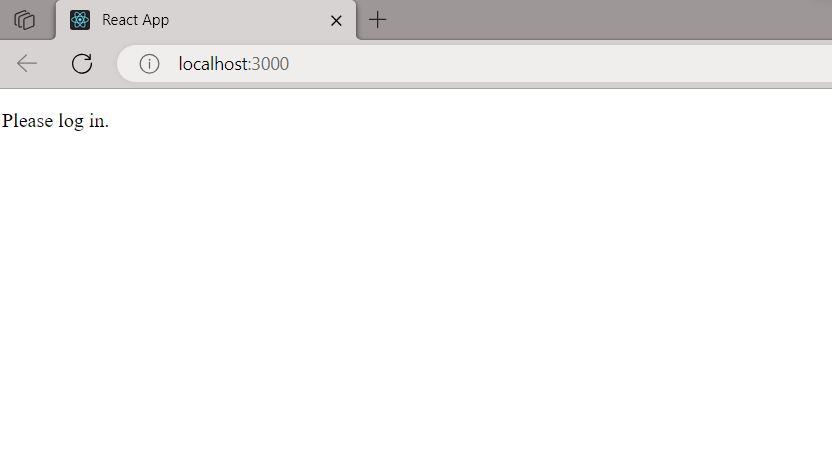
The render method allows for conditional rendering, enabling components to display different content based on certain conditions:
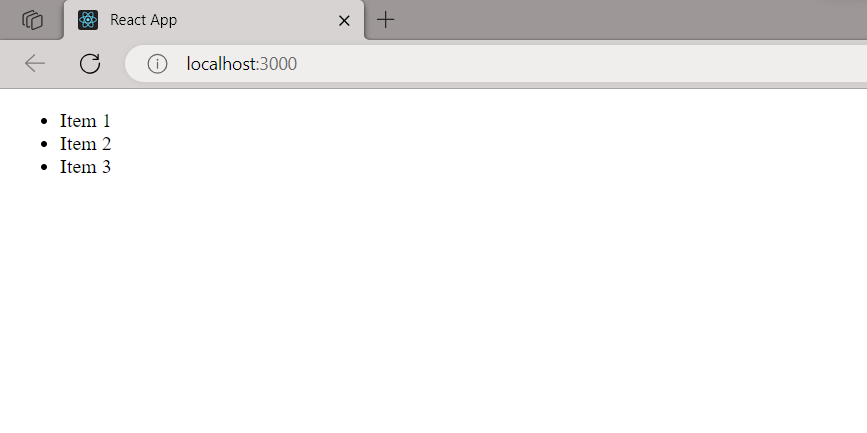
Rendering a list of elements is another powerful capability of the render method: