|
VOOZH | about |
|
VOOZH | about |
In Redux, we have a lot of actions and reducers defined while making an application and managing its state from the redux. Then, constants come into the picture, it provides a way to define the type of actions and reducers in one file or one place.
The reasons to consider the constants:
Example of the contents:
const INCREMENT = "INCREMENT";
const DECREMENT = "DECREMENT";
Let's create an application with react and redux to demonstrate the purpose of the constants :
Step 1: Create a React application using the following command:
npx create-react-app exampleStep 2: After creating your project folder i.e. example, move to it using the following command:
cd exampleStep 3: Now Installing the modules:
npm install redux
npm install react-redux
Project Structure:
The updated dependencies in package.json file will look like:
"dependencies": {
 "react": "^18.2.0",
 "react-dom": "^18.2.0",
 "react-redux": "^8.1.3",
 "react-scripts": "5.0.1",
 "web-vitals": "^2.1.4",
}
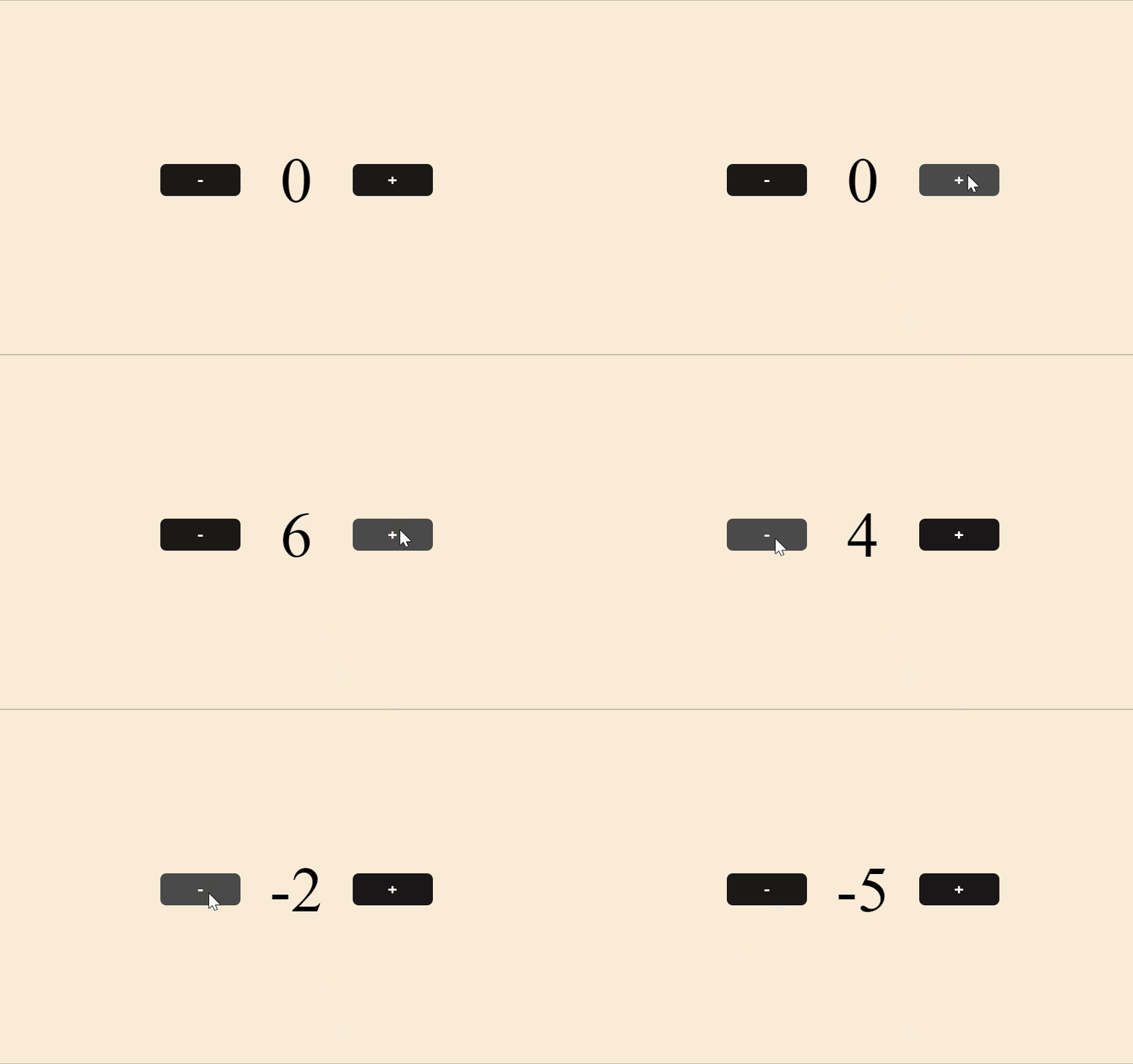
Example: Let's make a simple counter application with help of redux to understand the purpose of constants. Below are the files that need to be modified as given in our application:
Step to Run the application: After setting up all the files, from the terminal run the following command to start the app to run
npm start
Output: