|
VOOZH | about |
|
VOOZH | about |
Noise is something that is unwanted and makes it difficult to observe the details in the image. Image noise is a random variation of brightness or color information in images and is usually an aspect of electronic noise. It can be produced by the image sensor and circuitry of a scanner or digital camera.
An undesirable electrical fluctuation is also called "noise".
A common type of noises:
Gaussian noise is statistical noise having a probability density function (PDF) equal to that of the normal distribution, which is also known as the Gaussian distribution. In other words, the values that the noise can take on are Gaussian-distributed. The mean of this noise is approx. zero. Sometimes it is called zero-mean Gaussian noise.
Example:
Output:
👁 ImageExample:
Output:
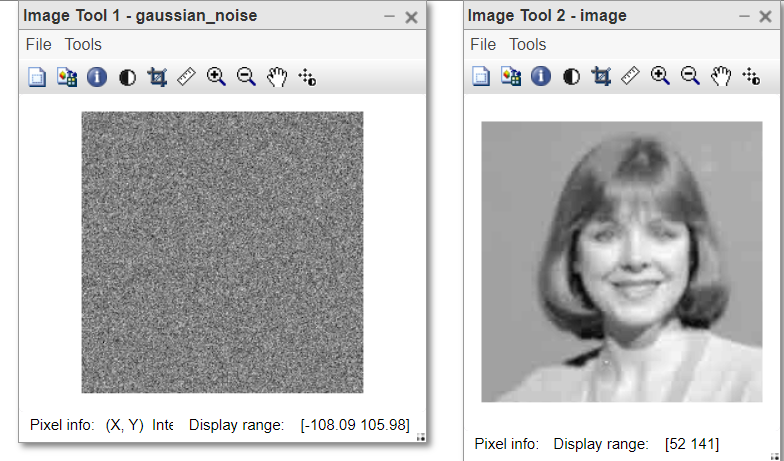
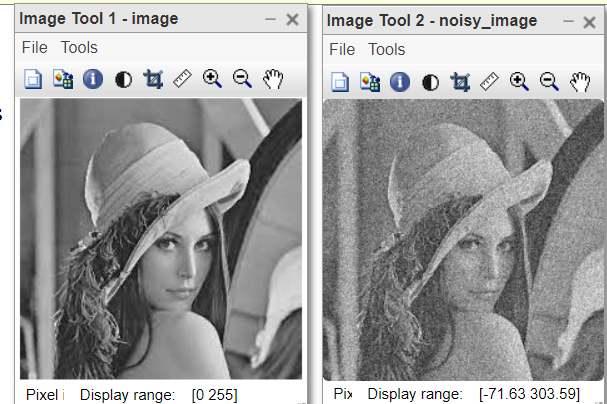
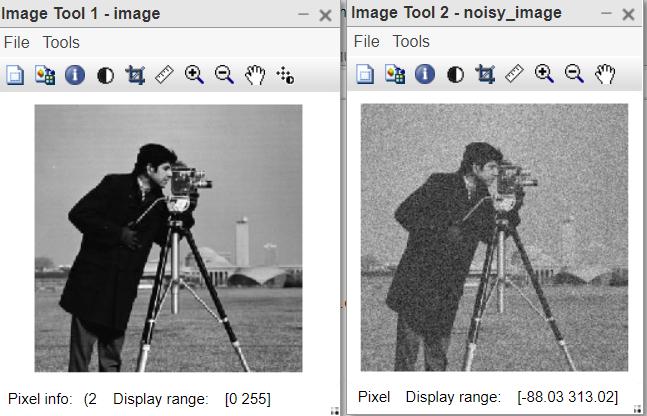
👁 ImageNow we see how to estimate the level of Gaussian noise in the given image manually. For this firstly we generate the noisy image.
Example I:
Output:
👁 ImageThe Gaussian noise is additive in nature. That means to create the noisy image, just add the noise in the original image.
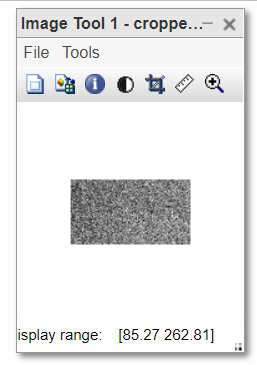
Then, we crop the homogeneous part of the image and save that. Now find the standard deviation of that part, it will give us the estimation of gaussian noise in the noisy image.
Example II:
Output:
👁 ImageNow verify the result. Match the standard deviation of the noise with the obtained result. If it is approximately equal means the homogeneous part cropped was correct otherwise choose the different homogeneous part. It requires expertise to find the perfect homogeneous part in the image.
That is why manual estimation is really time-consuming process. Next, we will see how to automate this.
We will crop the homogeneous parts from the image and calculate their standard deviations. The homogeneous part of the image will always give the same standard deviation. So, in the list of many standard deviations, the most frequently occurring will belong to the homogeneous part or we can say noise.
Thus, the idea is to take the mode of the standard deviations obtained by the sliding window. This is the automatic approach.
Step 1: Create a sliding window. Slide it over the image and find the standard deviation of them.
Step 2: Find the mode.
Note: Choose the size of the sliding window carefully. It should be chosen with respect to the size of the original noisy image. Usually, [5, 5] window is the best choice.
Example:
Output:
Here, the standard deviation of the noisy image is estimated as 26.