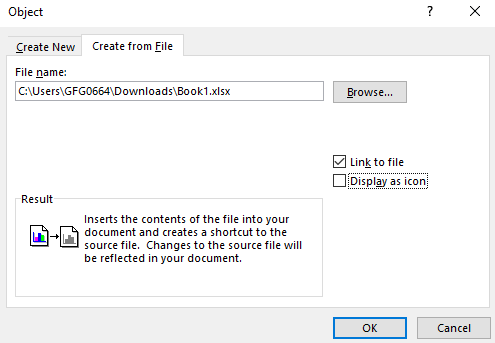
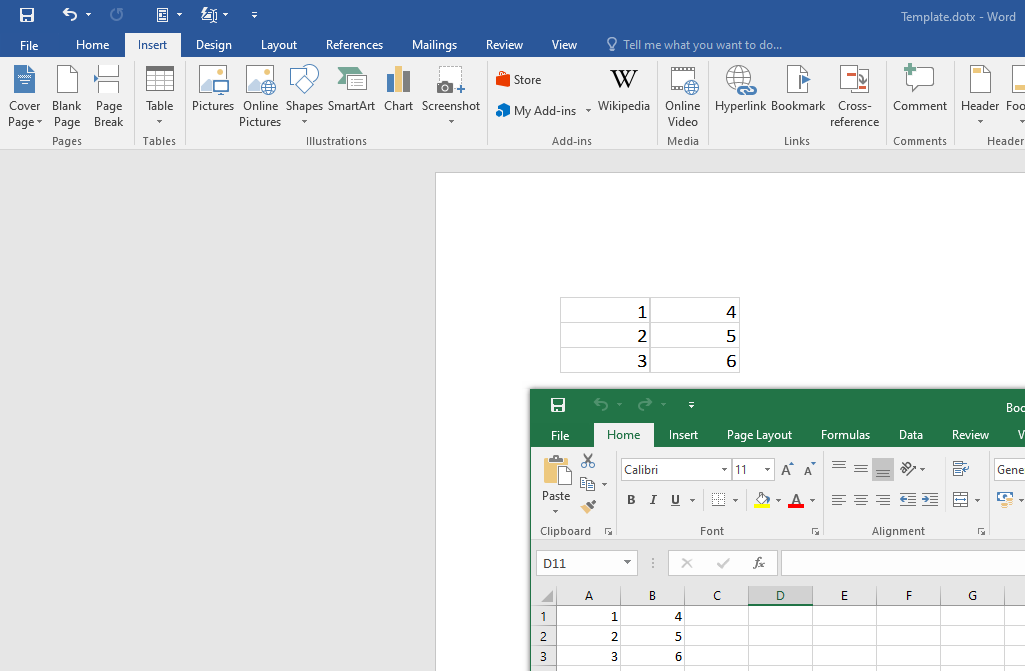
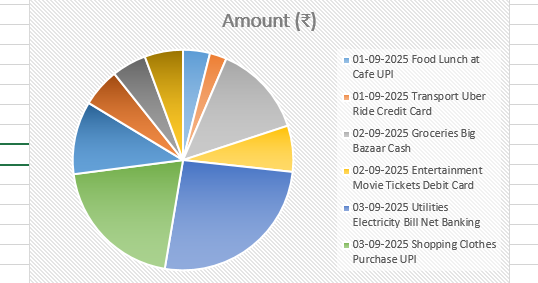
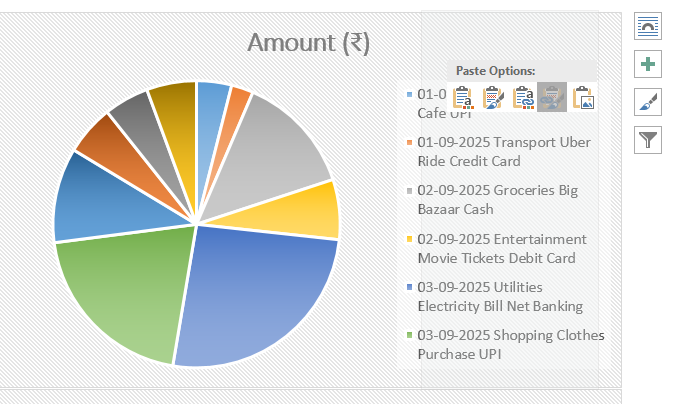
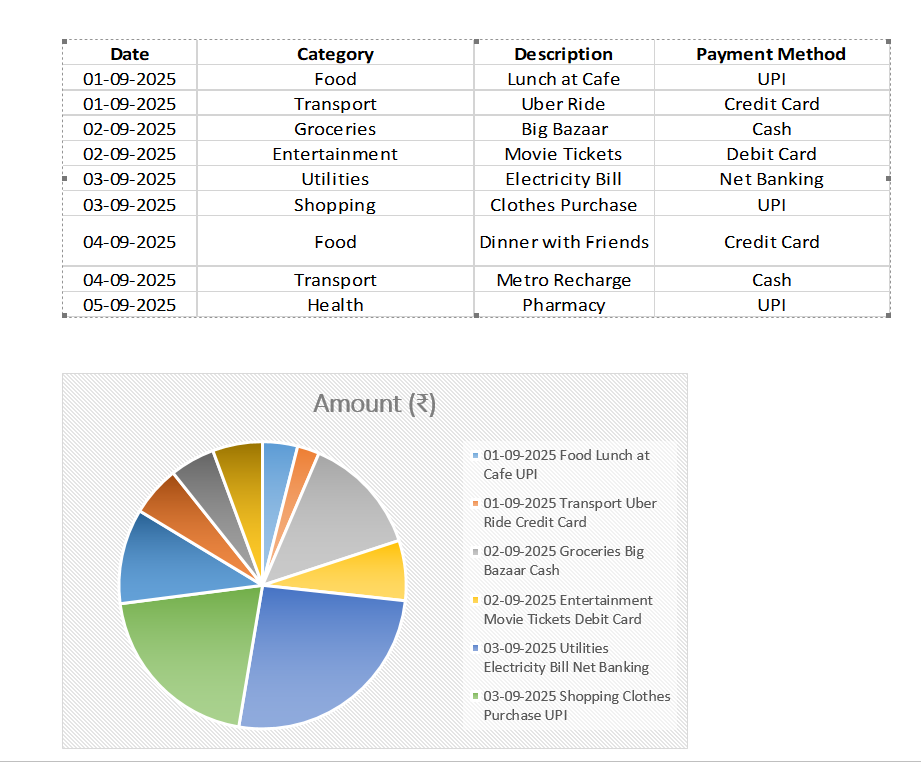
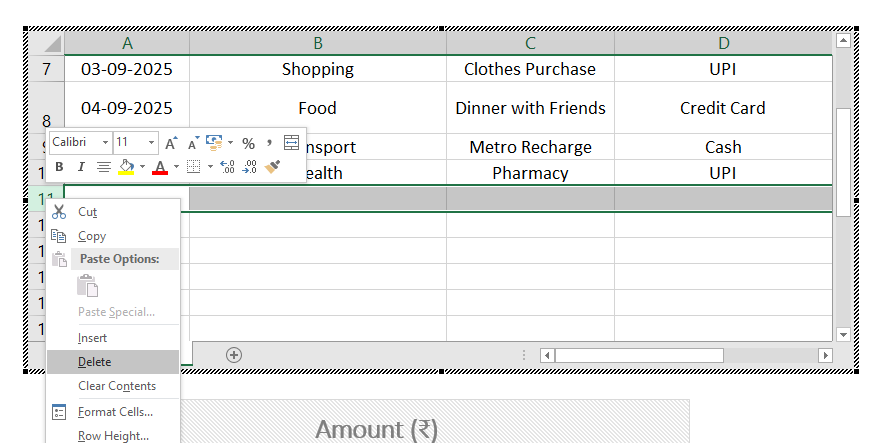
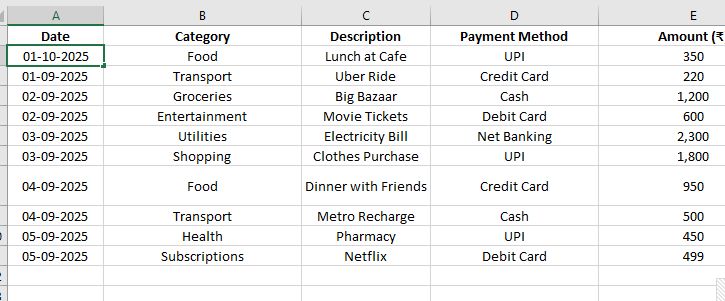
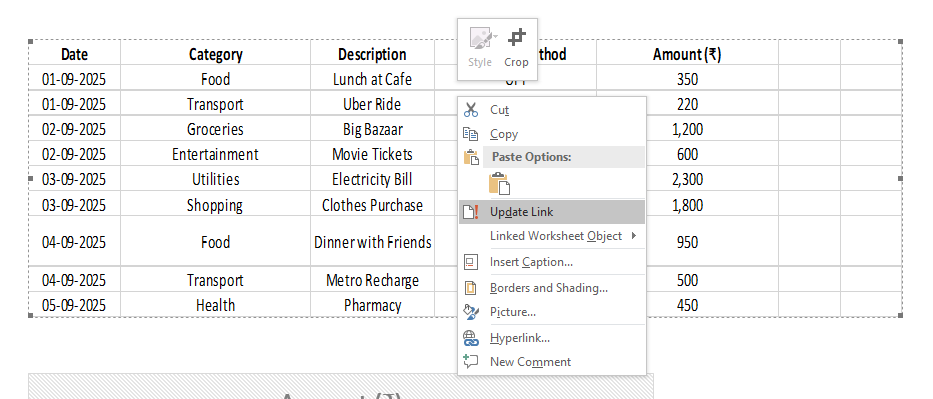
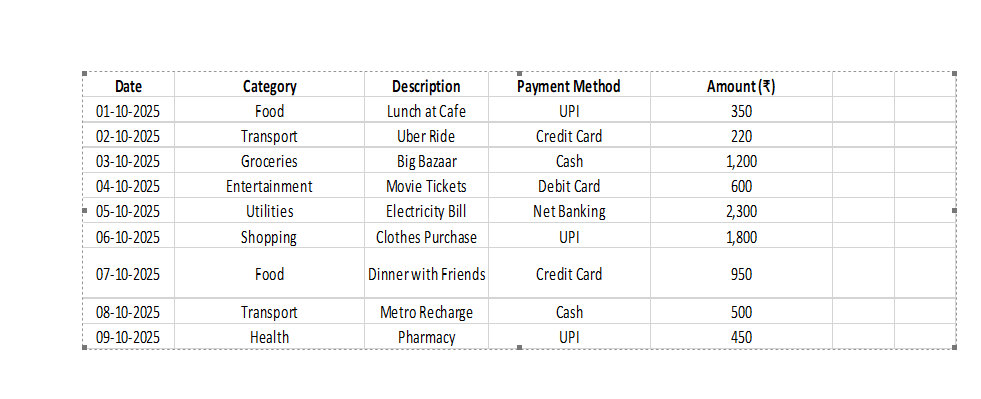
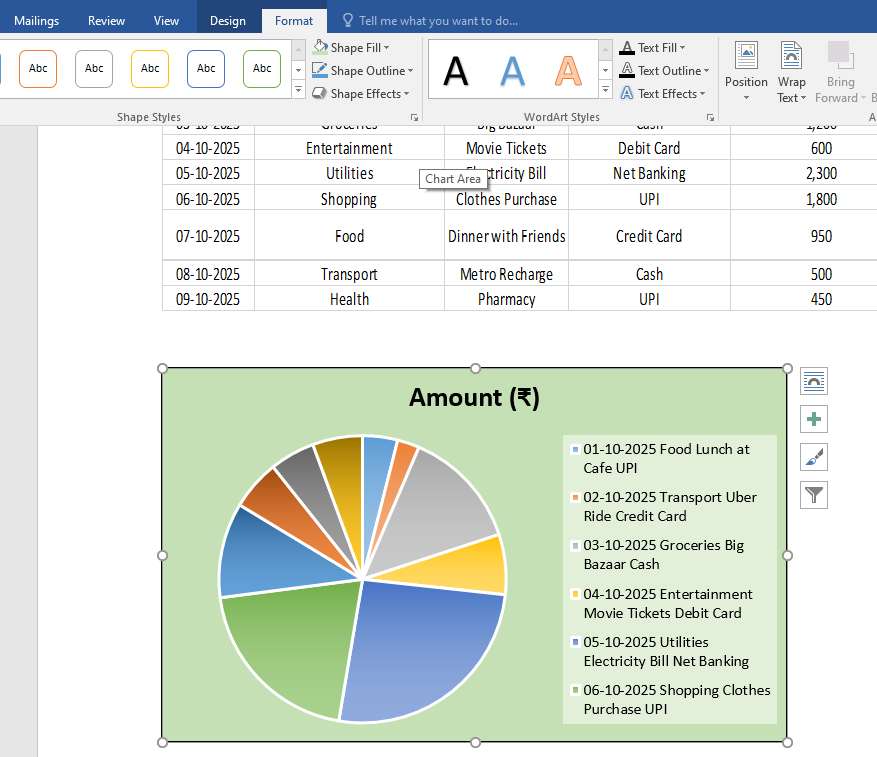
Excel spreadsheets in Word refer to tables, charts, or data ranges from Microsoft Excel that are inserted into a Word document, either as embedded objects (independent copies) or linked objects (connected to the original Excel file).
Key Features
Embedding: Insert a copy of an Excel spreadsheet or chart that remains static unless edited in Word.
Linking: Connect to an Excel file so changes in the source file update in Word.
Editable Data: Modify spreadsheet data or charts directly in Word (for embedded objects).
Formatting Options: Apply Word’s formatting to enhance the appearance of inserted spreadsheets.
Example: Embed an Excel sales table in a Word report to display quarterly results.
Steps to Insert and Manage Excel Spreadsheets in Word
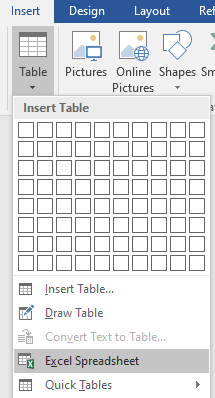
Step 1: Insert an Excel Spreadsheet
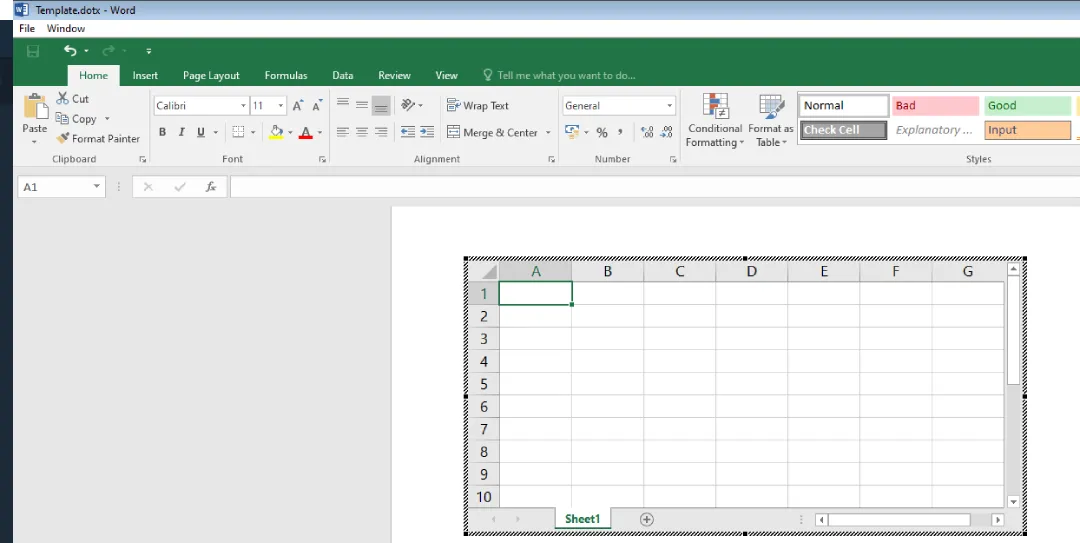
Create a New Spreadsheet:
Place the cursor in the Word document where you want the spreadsheet.