Retrieval-Augmented Generation (RAG) combines the strengths of retrieval and generative models. It delivers detailed and accurate responses to user queries. When paired with Llama 3 an advanced language model renowned for its understanding and scalability we can make real world projects. In this article, we will build a project that uses these technologies.
Step-by-Step Guide to Build RAG using Llama3
Follow these steps to set up and run RAG system using Llama3 to answer queries via a Gradio interface. We will split the data into chunks and store it in ChromaDB:
Step 1: Setup and Access API Key of Tavily
Tavily is a web search API used to fetch real-time information from the internet. In this project, it's used for web scraping to provide fresh and relevant content for the RAG system.
Go to tavily and sign up.
Copy the API key from dashboard.
Add the API Key to the model.
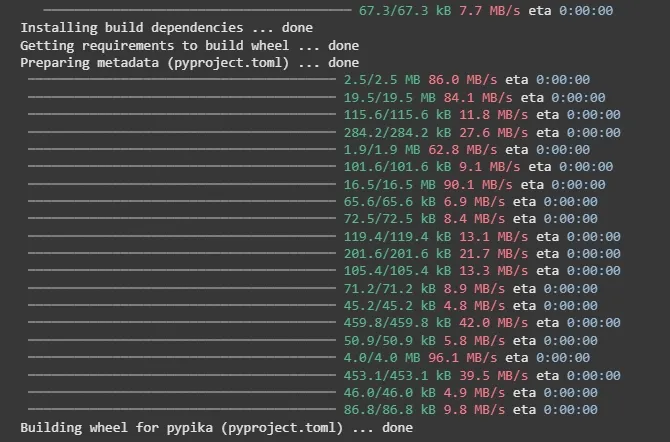
Step 2: Install the required tools and libraries
langchain and langchain-community help connect Llama 3 to data.
gradio: Used to create an interactive user interface for inputting questions and displaying answers.
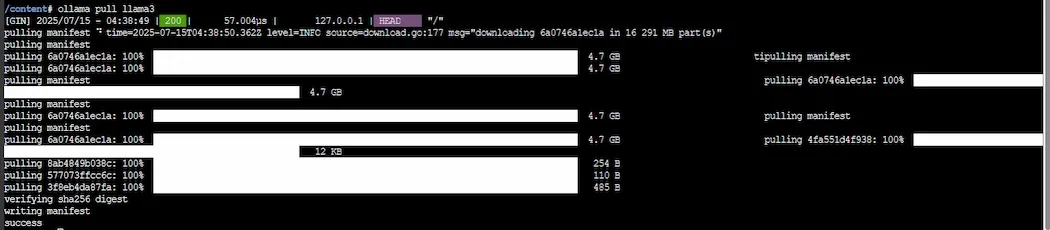
ollama: Interface for interacting with the Llama 3 model for natural language tasks.
langchain.text_splitter: A langchain tool for splitting large text into manageable chunks.
langchain_community.vectorstores: Used for creating and handling vector databases, allowing us to store and retrieve text embeddings.
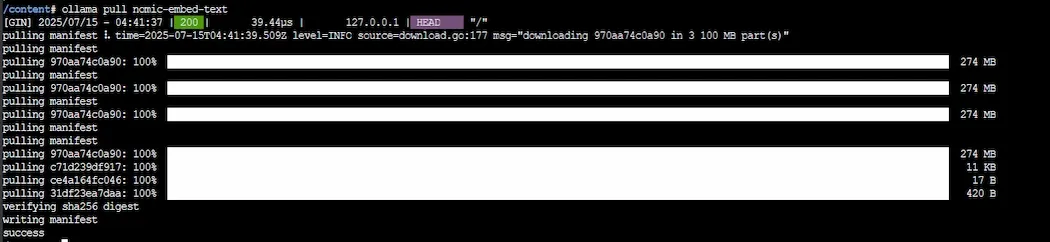
langchain_community.embeddings: Provides the embeddings model (here using Ollama’s model) for converting text into vector representations.
langchain_community.tools.tavily_search: A tool to search for web content based on a query likely pulling results from the web.
time: Used for pausing the program execution like for retry logic.
Step 6: Check Ollama Server Availability
check_ollama(): Checks whether Ollama's service is running by calling ollama.list(). If it succeeds, it returns True, otherwise, it catches the error and returns False.
The for loop attempts to check the availability of Ollama up to 3 times with a 10-second wait (time.sleep(10)) between attempts.
If Ollama isn't responsive after 3 retries, it raises an exception and prompts the user to restart the runtime.
Step 7: Create a Vector Store
create_vectorstore(query): This function accepts search query and do:
Uses TavilySearchResults to retrieve relevant web content (max 5 results).
Processes the search results, extracting the 'content' of each result.
If no content is found, it returns an error message.
The content is then split into chunks using RecursiveCharacterTextSplitter.
OllamaEmbeddings is used to generate vector embeddings from the chunks.
The embeddings are stored in a Chroma vector store.
Step 8: Interacting with Llama 3 Model
ollama_llm(question, context): This function sends a formatted prompt to the Llama 3 model including both the user’s question and the context (relevant content).
The response from Llama 3 is returned as the answer to the question. If there’s an error, it returns an error message.
Step 9: Retrieval-Augmented Generation (RAG) System
rag_chain(question): This is the core function that implements the RAG system and it does:
It first creates a vector store based on the query using create_vectorstore().
If no error occurs, it retrieves relevant documents from the vector store using as_retriever().
The retrieved documents are then formatted into a context string, which is passed to ollama_llm() to generate an answer.
If there's an error in the vector store creation, it returns the error message.
Step 10: Gradio Interface Setup and Launching
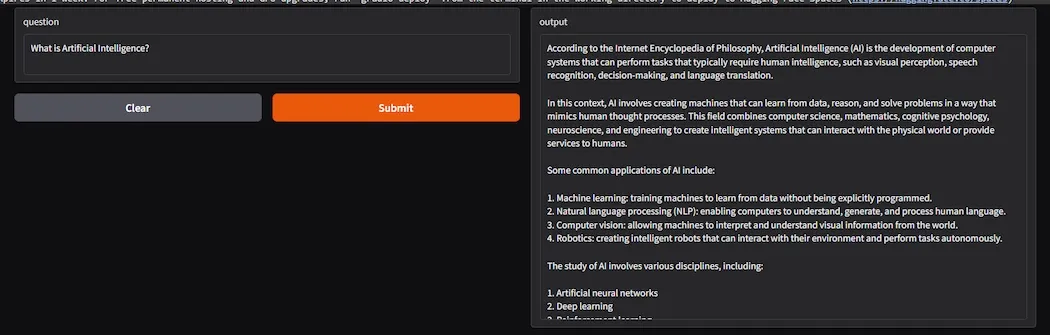
get_answer(question): This function is called by the Gradio interface when a user inputs a question.
fn=get_answer: Specifies that get_answer() is the function to call when a user submits a question.
inputs: A textbox where the user can input their question.
outputs: Text that will be displayed in response to the user’s question.
title and description provide a brief explanation of the app.
iface.launch(): Launches the Gradio interface and starts the app.
debug=True: Enables debugging mode for more detailed error messages during development.
Contextual Accuracy: Combines real-time data retrieval and generation, improving the relevance and accuracy of answers.
Reduced Hallucinations: Uses actual documents to ground responses, reducing the chance of incorrect information.
Scalability: Can handle large datasets efficiently by using vector stores and embeddings for retrieval.
Customization: Can be tailored for specific domains like healthcare, law, etc by using custom embeddings and vector databases.
Up-to-date Information: Can provide answers based on real-time web searches, offering current and accurate responses.
Limitations of RAG
Reliance on Quality of Data: The accuracy of answers depends on the quality of the retrieved documents; poor search results can lead to inaccurate answers.
Latency: The retrieval process introduces delays making the system slower than purely generative models.
Chunking Issues: Splitting text into chunks can sometimes lose context, affecting the quality of generated answers.
Server Dependency: Relies on external services like Ollama, which may face downtime or resource constraints.
Handling Ambiguity: The system might struggle with ambiguous or unclear questions, leading to less accurate responses.