|
VOOZH | about |
|
VOOZH | about |
This method is used to read the next line of characters from the standard input stream. It comes under the Console class(System Namespace). If the standard input device is the keyboard, the ReadLine method blocks until the user presses the Enter key. And if standard input is redirected to a file, then this method reads a line of text from a file.
Syntax: public static string ReadLine ();
Return Value: It returns the next line of characters of string type from the input stream, or null if no more lines are available.
Exceptions:
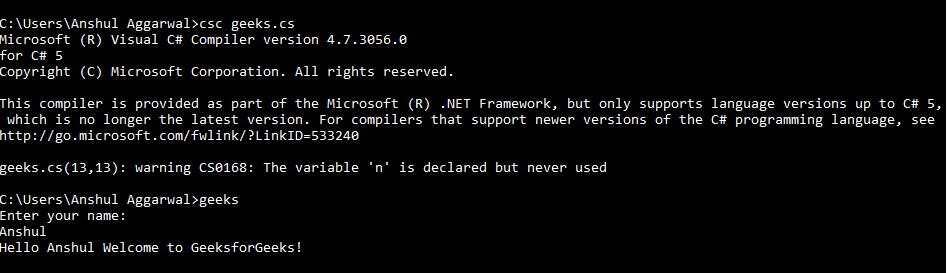
Below program illustrate the use of the above-discussed method:
Example 1: Here, take input from the user. Since age is an integer, we typecasted it using Convert.ToInt32() Method. It reads the next line from the input stream. It blocks until Enter key is pressed. Hence it is commonly used to pause the console so that the user can check the output.
Output:
Example 2: To pause the console
Output:
Explanation: In the above output you can see that the console is paused. The cursor will blink continuously until you press Enter key.
Reference: