|
VOOZH | about |
|
VOOZH | about |
POST i.e. Power-On Self-Test, as the name suggested that first, we have to power on the Computer, and then it starts testing for our hardware components in the computer to check if it is working properly or not. While POST always ensures that the hardware components are up to date so that the issues not occurs later. The best thing is that you don't need any installation. In this article, we will cover a brief explanation of POST.
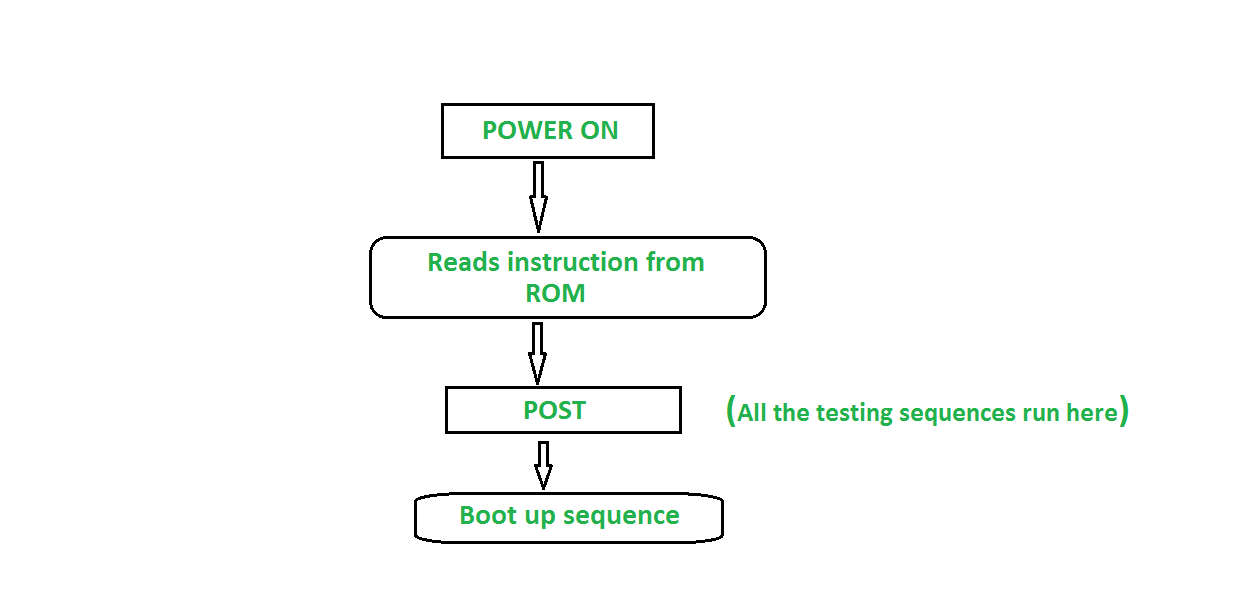
When the system is switched on then the BIOS(Basic Input/Output System) of the computer runs some diagnostic testing sequence called POST. These tests are intended to check that RAM(Random Access Memory), Hard Disk Drives, and all other required peripheral devices like mouse, keyboard, etc are working properly or not. In case of any error or fault they generate warnings to the system either on the display or in forms of coded beeps. Coded beeps pattern contains a message about the problem detected. POST are automatic as they always run automatically just after switching the system on. When the testing sequence ended and everything is found working properly then the system move towards the booting process.
👁 POST Flow DiagramPOST acts as a troubleshooter of the Computer System that tests and lists the issues in the Computer System such as hardware-related issues. POST makes our system smoothly, we don't need to install anything to list the hardware issue just we need to power on the computer and POST will start testing the system.