 |
VOOZH | about |
|
VOOZH | about |
The original viewport units, such as vw (viewport width) and vh (viewport height), have been widely used to create responsive layouts that adapt to different screen sizes. Using the vh unit on mobile is buggy because the viewport size won’t include the browser’s address bar UI. However, the newly introduced units, namely vmin, vmax, vi and vb bring additional possibilities and flexibility to web designers.
vi = 1% of the size of the viewport’s inline axis.vb = 1% of the size of the viewport’s block axis.vmin = the smaller of vw or vh.vmax = the larger of vw or vh.width: 50vi;
height: 40vb;
width: 80vmin;
height: 60vmax;
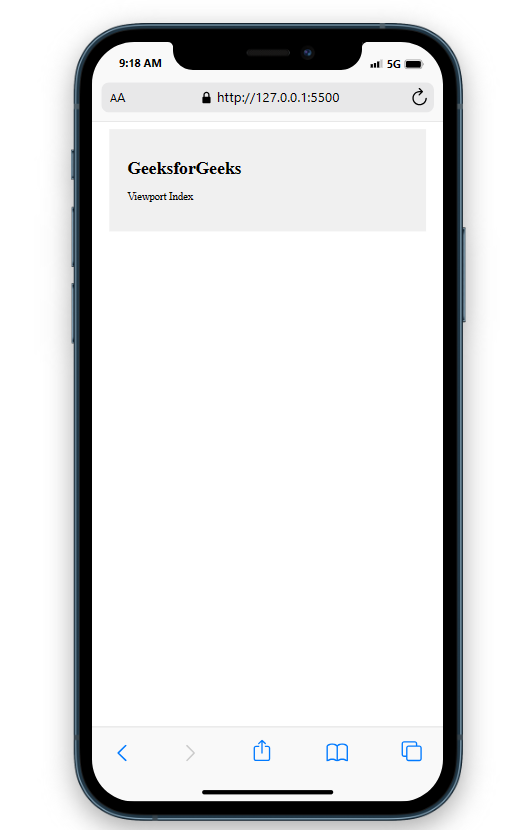
Example 1: In this example, we will create a page with 80% width using width in vi units i.e., 80 vi.
Output:
Example 2: In this example,we will have a box of 40% block width and height inside a container with 100% heigth and width.
Output:
Example 3: In this article, we will create a section of 50% height and width with font size 8 vmin.
Output:
Example 4: In this example, we will create a box of 50% heigth and width inside a container with 100% width and height.
Output:
Supported Browser:


.png)
.png)