|
VOOZH | about |
|
VOOZH | about |
Primer CSS is a free open-source CSS framework that's created upon systems that make the insights of the essential style elements like spacing, typography, and color. This methodical system makes sure its patterns are steady and interoperable with every other. It's largely reusable and adaptable. It's built with GitHub’s design system. Its approach to CSS is governed by object-oriented CSS fundamentals, functional CSS, and BEM design.
Primer CSS autocomplete is mainly utilized to get suggestions of results while typing into an input field such as a search bar. Primer CSS lets us customize the results according to our usage and we can also use various utility classes inside the results.
Primer CSS classes:
To make the labels hidden, we can add the class .sr-only to the label and the label will be hidden no matter if it is stacked or inline.
Primer CSS does not give us the functionality which we can use to change the aria-selected attribute dynamically. For that, we can use some client-side scripting language and add the functionality which will change the color of the item whenever the item will be hovered over or clicked on.
Syntax:
<div class="position-relative">
 <label for="" class="autocomplete-label-stacked">...</label>
 <span class="autocomplete-body">
 <div class="form-control autocomplete-embedded-icon-wrap">
 <img src="..." alt="" width="..." height="...">
 <input id=" " class="form-control" type="text"/>
 </div>
 <ul role="listbox" aria-label="Results" class="autocomplete-results">
 <li class="autocomplete-item" aria-selected="true">...</li>
 ...
 </ul>
 </span>
</div>
Note: Autocomplete items can have avatars or other utility classes to help customize the options.
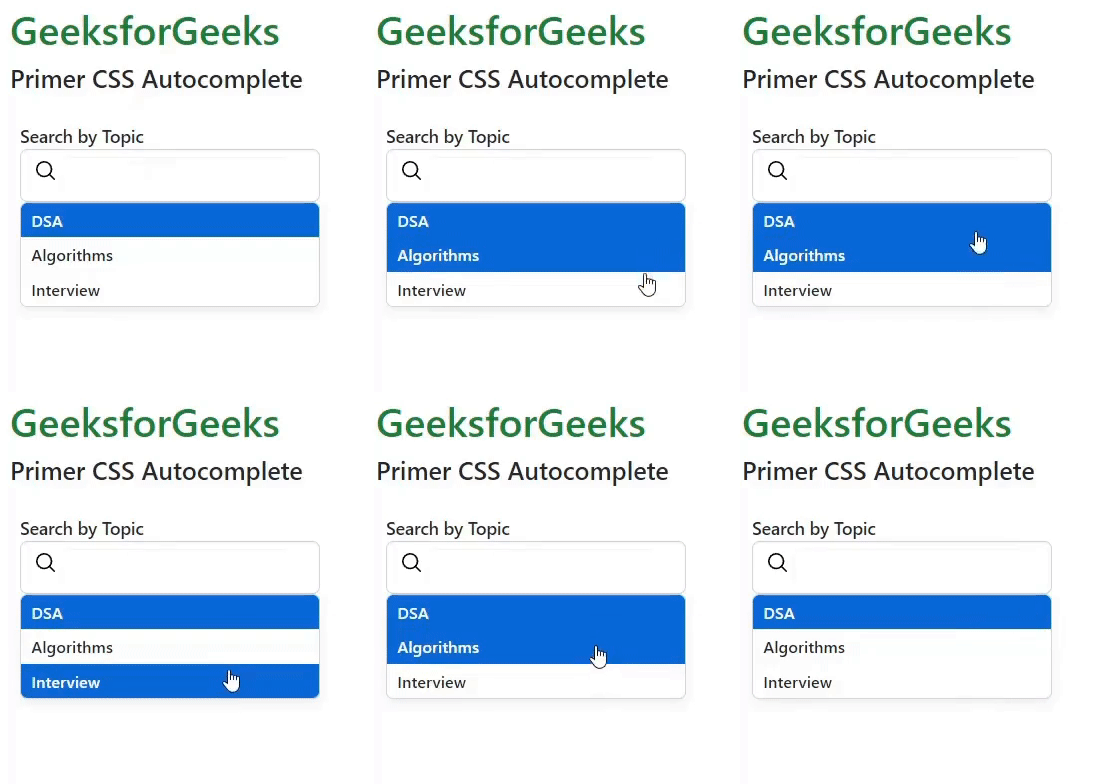
Example 1: The below code demonstrates the usage of autocomplete-embedded-icon-wrap along with autocomplete-label-stacked which adds an icon in the search bar.
Output:
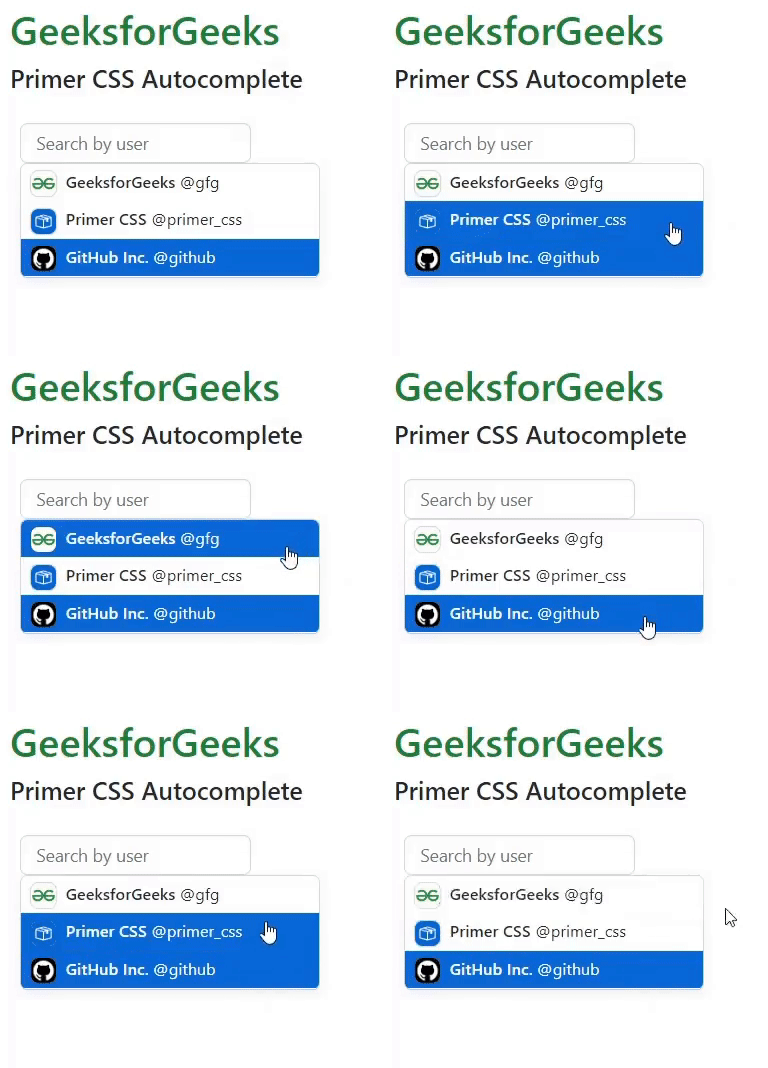
Example 2: The below code demonstrates how to add avatars or other utility classes inside the autocomplete items.
Output: