|
VOOZH | about |
|
VOOZH | about |
Primer CSS is a free open-source CSS framework built with the GitHub design system to support the broad spectrum of Github websites. It creates the foundation of the basic style elements such as spacing, typography, and color. This systematic method makes sure that our patterns are steady and interoperable with every other. Object-oriented CSS principles, functional CSS, and BEM architecture influence its approach to CSS. It is a highly reusable model.
Steps for installing the Primer CSS: The Primer CSS can be utilized either by installing the Node Package Manager in the system or by directly implementing it through the CDN links. We will explore both the options for installation & understand its usage through the examples.
Step 1: Use the below command to install the Primer CSS:
npm install @primer/css --saveThis will help to install all the required SCSS source files into the node_modules/@primer/css directory.
Step 2: Add the below Import statement inside the <style> tag in the HTML.
@import "node_modules/@primer/css/dist/primer.css";Step 3: Add the classes of specific components/utilities, as given below.
<button class="BtnGroup-item btn" type="button">...</button>The Prime CSS can be utilized either by downloading the built CSS from unpkg.com and need to host it by ourselves or simply by including a CDN link in the HTML.
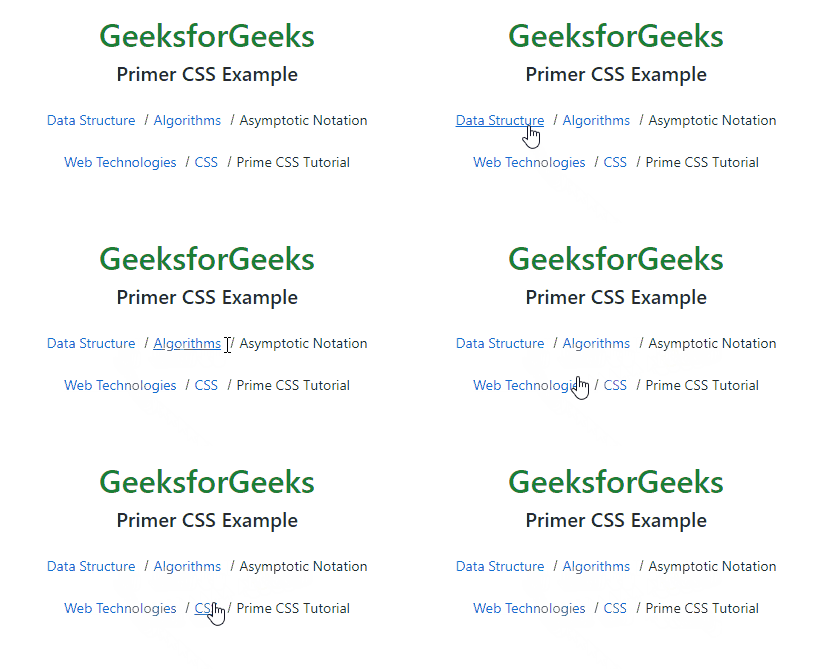
<link href="https://unpkg.com/@primer/css@19.8.2/dist/primer.css" rel="stylesheet" />Example 1: This example describes the implementation of Prime CSS by specifying the path in the import statement.
Output:
Example 2: This example describes the implementation of Primer CSS.
Output: