|
VOOZH | about |
|
VOOZH | about |
Primer CSS is a free and open-source CSS framework. It is built upon the systems that create the foundation of the basic style elements such as spacing, typography, and color. Created with GitHub’s design system, it is highly reusable and flexible.
Primer CSS Layout is used to change the document layout with the help of classes that provide inline, block, table, etc. which can customize the document. We can even change the layout and the direction of the float.
Primer CSS Layout Classes:
Syntax: Assign the layout classes to a container as follows:
<div class="d-inline border">
 <div class="d-inline-block border">
 Data Structures
 </div>
 <div class="d-inline-block border">
 Algorithms
 </div>
</div>
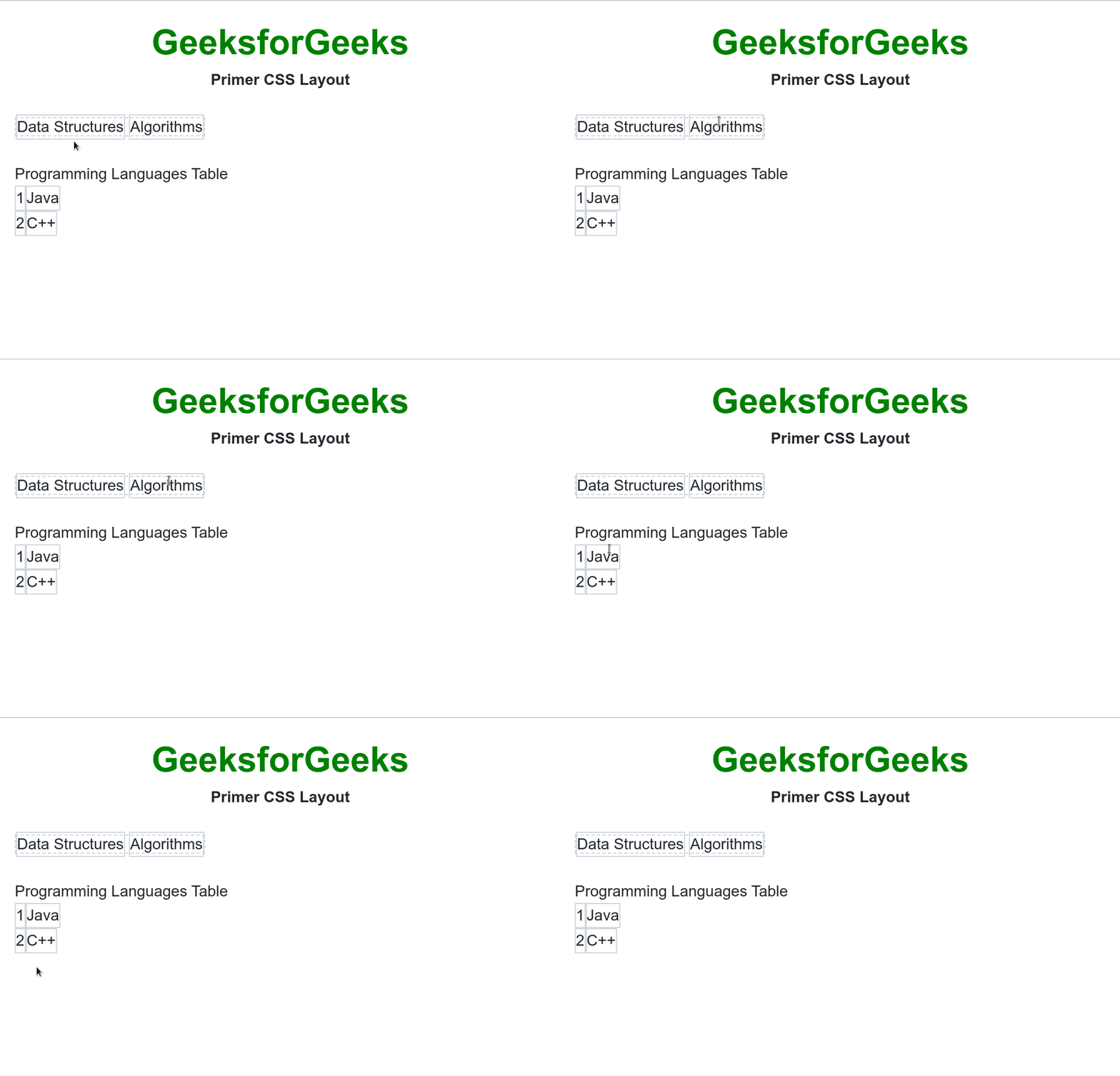
Example 1: In the following example, we have different display layout elements.
Output:
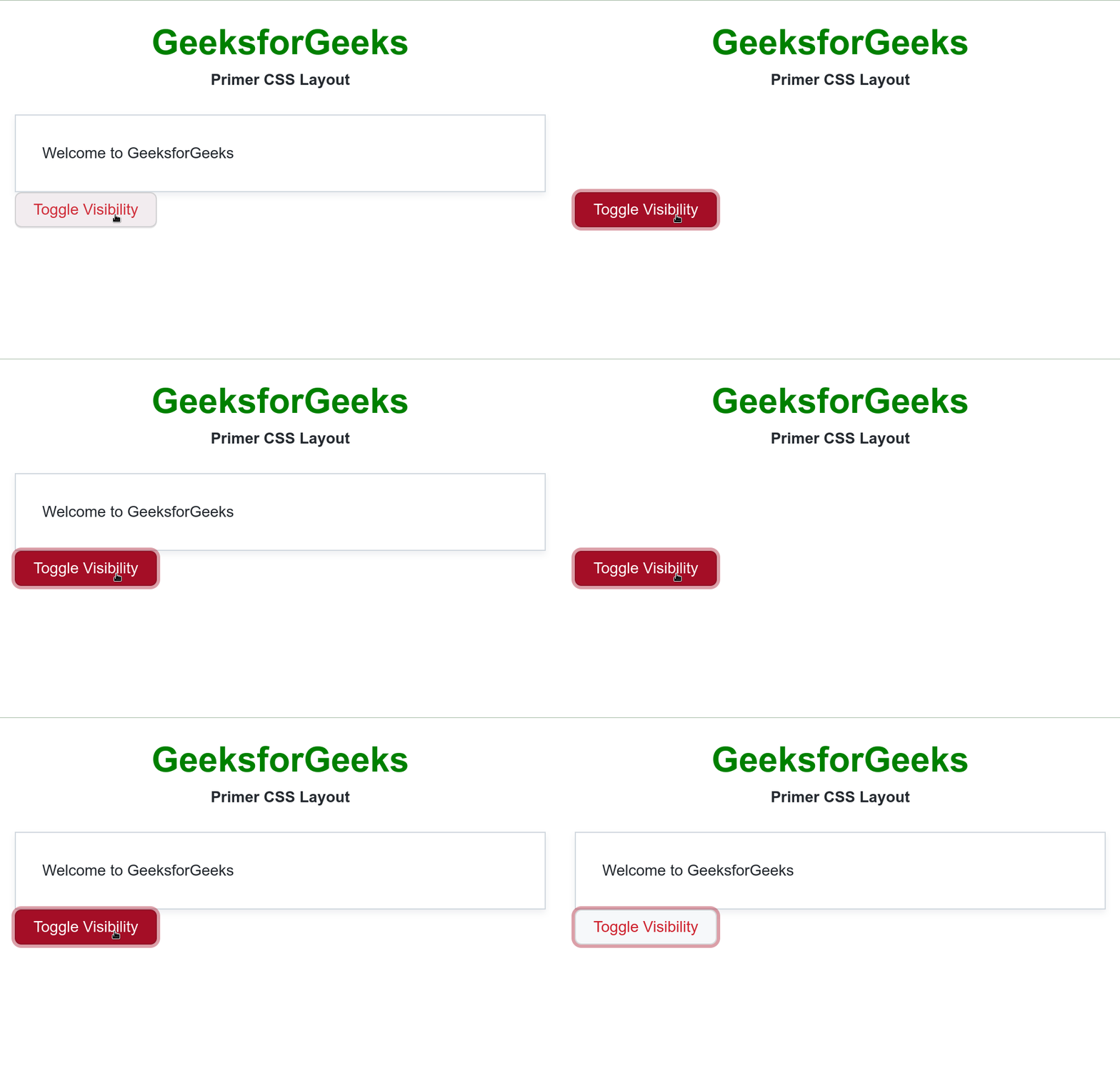
Example 2: In the following example, we are toggling the visibility of a container with the visibility classes.
Output: