|
VOOZH | about |
|
VOOZH | about |
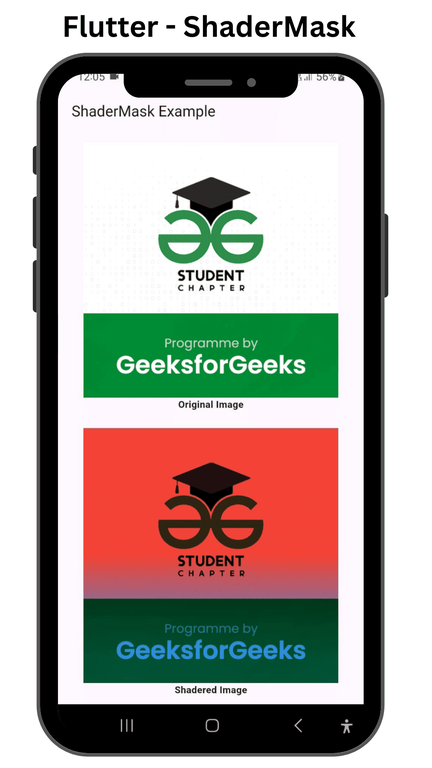
ShaderMask is a widget in Flutter that applies a shader to its child. It allows you to create various visual effects by manipulating the colors and gradients of the child widget. In this article, we are going to implement the ShaderMask widget and explore some of it.
To build this app, you need the following items installed on your machine:
Create a new Flutter application using the command Prompt. To create a new app, write the following command and run it.
flutter create app_nameTo know more about it refer this article: Creating a Simple Application in Flutter.
First of all, import material.dart file.
import 'package:flutter/material.dart';Call the runApp() method in the main() method to start the app.
In this class, we are going to implement the MaterialApp, Here, we are also setting the Theme of our App.
In this class, we are going to implement the ShaderExampleScreen widget that helps to add shader color effects to its child.
ShaderMask(
 shaderCallback: (Rect bounds) {
 // Create a linear gradient shader for the mask
 return LinearGradient(
 colors: [Colors.red, Colors.blue],
 stops: [0.5, 0.9],
 begin: Alignment.topCenter,
 end: Alignment.bottomCenter,
 ).createShader(bounds);
 },
 child: Image.network(
 'https://media.geeksforgeeks.org/wp-content/cdn-uploads/20220512131412/Student-Chapter-Article-Banner.png',
 width: 300.0,
 height: 300.0,
 fit: BoxFit.cover,
 ),
),
Code:
main.dart:
Output: