|
VOOZH | about |
|
VOOZH | about |
Widgets are the basic building blocks of a Flutter application. Every element visible on the screen such as text, buttons, images, layouts, and animations is created using widgets. Flutter applications are built by combining multiple widgets together in a tree-like structure called the Widget Tree.
There are mainly 14 categories into which the flutter widgets are divided. They are mainly segregated on the basis of the functionality they provide in a flutter application.
Widgets | Description |
|---|---|
Cupertino | These are the iOS-designed widgets. |
Material Components | This is a set of widgets that mainly follow the material design by Google. |
Widgets | Description |
|---|---|
Accessibility | These are the set of widgets that make a Flutter app more easily accessible. |
Animation and Motion | These widgets add animation to other widgets. |
Assets, Images, and Icons | These widgets take charge of assets such as display images and show icons. |
Async | These provide async functionality in the Flutter application. |
Basics | These are the bundle of widgets that are necessary for the development of any Flutter application. |
Input | This set of widgets provides input functionality in a Flutter application. |
Interaction Models | These widgets are here to manage touch events and route users to different views in the application. |
Layout | This bundle of widgets helps in placing the other widgets on the screen as needed. |
Painting and effects | This is the set of widgets that apply visual changes to their child widgets without changing their layout or shape. |
Scrolling | This provides scrollability to a set of other widgets that are not scrollable by default. |
Styling | This deals with the theme, responsiveness, and sizing of the app. |
Text | This displays text. |
There are broadly two types of widgets in the flutter:
Stateless Widget is a type of widget which once built , then it's properties and state can't be changed. These widgets are immutable, once created can't be modified.
Note: These are used for static content or UI content that don't need a change after time.
Key Characterstics of Stateless Widgets are: , and .
Examples: Display Text, Icons, Images, etc.
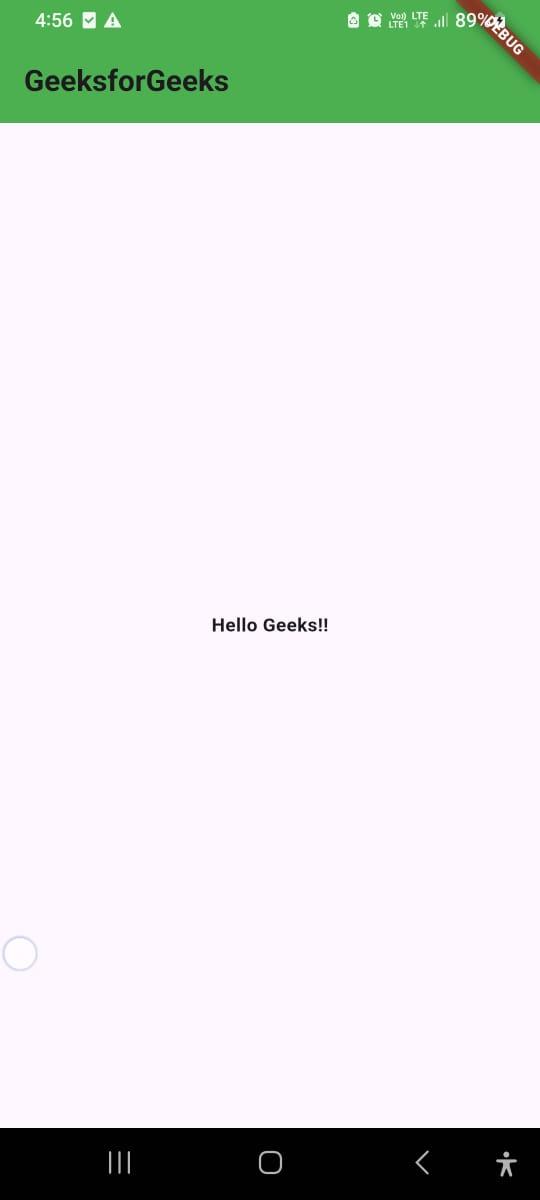
Refer to this article to know more about the stateless widget app - A Hello World App using Flutter
Stateful Widgets is a type of widget that can change state. It can maintain and update the appearance in the response to change in state.
Note: These are used for dynamic change in the properties and appearance over the time.
Key Characterstics of Stateful Widgets are: , and .
Examples: Buttons, Sliders, Text Fields, etc.
Refer to this article to know more about stateful widget app - Retrieve Data From TextFields in Flutter.
The following diagram shows the basic widget tree structure of a Flutter application and how widgets are arranged hierarchically on the screen.
👁 Layout_TreeDescriptions of the widgets used are as follows:
Example:
Example:
The Layout Tree of basic app screen using Stateful Widgets. This is a simple counter app , which can increase the number in the center when the user taps on the button.
Output: