|
VOOZH | about |
|
VOOZH | about |
Themes are an integral part of UI for any application. Themes are used to design the fonts and colors of an application to make it more presentable. In Flutter, the Theme widget is used to add themes to an application. One can use it either for a particular part of the application like buttons and navigation bar or define it in the root of the application to use it throughout the entire app.
Theme Theme({
 Key? key,
 required ThemeData data,
 required Widget child,
})
Properties of Theme Widget
In this article, we will look into the same widget in detail by creating a simple app with the Theme widget.
Use the Theme widget to create a theme. In themes some of the properties that can be used are given below:
A simple theme would look like below:
In Flutter a simple container can be defined as below:
To override the default theme of a widget in Flutter one can write the floatingActionButtonTheme widget inside the Themedata() widget.
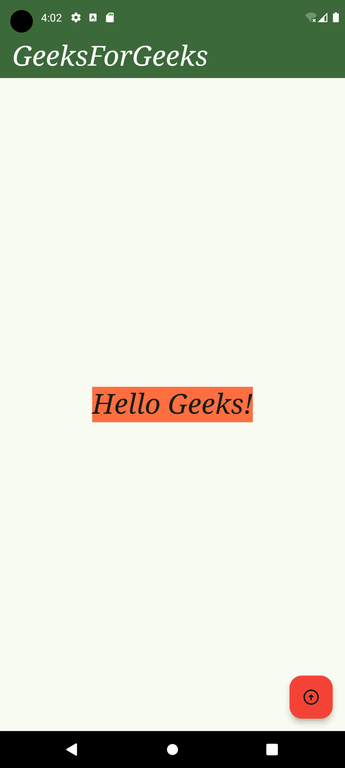
Output: