|
VOOZH | about |
|
VOOZH | about |
If you are a flutter developer then you must have heard about the state management. You have knowledge of that. If you are new to this topic then we will learn a little bit more about it. You can refer to Flutter – State Management. Do you know other than setState there is more state management you can use to store change the values you have stored in that state management? The name of the widget is ValueListenableBuilder. It will take two variable
1. valueListenable
It will take a type of ValueNotifier of any data type which you want to use in your complete app.
2. builder
It will be like a function that contains 3 variables with sequence (BuildContext context, value, Widget? child), and this function will take 1 widget which will return by the builder function. In this, you have to pass the materialapp widget. Now let's start
Step 1: Create a New Project in Android Studio
To set up Flutter Development on Android Studio please refer to Android Studio Setup for Flutter Development, and then create a new project in Android Studio please refer to Creating a Simple Application in Flutter.
Step 2: Create 1 variable below the main function of the value notifier type
Note: Must Give the name without an underscore.
Step 3: Add value ValueListenableBuilder in the MyApp Function (Widget class you are passing in runApp function) like this
Step 4: Now you can access the value of the variable myValue all over the app
We will use the Center of the screen to show the value.
Step 5: Now we will learn about how to update the value of myValue
Now you have learned inbuilt state management.
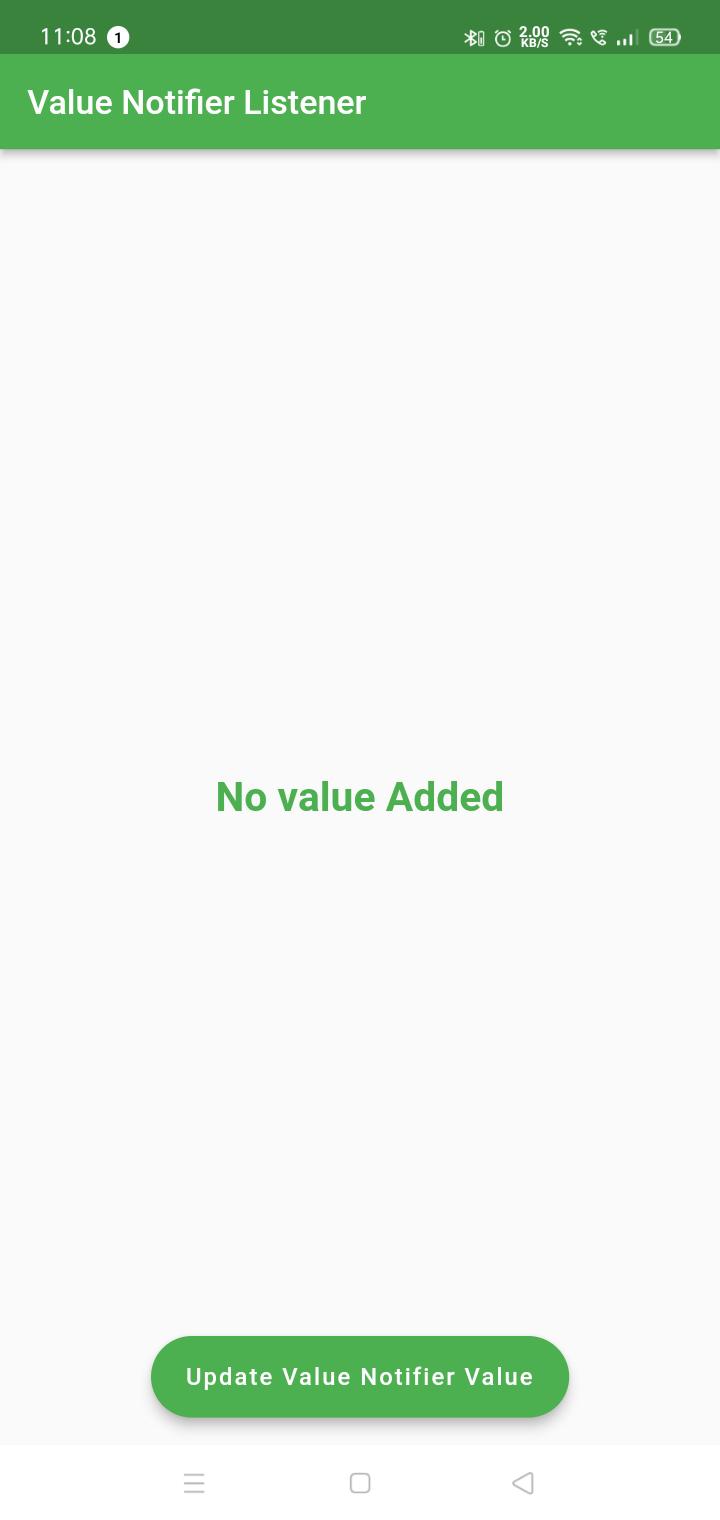
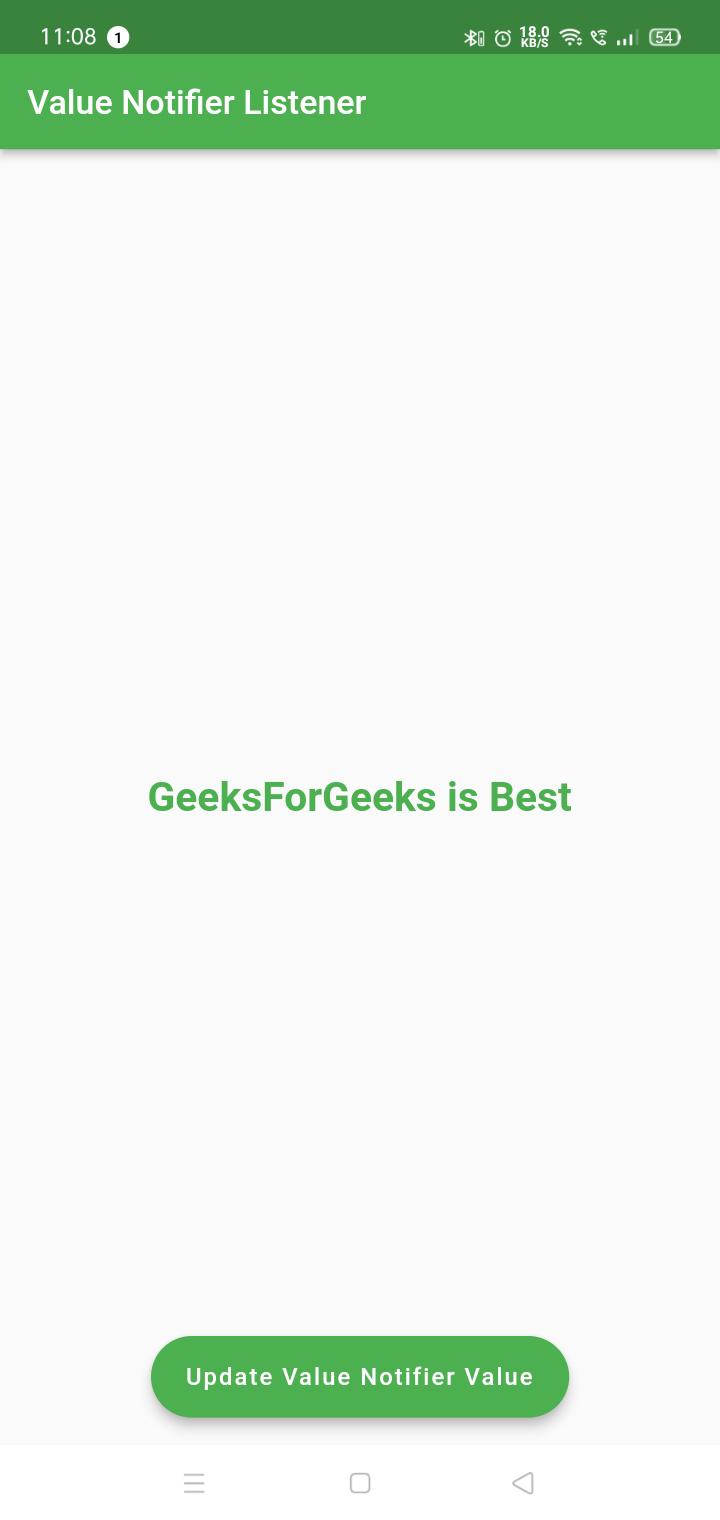
Output:
1. Default value we have added in step 2.
2. After updating the value
Output Video: