|
VOOZH | about |
|
VOOZH | about |
SHA-1 (Secure Hash Algorithm) is a cryptographic hash that acts as a unique identifier for your application. In Flutter, SHA keys are commonly used when integrating services like Firebase, Google Maps API, and other Google services.
For example, when adding Firebase to a Flutter project, you must provide the SHA-1 and SHA-256 keys in the Firebase Console during the setup process.
Security Note: SHA-1 is considered insecure for modern cryptographic applications because it is vulnerable to collision attacks. Therefore, SHA-256 is recommended as it generates a stronger 256-bit hash value.
- Generates a 256-bit hash value, making it more resistant to collisions and attacks.
- Widely used for secure digital signatures.
- Used in message authentication and modern security implementations.
There are multiple ways to generate SHA-1 and SHA-256 keys. However, in Flutter projects, both keys can be generated easily using a single command inside the project’s Android directory.
Follow the steps below to generate the SHA-1 and SHA-256 keys for your Flutter application.
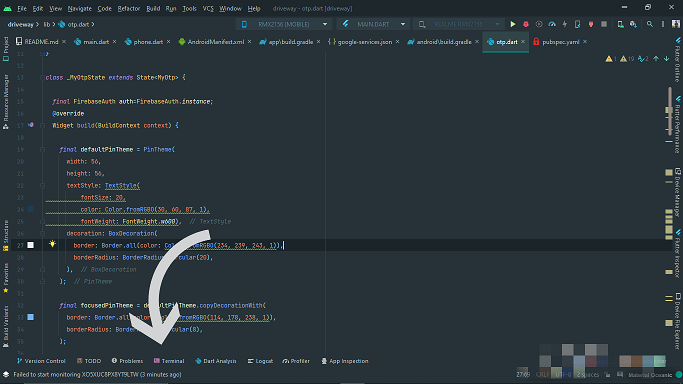
First open your Flutter Project, then go to the terminal which is located at the bottom of your project.
Next step is to open the terminal and type the command in the terminal cd android.
Now the most important step is to type the command ./gradlew signingReport
This command generates a signing report that includes important information such as:
Note: For security purposes, we have removed some digits of the SHA-1 key and SHA-256 as it may result in a data breach of the App. Majorly one command is we have to write and SHA-1 and SHA-256 keys on the fingertip. Its main use is that the inputted data is very hard to decode and our app data is encrypted and can be shared where it is needed. For when we have to store the details of our customers on Firebase.