|
VOOZH | about |
|
VOOZH | about |
Like in Instagram, we can save stories, and reels on our devices. We also want to save some information or some file on our device in android we will keep the file from the flutter app on android devices.
Step 1: Create a New Project in Android Studio
To set up Flutter Development on Android Studio please refer to Android Studio Setup for Flutter Development, and then create a new project in Android Studio please refer to Creating a Simple Application in Flutter.
Step 2: Add these packages to your project
path_provider:
permission_handler:
Note: If you are using visual studio use can use ctrl+shift+p in windows & ctrl+shift+p in macOS -->Add dependency and type the package you want to add.
Step 3: Add these permissions to the Androidmanifest.xml file
<uses-permission android:name="android.permission.READ_EXTERNAL_STORAGE"/>
<uses-permission android:name="android.permission.WRITE_EXTERNAL_STORAGE"/>
Step 4: Get the data you need to store in a local device
Step 5: Create 1 button where you can call the function for storing the data
Step 6: Now create 1 class where we will define all the functions to store the file
Step 7: Copy and paste this code containing all functions
Step 8: Will call the function of the button we have created in step 5
Output:
1. It will ask for permission to read and write in external storage
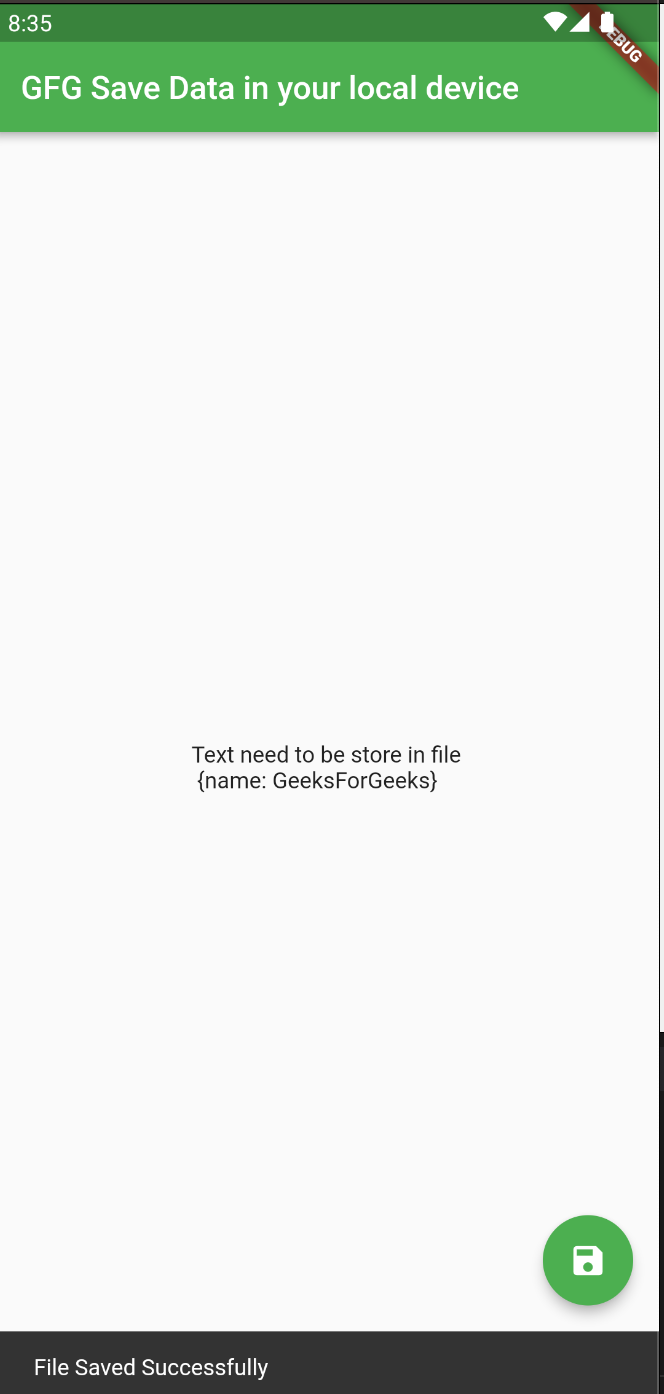
2. Then it will save the file and after completing the process it will show SnackBar like this
3. File save in the downloads folder
4. When we open the file



.png)