|
VOOZH | about |
|
VOOZH | about |
A Health Tracker application allows users to add and monitor various health metrics such as weight, exercise, sleep, etc., and monitor their progress over time. This article will guide you through building a Health Tracker web application with features for adding, viewing, and updating health metrics using Next.js.
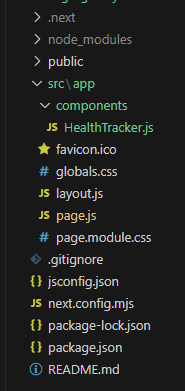
Step 1: Create an application of NextJS using the following command.
npx create-next-app@latest health-trackerStep 2: Navigate to the project directory
cd health-trackerStep 3: Install the necessary package in your project using the following command.
npm install bootstrap"dependencies": {
"react": "^18",
"bootstrap": "^5.3.3",
"react-dom": "^18",
"next": "14.2.5"
}
Example: This example shows the implementation of the above-explained approach.
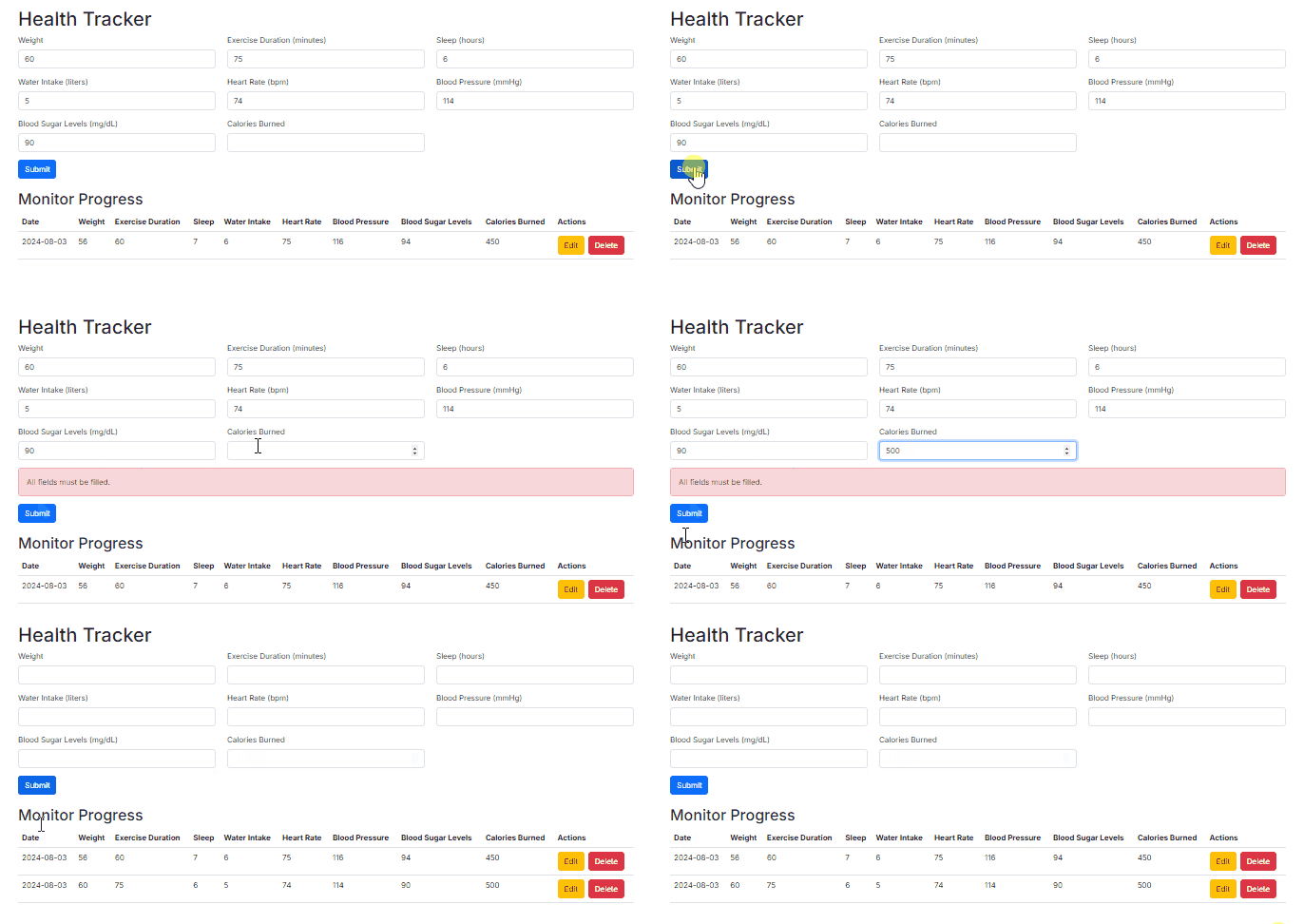
npm run devOutput: