|
VOOZH | about |
|
VOOZH | about |
Note-taking App is a simple web application that allows users to create, edit, and delete text notes. The app provides a user-friendly interface for managing notes, making it easy to add new notes, update existing notes, and delete notes when they are no longer needed. The app provides a way for users who need a quick and convenient way to write down notes and keep track of important information. In this article, we will be building a note-taking app using NextJS.
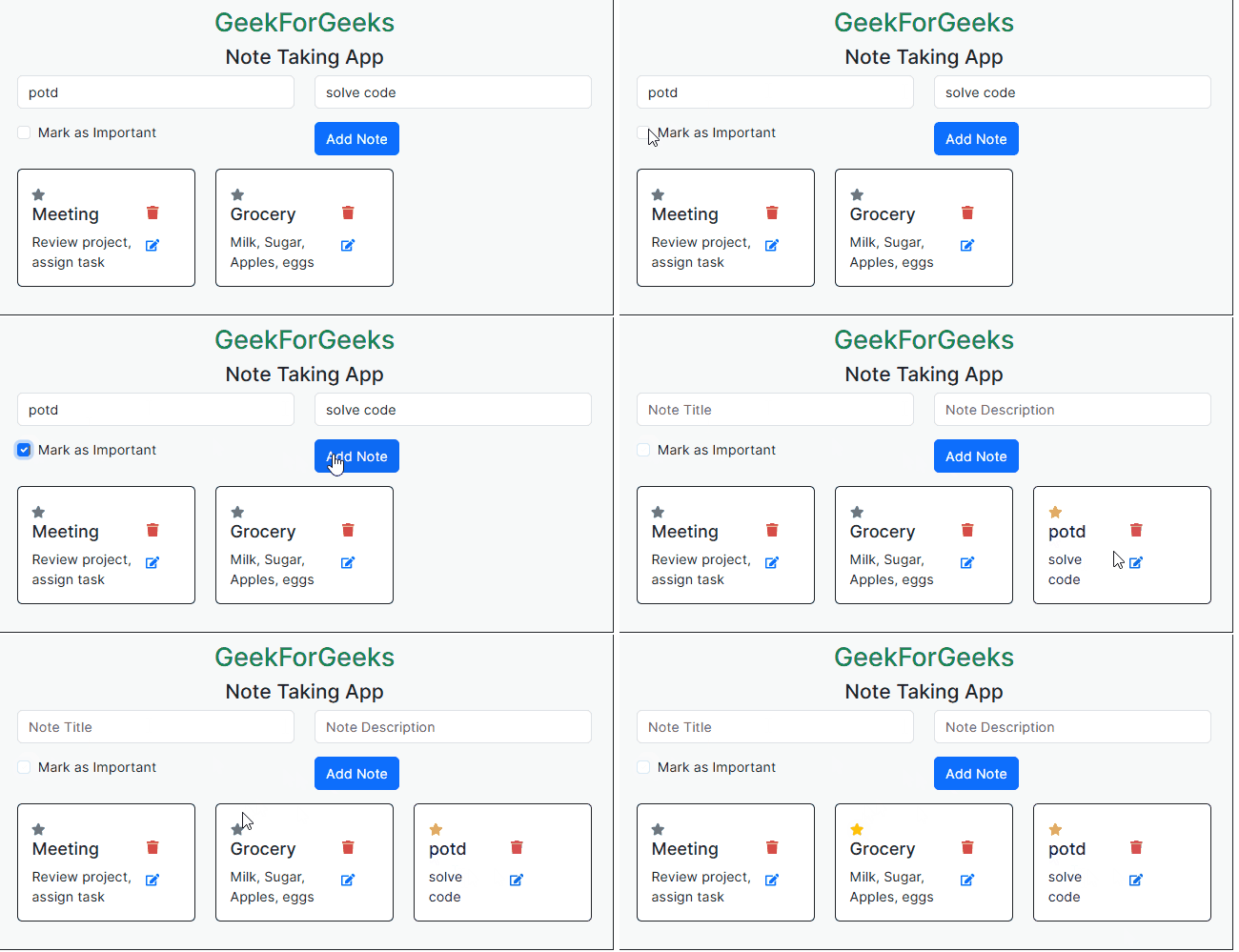
Output Preview: Let us have a look at how the final output will look like.
Step 1: Create a application of NextJS using the following command.
npx create-next-app note-takerStep 2: Navigate to project directory
cd note-takerStep 3: Install the necessary packages in your project using the following command.
npm install bootstrap
npm install react-icons --save
The updated dependencies in package.json file will look like:
"dependencies": {
 "bootstrap": "^5.3.3",
 "next": "14.1.0",
 "react": "^18",
 "react-dom": "^18",
 "react-icons": "^5.0.1"
}
Example: Below are the components which describes the basic implementation of the Note-Taking App.
Start your application using the following command.
npm run devOutput: Naviagate to the URL http://localhost:3000.

.png)
.png)