|
VOOZH | about |
|
VOOZH | about |
In this article, we are going to learn about the difference between the Redux and Context APIs. We will cover each of them entirely with their live examples, and then we will cover the differences between them.
Table of Content
Instead of manually passing props down at the entry-level, you can use the React Context API to transmit data along the component tree. This can be helpful for exchanging information that several components at various levels of the tree need, such as the current user, the current location, or the current theme.
Step 1: Implement a Context.
Step 2: Create a Context Provider component:
Step 3: Create a Button component that consumes the context:
Step 4: Wrap the all components in app.js and update the App.css file
Step 1: Open the terminal and type the following command.
npm start
Step 2: Open browser and search the given URL.
http://localhost:3000/
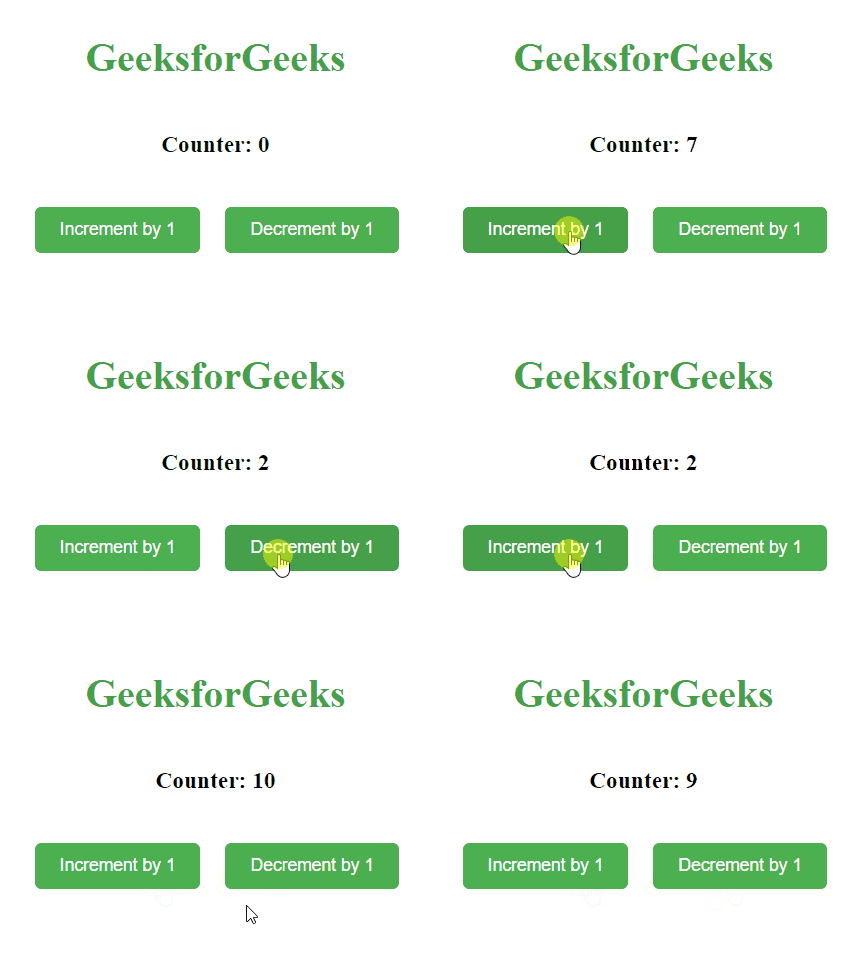
Output:
👁 countdown-timer
Redux is a state management library and It is most frequently used for creating user interfaces with libraries like React or Angular. For JavaScript applications, Redux is a predictable state container.
Step 1: Install redux in your project via following command.
npm i redux react-redux
Step 2: Create a store.
Step 3: Create an action:
Step 4: Create a Counter Component:
Step 5: Wrap the all components in index.js and update the App.css file
Step 1: Open the terminal and type the following command.
npm start
Step 2: Open browser and search the given URL.
http://localhost:3000/
Output: Open a web browser and navigate to http://localhost:3000.
Feature | Redux | Context API |
Middleware | Middlewares present. | Middlewares absent. |
State management approach | Centralized | Decentralized |
Data Flow | Unidirectional flow of data. | Bidirectional flow of data. |
API | Actions, reducers, middleware | Context.Provider, Context.Consumer |
Debugging | Dedicated Redux development tools for debugging. | No tools for debugging. |