|
VOOZH | about |
|
VOOZH | about |
Creating a Calculator app is one of the basic projects that clears the core concept of a technology. In this tutorial, we'll walk you through the process of building a calculator app using Next.js.
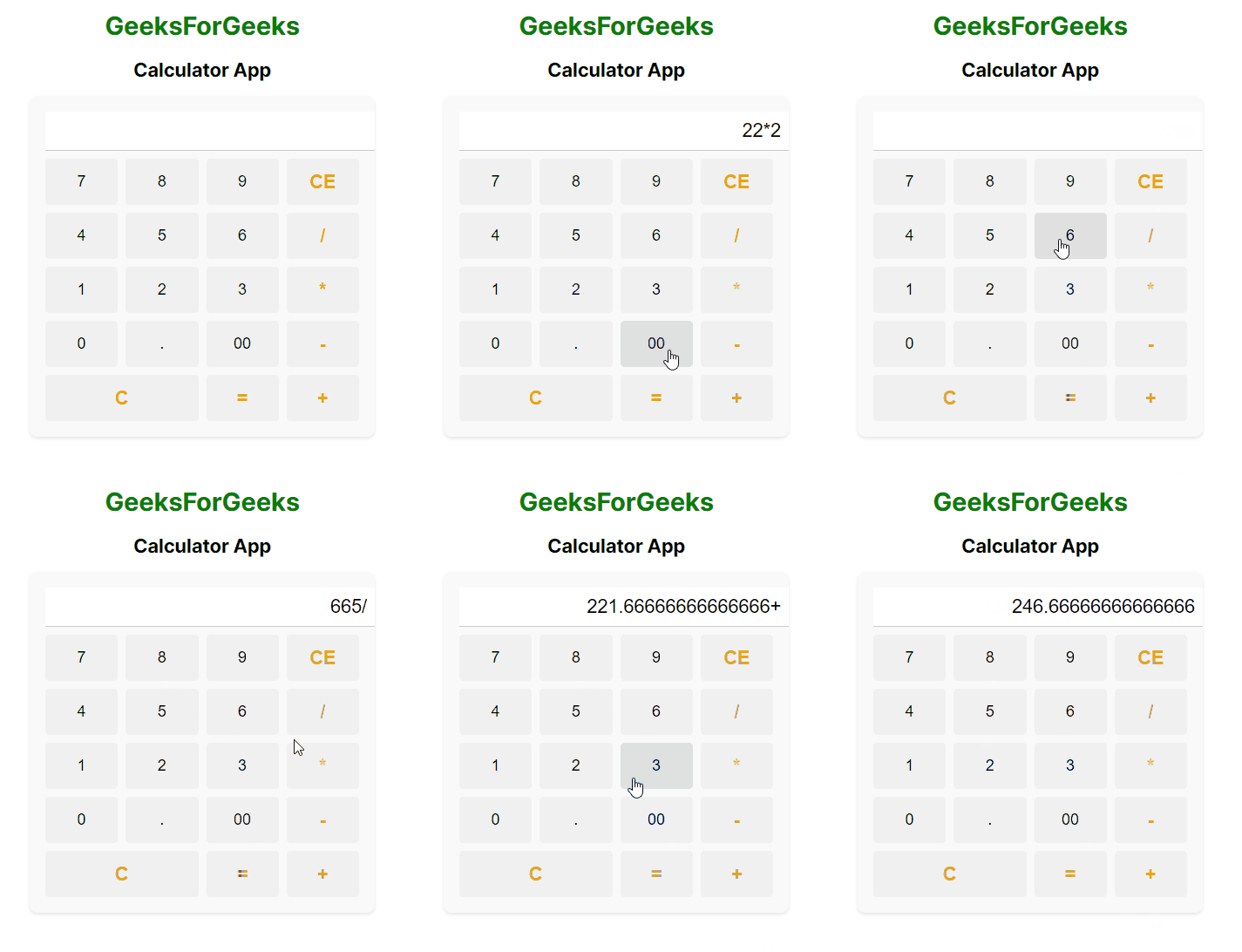
Output Preview: Let us have a look at how the final output will look like.
Step 1: Create a application of NextJS using the following command.
npx create-next-app calculatorStep 2: Navigate to project directory
cd calculatorThe updated Dependencies in package.json file will look like:
"dependencies": {
 "react": "^18",
 "react-dom": "^18",
 "next": "14.1.3"
}
Example: Below are the files which describes the basic implementation of theCalculator App.
To run the application, type the following command in terminal:
npm run devOutput: Naviage to the URL http://localhost:3000.

.png)
.png)