VOOZH about

URL: https://www.geeksforgeeks.org/reactjs/create-a-weather-monitoring-dashboard-with-next-js/

⇱ Create a Weather Monitoring Dashboard with Next.js - GeeksforGeeks


  • Courses
  • Tutorials
  • Interview Prep

Create a Weather Monitoring Dashboard with Next.js

Last Updated : 2 Dec, 2025

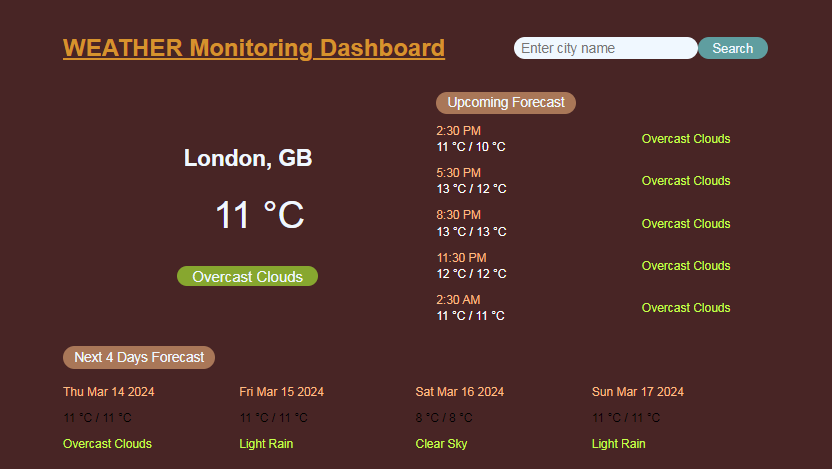
This project involves building a Weather Monitoring Dashboard using NextJS. The dashboard allows users to check the current weather and forecast for a specific city, as well as an hourly forecast for the next few hours and a daily forecast for the next four days.

Output Preview: Let us have a look at how the final output will look like.

👁 Screenshot-2024-03-13-123532

Prerequisites:

Approach to Create Weather Monitoring Dashboard with NextJS:

  • Fetch current weather data using the OpenWeatherMap API based on geolocation or city search.
  • Display current weather information including temperature, city name, and cloud conditions.
  • Fetch hourly and daily forecasts for the specified location.
  • Render hourly forecast data dynamically.
  • Render daily forecast data dynamically.

Steps to Create the NextJS App:

Step 1: Set up a NextJS project and navigate to that project folder

npx create-next-app weather-monitoring-dashboard

Step 2: Navigate to the root directory of your project.

cd weather-monitoring-dashboard

Step 3: Install necessary dependencies (axios for making HTTP requests).

npm install axios

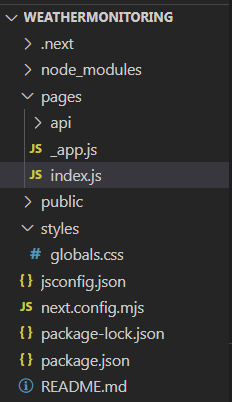
Project Structure:

👁 Screenshot-2024-03-13-123553

  • If an app folder exist in your project, delete it.
  • Create index.js and _app.js inside the pages folder using following code.
  • Generate your own api from openweathermap and replace it with index.js apikey.
  • create globals.css with the code given below inside the styles folder.

Example: Below is an example of building a weather monitoring dashboard with NextJS.

Start your application using the following command.

npm run dev

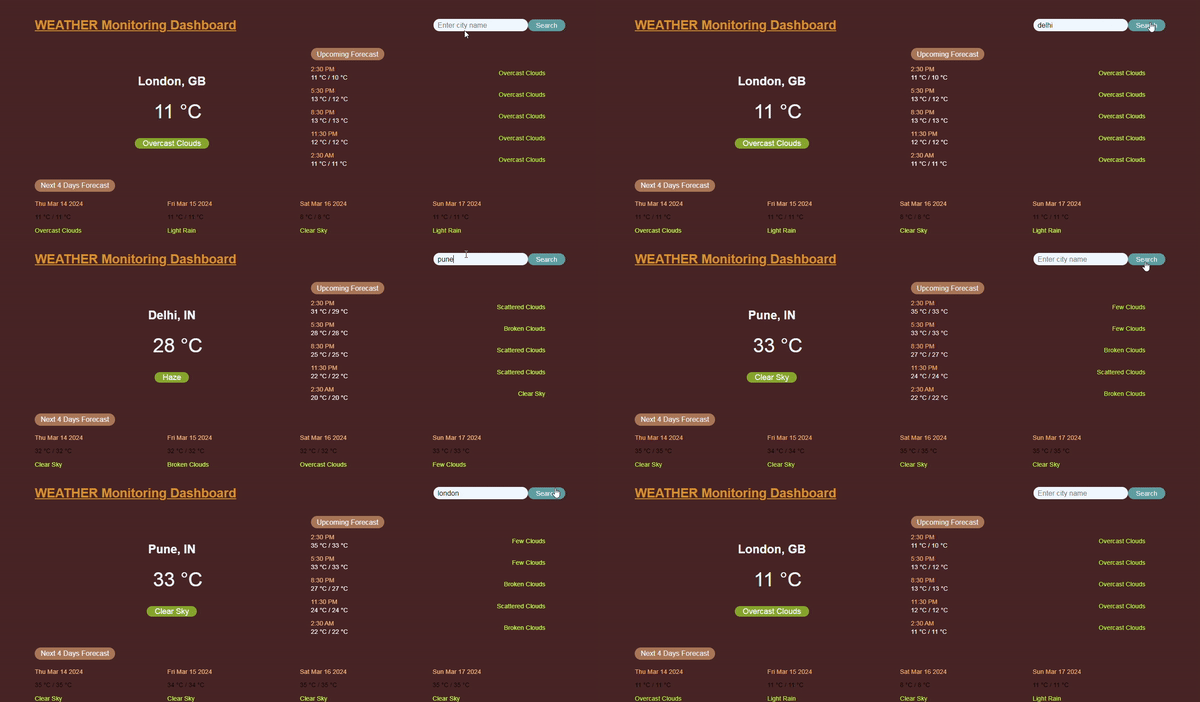
Output: Open your web browser and navigate to http://localhost:3000 to see your Weather Monitoring Dashboard in action.

👁 weathermonitoring

Comment