|
VOOZH | about |
|
VOOZH | about |
Passing props is important for sharing data and functionality between parent and child components, facilitating component reusability and maintaining a clear separation of concerns in React applications. In this article, we will explore two different approaches to Pass Props to {this.props.children}. Below are the possible approaches to Props to {this.props.children}.
{this.props.children}In React, the children prop represents the child elements (components, text, etc.) passed to a component. It can be accessed using {this.props.children} within the component's render method. By default, {this.props.children} renders the child elements exactly as they are passed without any modifications.
Table of Content
Step 1: Create a reactJS application by using this command
npx create-react-app myappStep 2: Navigate to project directory
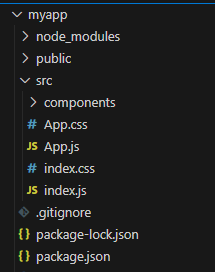
cd myapp👁 Screenshot-2024-03-22-121818
The updated dependencies in package.json file will look like:
"dependencies": {
 "@testing-library/jest-dom": "^5.17.0",
 "@testing-library/react": "^13.4.0",
 "@testing-library/user-event": "^13.5.0",
 "react": "^18.2.0",
 "react-dom": "^18.2.0",
 "react-scripts": "5.0.1",
 "web-vitals": "^2.1.4"
}
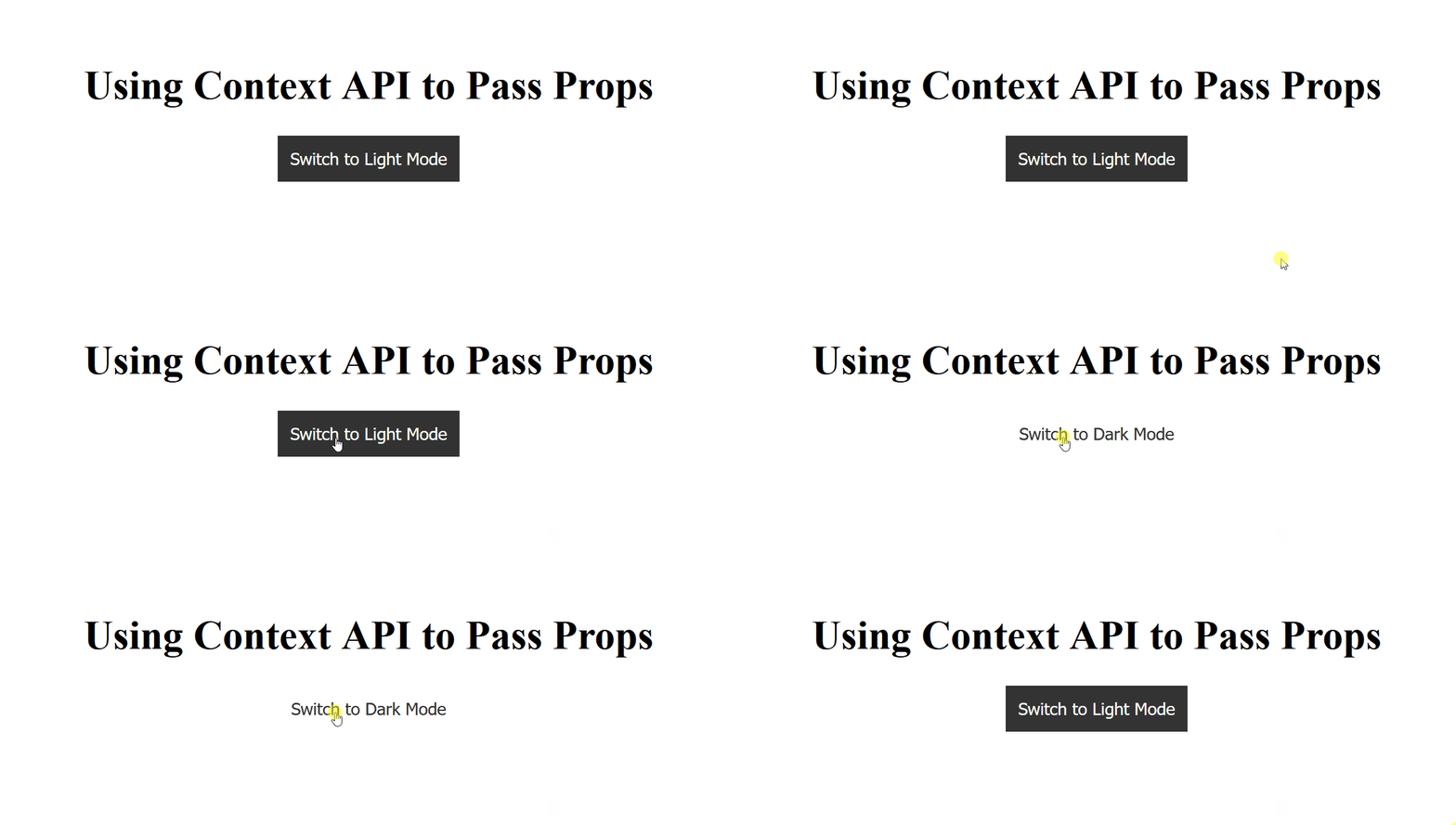
In this approach, we are using Context API in React to create a theme provider that passes the theme state and a toggle function down to its children, allowing components like ThemedButton to dynamically change styles based on the theme selected by the user.
Example: Below is the implementation of the above-discussed approach.
Step to Run Application: Run the application using the following command from the root directory of the project
npm startOutput: Your project will be shown in the URL http://localhost:3000/
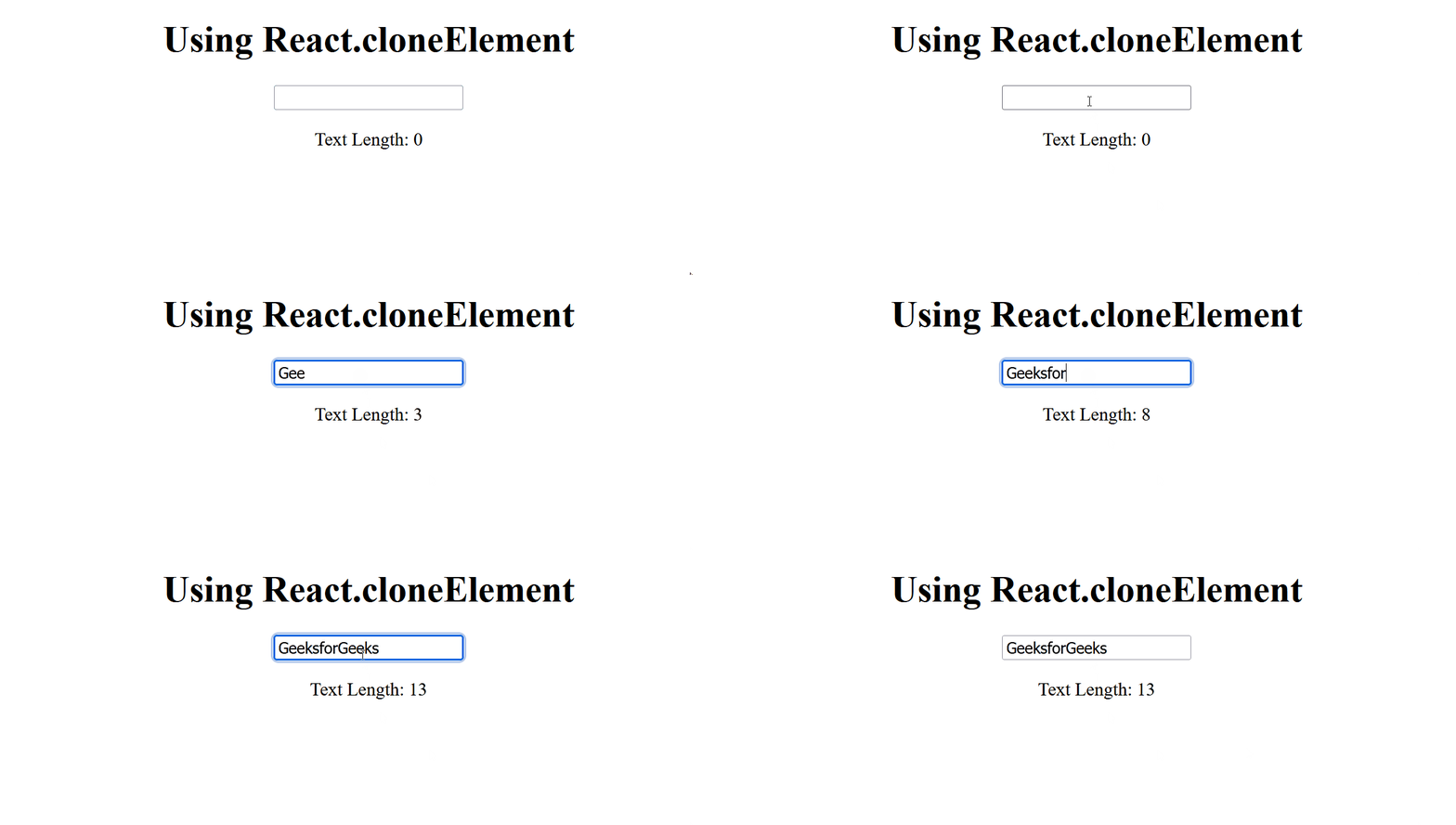
In this approach, we are using React.cloneElement to pass props to {this.props.children}, allowing dynamic modification of child components' behavior without direct prop drilling. This promotes cleaner and more scalable component composition in React applications.
Example: Below is the implementation of the above-discussed approach.
Step to Run Application: Run the application using the following command from the root directory of the project
npm startOutput: Your project will be shown in the URL http://localhost:3000/