|
VOOZH | about |
|
VOOZH | about |
To change the position of an element dynamically based on certain conditions or user interactions, we can access and modify its styling and link to certain events. When these events trigger that in return will change the position of the element
To change the position of the element dynamically in ReactJS we will link the element position with with a state. Access the state dynamically and modify its value to change the position of the required element.
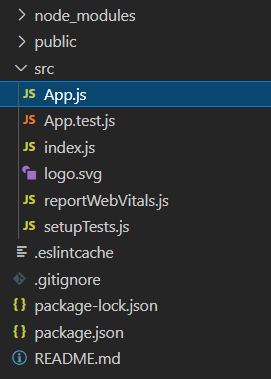
Step 1: Initialize React Project using this command in the terminal
npx create-react-app foldernameStep 2: After creating your project folder, i.e., folder name, move to it using the following command:
cd foldernameExample: This example implements four buttons to change the position of the component in each direction by updating css values.
Step to Run Application: Run the application using the following command from the root directory of the project:
npm start
Output: Now open your browser and go to http://localhost:3000/, click on buttons to see output