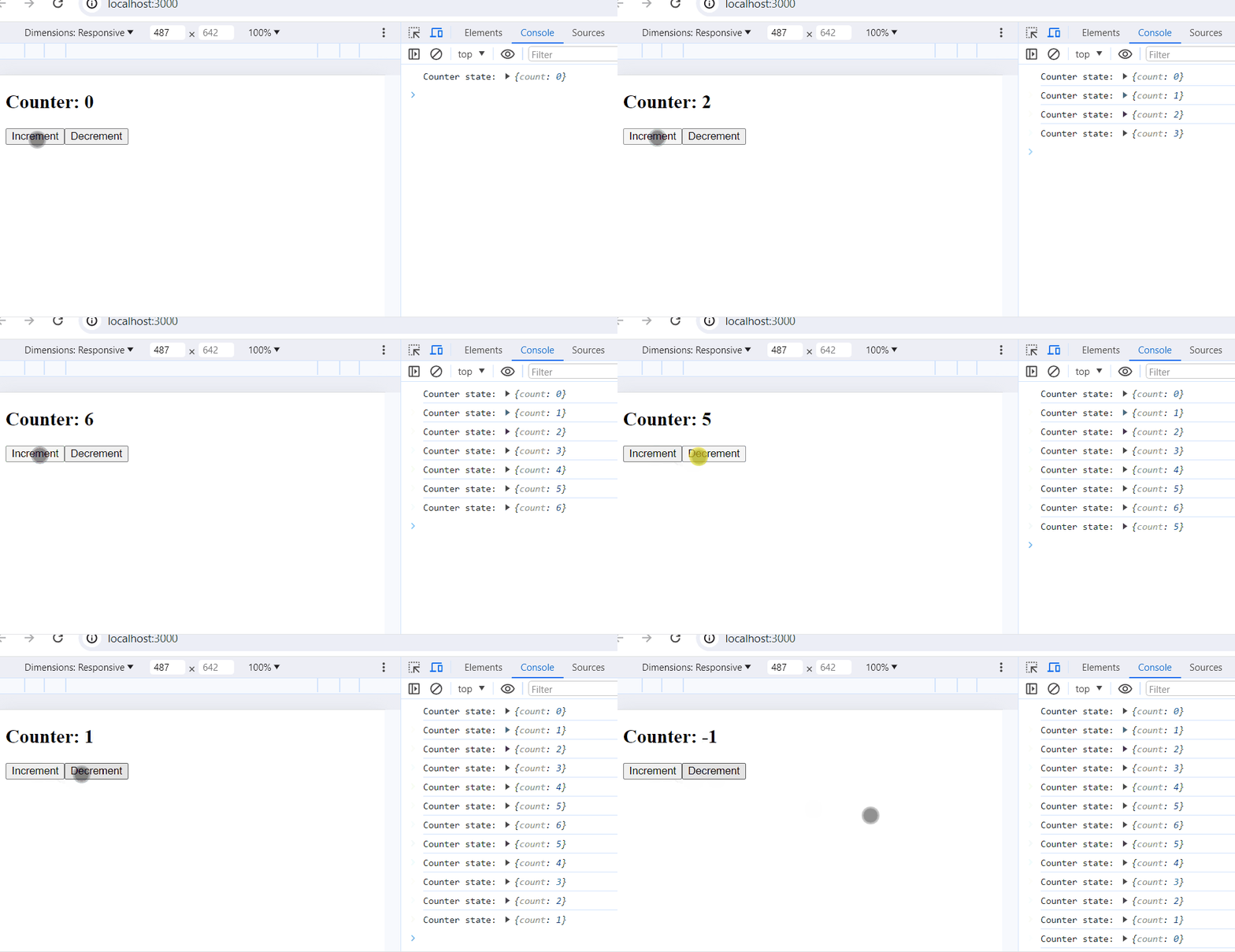
Managing state across multiple components can quickly become difficult as a React application grows. To handle this, a centralized store is used to keep all application state in one place and update it in a predictable way.
Redux Toolkit
The Redux toolkit acts as a wrapper around Redux and encapsulates its necessary functions. Redux toolkit is flexible and provides a simple way to make a store for large applications. It follows the SOPE principle, which means it is Simple, Opinionated, Powerful, and Effective.
How to Build Redux Store and Manage State
After installing the required modules:
1. Create Redux Store
Create a file store.js and create a store inside it.
Also export it, currently it does not include any reducer, we will register the reducers once they created.
Syntax:
export const store = configureStore({ reducer: { },})
2. Wrap App with Redux Provider
Inside index.js import store from store.js and provider from react redux.
Syntax:
<Provider store={store}>
 <App />
 </Provider>
3. Create Redux State Slice Reducer
Now create a slice, this include reducer and initial state.To create slice create another file sliceName.js.