|
VOOZH | about |
|
VOOZH | about |
React Bootstrap is a popular library that let us use the Bootstrap framework's power and flexibility to React.js applications. By combining the flexibility of React with the UI components provided by Bootstrap, you can create responsive and visually appealing user interfaces with ease.
In this article, we'll see the process of installing React Bootstrap in a React.js application.
React Bootstrap is a replacement of Bootstrap JavaScript which effectively embeds Bootstrap components into a React Application without the need of external libraries like JQuery. Each component of React Bootstrap is a true React Component and this module is one of the oldest React libraries which keeps evolving with time and helps to create an excellent UI.
Syntax:
import { Container } from "react-bootstrap";
<Container>

...component codes

</Container>
Step 1: Go to the official website of React bootstrap to get the installation commands and CDN links.
Step 2: In your existing React project install react bootstrap using the following command.
npm install react-bootstrap bootstrapStep 3: If you also want to use normal Bootstrap along with React Bootstrap you can add these CDN links in your public/index.html file.
<script src="https://cdn.jsdelivr.net/npm/react/umd/react.production.min.js" crossorigin></script>
<script
src="https://cdn.jsdelivr.net/npm/react-dom/umd/react-dom.production.min.js"
crossorigin></script>
<script
src="https://cdn.jsdelivr.net/npm/react-bootstrap@next/dist/react-bootstrap.min.js"
crossorigin></script>
<link
rel="stylesheet"
href="https://cdn.jsdelivr.net/npm/bootstrap@5.3.2/dist/css/bootstrap.min.css"
integrity="sha384-T3c6CoIi6uLrA9TneNEoa7RxnatzjcDSCmG1MXxSR1GAsXEV/Dwwykc2MPK8M2HN"
crossorigin="anonymous"
/>
Step 4: To use the React Bootstrap add the following import in either index.js or App.js in src folder.
import 'bootstrap/dist/css/bootstrap.min.css';Now you are ready to use React Bootstarp in your React project.
Step 1: Create a React Application using the below command.
npx create-react-app app-name
cd app-name
Step 2: Now in the application, you need to install the below library.
npm install react-bootstrap bootstrapNow we will able to use features of React Bootstrap.
The updated Dependencies in package.json file will look like:
 "dependencies": {
 "@testing-library/jest-dom": "^5.17.0",
 "@testing-library/react": "^13.4.0",
 "@testing-library/user-event": "^13.5.0",
 "bootstrap": "^5.3.3",
 "react": "^18.2.0",
 "react-bootstrap": "^2.10.1",
 "react-dom": "^18.2.0",
 "react-scripts": "5.0.1",
 "web-vitals": "^2.1.4"
}
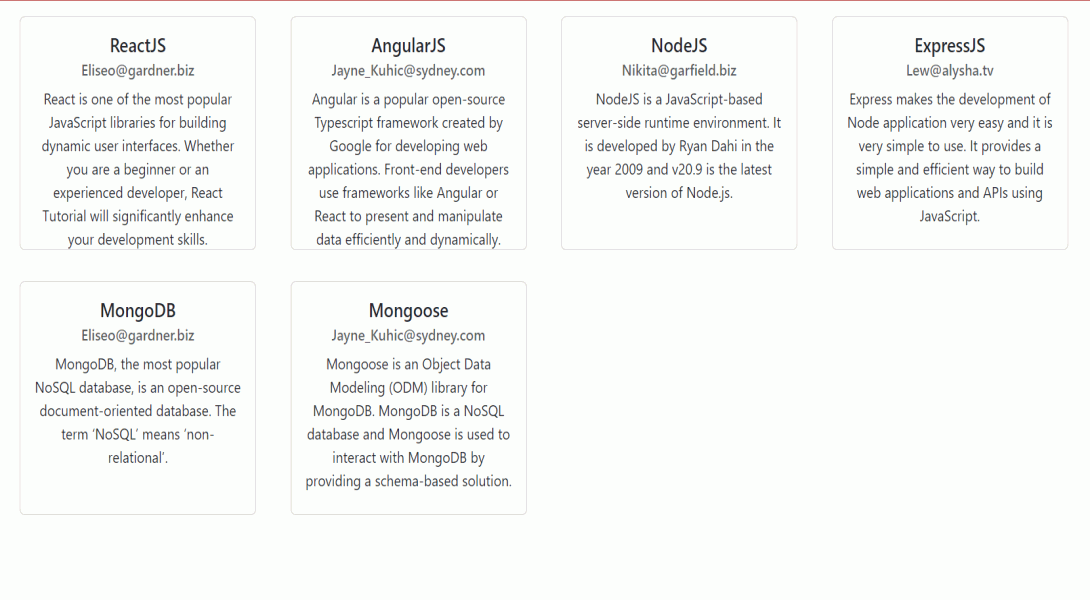
Example: Create the required files as shown in folder structure and add the following codes.
To start the application run the following command.
npm start