|
VOOZH | about |
|
VOOZH | about |
Persisting state with localStorage or sessionStorage is a way to store data in the user's web browser so that it remains available even after the page is refreshed or closed.
localStorage persists data until explicitly cleared by the user or the web application.sessionStorage persists data only for the duration of the page session. The data is cleared once the session ends (when the browser window is closed).setItem()method provided by both localStorage and sessionStorage.localStorage.setItem('username', 'GeeksforGeeks');
getItem() method, passing the key as a parameter.const username = localStorage.getItem('username');
localStorage.setItem('username', 'GfG');
removeItem() method and pass the key as a parameter.localStorage.removeItem('username');
clear() method.localStorage.clear();
localStorage and sessionStorage can only store strings. If you need to store objects or arrays, you will need to serialize and deserialize them using methods like JSON.stringify()and JSON.parse().To persist state using React's useState hook along with localStorage, you can follow these steps:
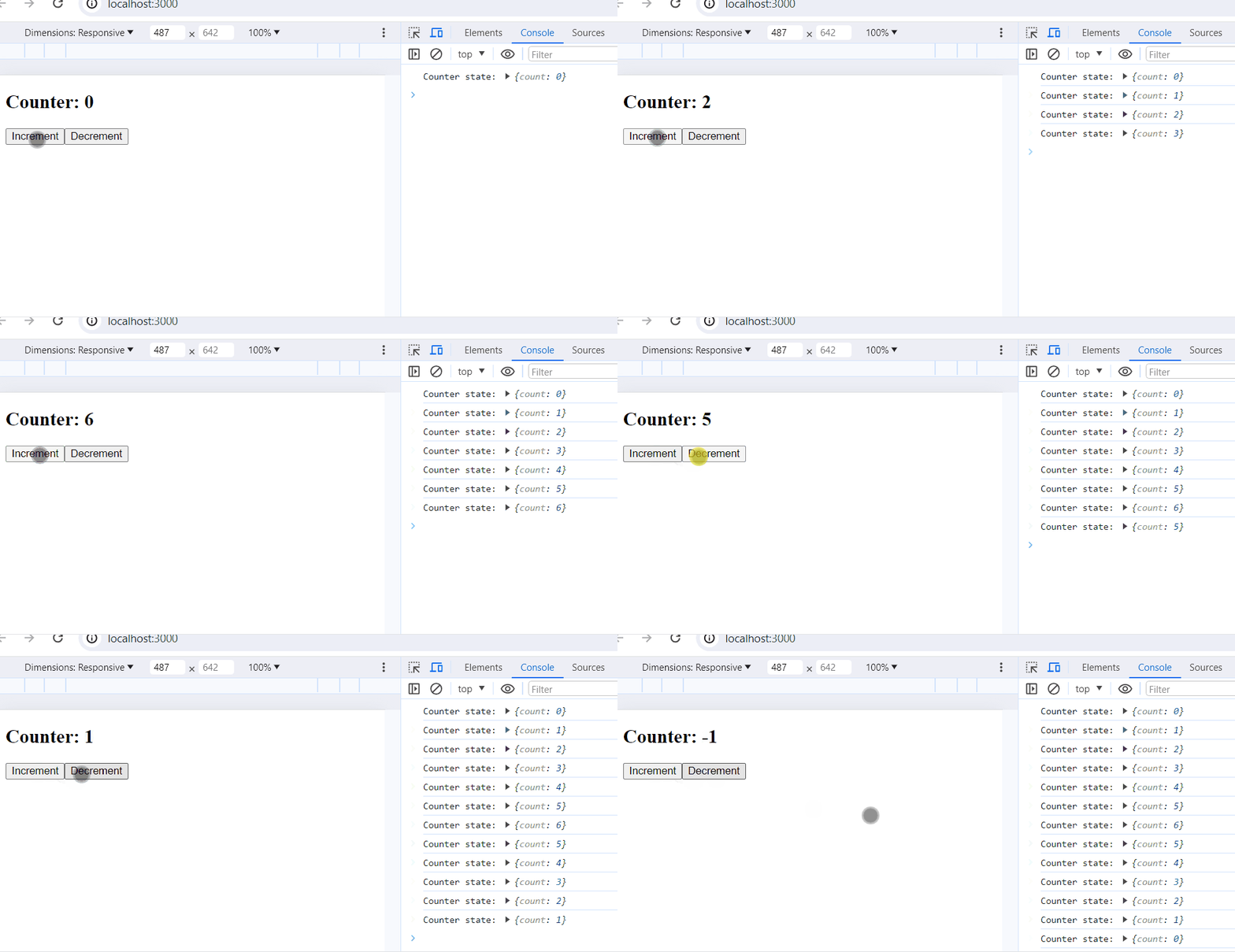
localStorage.localStorage to reflect the changes.Example: Below is an example of persisting state with localStorage or sessionStorage.
Output: