|
VOOZH | about |
|
VOOZH | about |
When working with forms in ReactJS, you may encounter scenarios where you need to accept floating-point numbers as input from users. We will set an input box to accept floating numbers in ReactJS and handle the validation of the entered values.
If we want to set the input box to be a floating number then we can use the step attribute of the input tag. We have to set the input type as the number and step value by which we want to increase/decrease the floating number.
Step 1: Create a React application using the following command
npx create-react-app foldernameStep 2: After creating your project folder i.e. foldername, move to it using the following command:
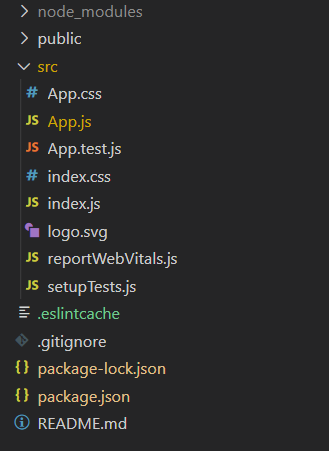
cd foldernameProject Structure:
👁 Image
Example: This example implements input box for a floating number input.
Step to Run the App: use this command in the terminal in the project dirctory.
npm startOutput: This output will be visible on the http://localhost:3000/ on the browser window.