|
VOOZH | about |
|
VOOZH | about |
Vite is a fast and modern build tool for creating web applications. It increases the development process by providing faster build times and better performance. Some of the benefits of using React with Vite are mentioned below:
To install NodeJS and npm, visit the NodeJS official website and download the latest stable version.
Vite provides a simple way to scaffold new projects. You can use the following command to create a new React project with Vite.
npm create vite@latest my-react-app
cd my-react-app
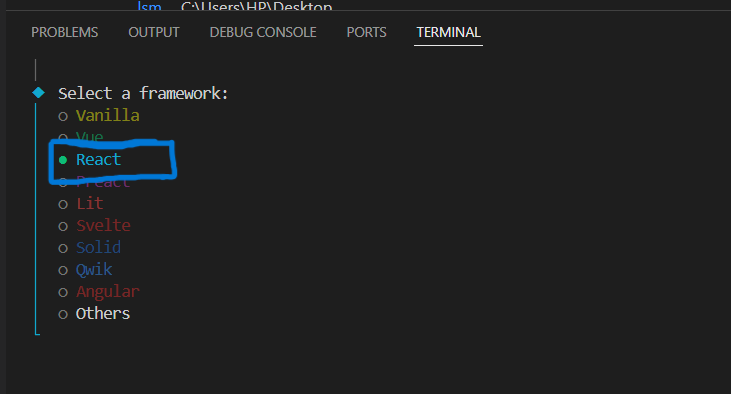
npm create vite@latest my-react-app: This command initializes a new Vite project with a React template. Replace my-react-app with your desired project name.cd my-react-app: Navigate into your newly created project directory.Select the React framework.
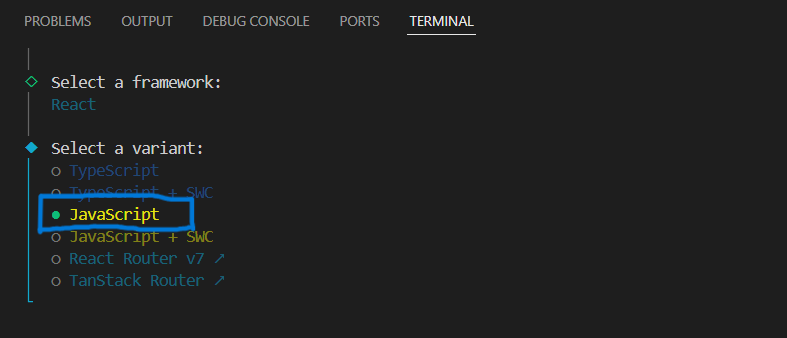
Choose any variant according to your project requirement.
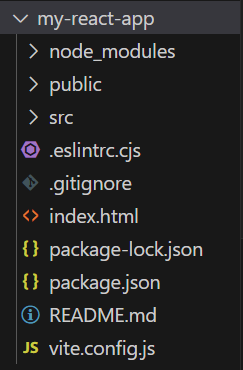
After initializing the project, you need to install the necessary dependencies. This command will install all the required dependencies listed in the package.json file.
npm installor
npm iTo start the server run the following command:
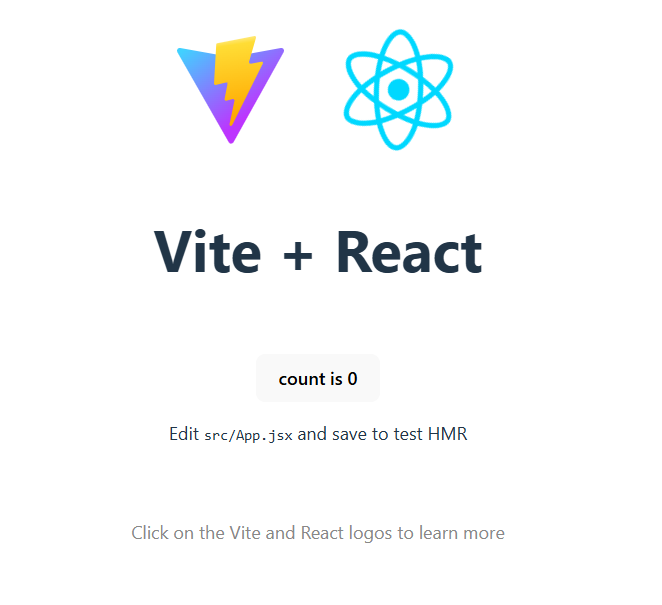
npm run devThis will start the server on the http://localhost:5173/.
Example: Let's build a basic project using React-Vite, In this example, we will develop a user interface component featuring a button, when button clicked, increments a count value.
Output: