|
VOOZH | about |
|
VOOZH | about |
A divider is a thin line that groups content in lists and layouts. To use Diveder Component in React JS we can either create one or we can also import it from other UI libraries like Bootstrap, MaterialUI, etc.
Table of Content
Step 1: Create a React application using the following command.
npx create-react-app foldernameStep 2: After creating your project folder i.e. foldername, move to it using the following command.
cd foldernameWe will create a divider component by using the inline css to the div component in React
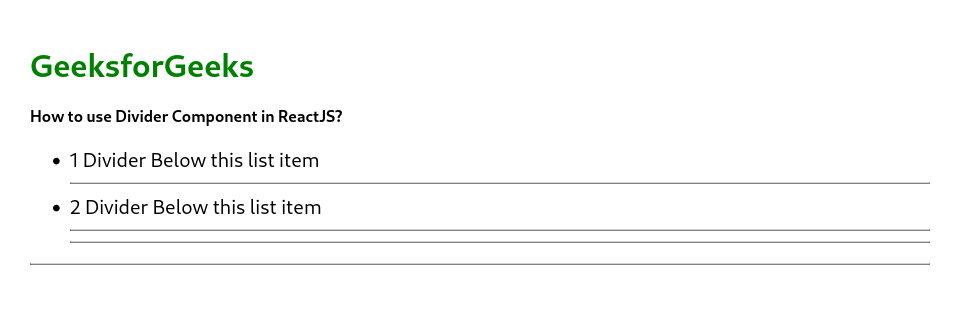
Example: This example uses a custum divider component added between the other components.
Step to Run Application: Run the application using the following command from the root directory of the project.
npm startOutput: Now open your browser and go to http://localhost:3000/, you will see the following output.
👁 Screenshot-from-2023-11-02-14-08-45
We can also use divider component form UI libraries like MUI to use the Divider component in react
Step to Intall MUI: Install the material-ui modules using the following command.
npm install @material-ui/core
Dependencies list after installing packges
"dependencies": {
 "@material-ui/core": "^4.12.4",
 "@testing-library/jest-dom": "^5.17.0",
 "@testing-library/react": "^13.4.0",
 "@testing-library/user-event": "^13.5.0",
 "react": "^18.2.0",
 "react-dom": "^18.2.0",
 "react-scripts": "5.0.1",
 "web-vitals": "^2.1.4"
}
Example: This example uses material UI divider to add divider component in React JS
Step to Run Application: Run the application using the following command from the root directory of the project.
npm startOutput: Now open your browser and go to http://localhost:3000/, you will see the following output.