|
VOOZH | about |
|
VOOZH | about |
In this article we are going to implement Dark and Light mode toggle button using React JS and Redux Toolkit. Dark Mode is also known as night mode. It is just a dark theme where mostly background colors will turn into dark and text color will turn into light.
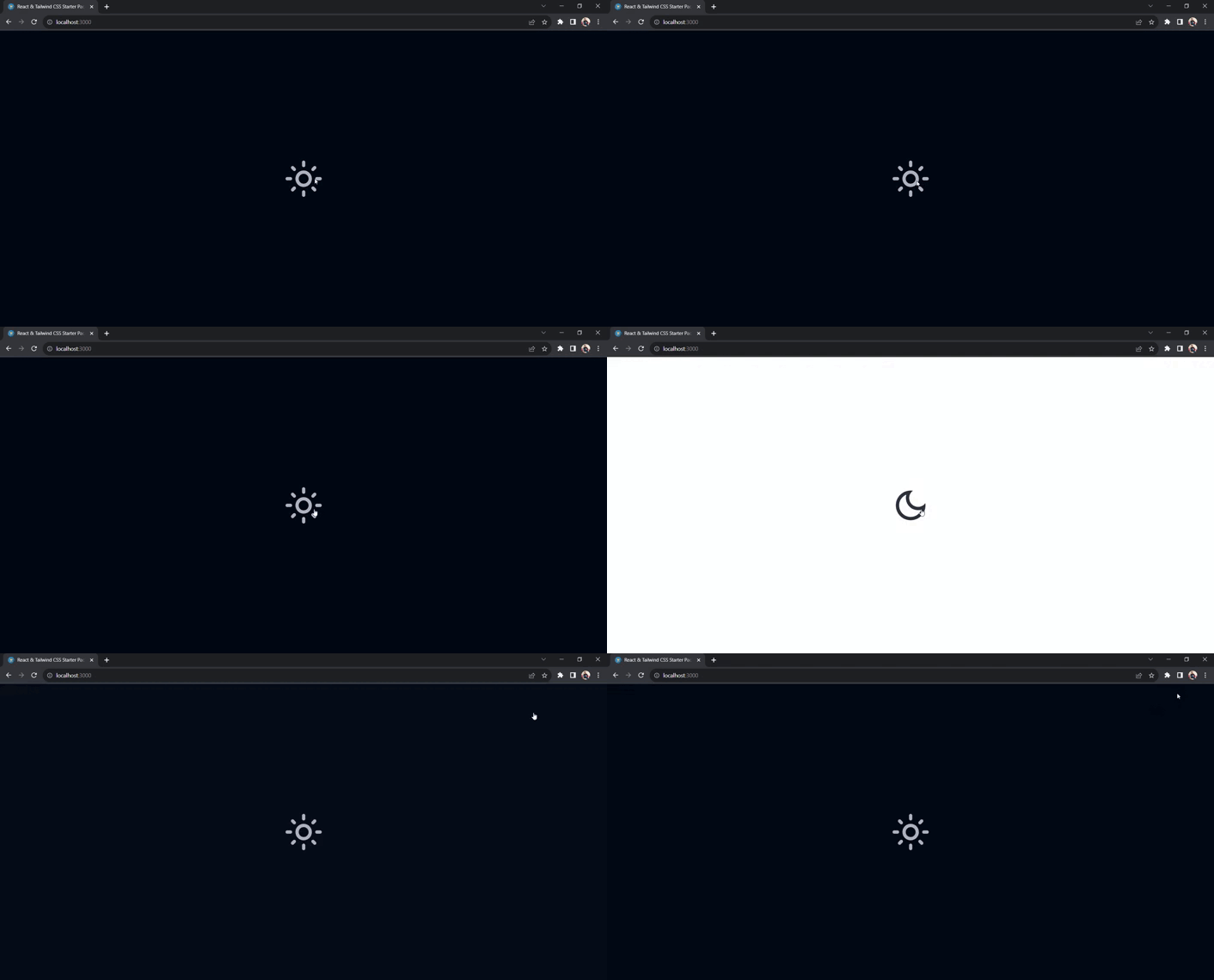
Preview of final output: Let us have a look at how the final output will look like.
👁 Web-capture_15-11-2023_23500_localhost
Steps to implement this functionality are given below -
Step 1: Create a react app using command "npx create-react-app app-name".
npx create-react-app app-name
Step 2 : Install redux and redux toolkit using following commands
npm install react-redux @reduxjs/toolkit
Step 3: Add Tailwind CSS using CDN link given below in your index.html file.
<script src="https://cdn.tailwindcss.com/3.4.16"></script>
The updated Dependencies in package.json file will look like:
"dependencies": {
 "@reduxjs/toolkit": "^1.9.7",
 "@testing-library/jest-dom": "^5.17.0",
 "@testing-library/react": "^13.4.0",
 "@testing-library/user-event": "^13.5.0",
 "react": "^18.2.0",
 "react-dom": "^18.2.0",
 "react-icons": "^4.12.0",
 "react-redux": "^8.1.3",
 "react-scripts": "5.0.1",
 "web-vitals": "^2.1.4"
},Example: It contains implementation of above steps.
Step 1: Type following command in your terminal.
npm start
Step 2: Locate the given URL in your browser.
http://localhost:3000/
Output