|
VOOZH | about |
|
VOOZH | about |
React Router is a popular library for routing in React applications. One of its powerful features is the useParams hook, which allows developers to access parameters from the URL in functional components. In this article, we'll explore the useParams hook in React Router with a practical example.
The useParams hook is a part of React Router's hooks API. It provides a simple way to access URL parameters in functional components without the need for class components or prop drilling.
Step 1: Create a React application by using the following command in the terminal.
npx create-react-app myappStep 2: Now, go to the project folder i.e. myapp by running the following command.
cd myppStep 3: Install the necessary packages/libraries in your project using the following commands.
npm i react-router-dom👁 Screenshot-2024-04-19-195845
The updated dependencies in package.json file will look like:
"dependencies": {
 "@testing-library/jest-dom": "^5.17.0",
 "@testing-library/react": "^13.4.0",
 "@testing-library/user-event": "^13.5.0",
 "react": "^18.2.0",
 "react-dom": "^18.2.0",
 "react-router-dom": "^6.16.0",
 "react-scripts": "5.0.1",
 "web-vitals": "^2.1.4"
}
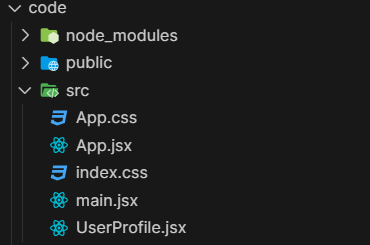
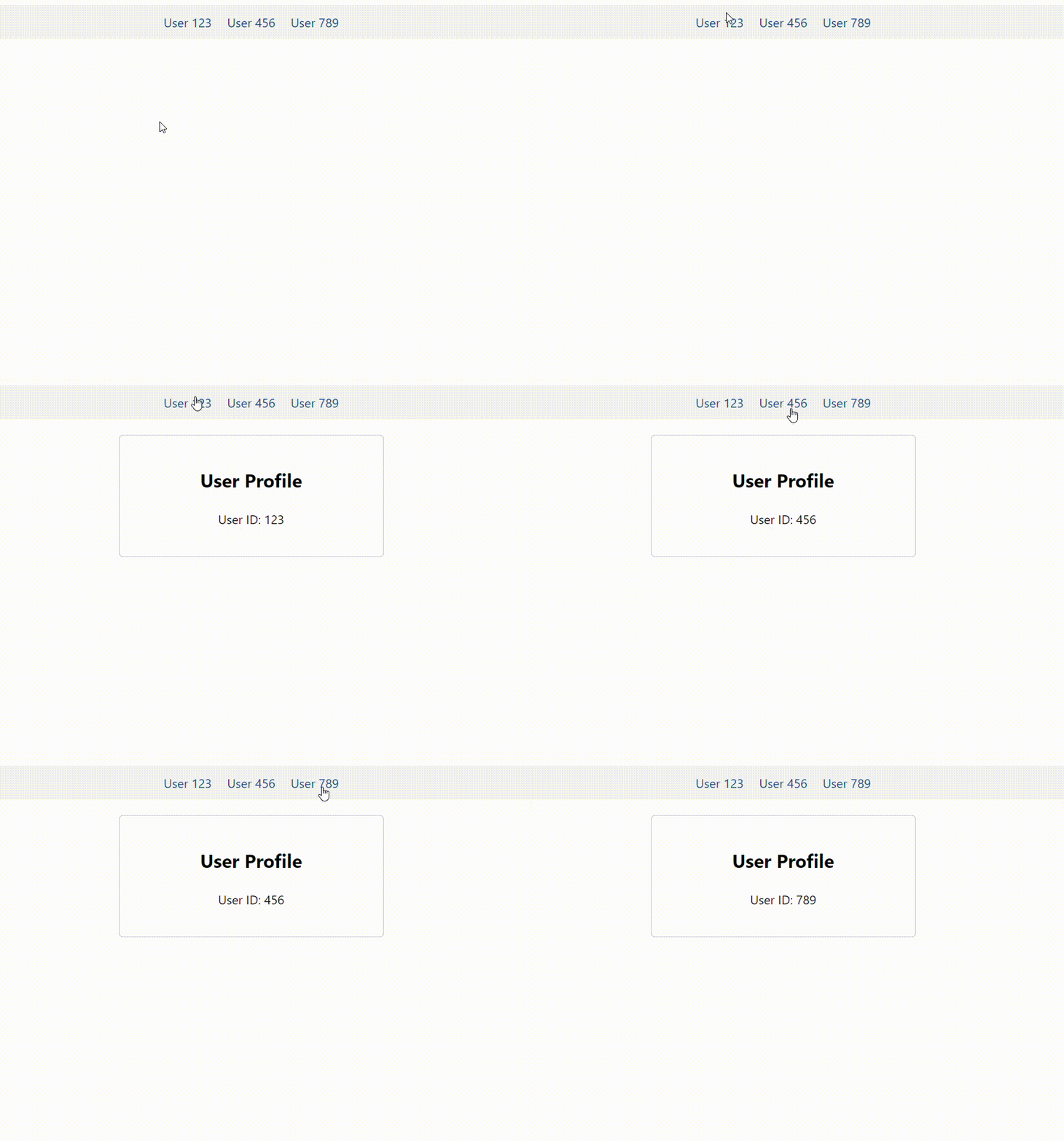
Example: In this example we have a user profile page that displays userId. We'll employ the useParams hook to extract the user's ID from the URL and display it on the profile page.
Output: In UserProfile.jsx file, This component extracts the id parameter from the URL using the useParams hook and displays it in the user profile page and App.jsx file is the main component where React Router is configured. It sets up navigation links
(Link components) to different user profiles and defines a route (Route component) that renders the UserProfile component when the URL matches the pattern /users/:id.
In this article, we explored the useParams hook in React Router by building a simple user profile page example. We learned how to access URL parameters in functional components and use them to render dynamic content based on the URL. The useParams hook simplifies URL parameter handling in React applications, making it easier to build dynamic and interactive web pages.