|
VOOZH | about |
|
VOOZH | about |
React Bootstrap @restart/ui utilities is a set of utility classes provided by the React Bootstrap library that allows developers to easily style their components without writing custom CSS. These utilities cover various styles such as spacing, typography, colors, and more, making creating visually appealing and responsive UIs in React applications convenient.
This approach imports specific utilities directly from @restart/ui, such as createComponent, forwardRef, etc.
<div className="m-4 p-3 bg-primary text-white">This is a styled div</div>import { Button } from 'react-bootstrap';
const StyledButton = () => {
return (
<Button className="mt-3" variant="primary">
Styled Button
</Button>
);
};
Step 1: Create a new folder for your project and navigate into it.
mkdir react-bootstrap-app
cd react-bootstrap-app
Step 2: Initialize React App:
npx create-react-app .Step 3: Install React Bootstrap and @restart/ui packages:
After creating the project, install any additional dependencies required for your application
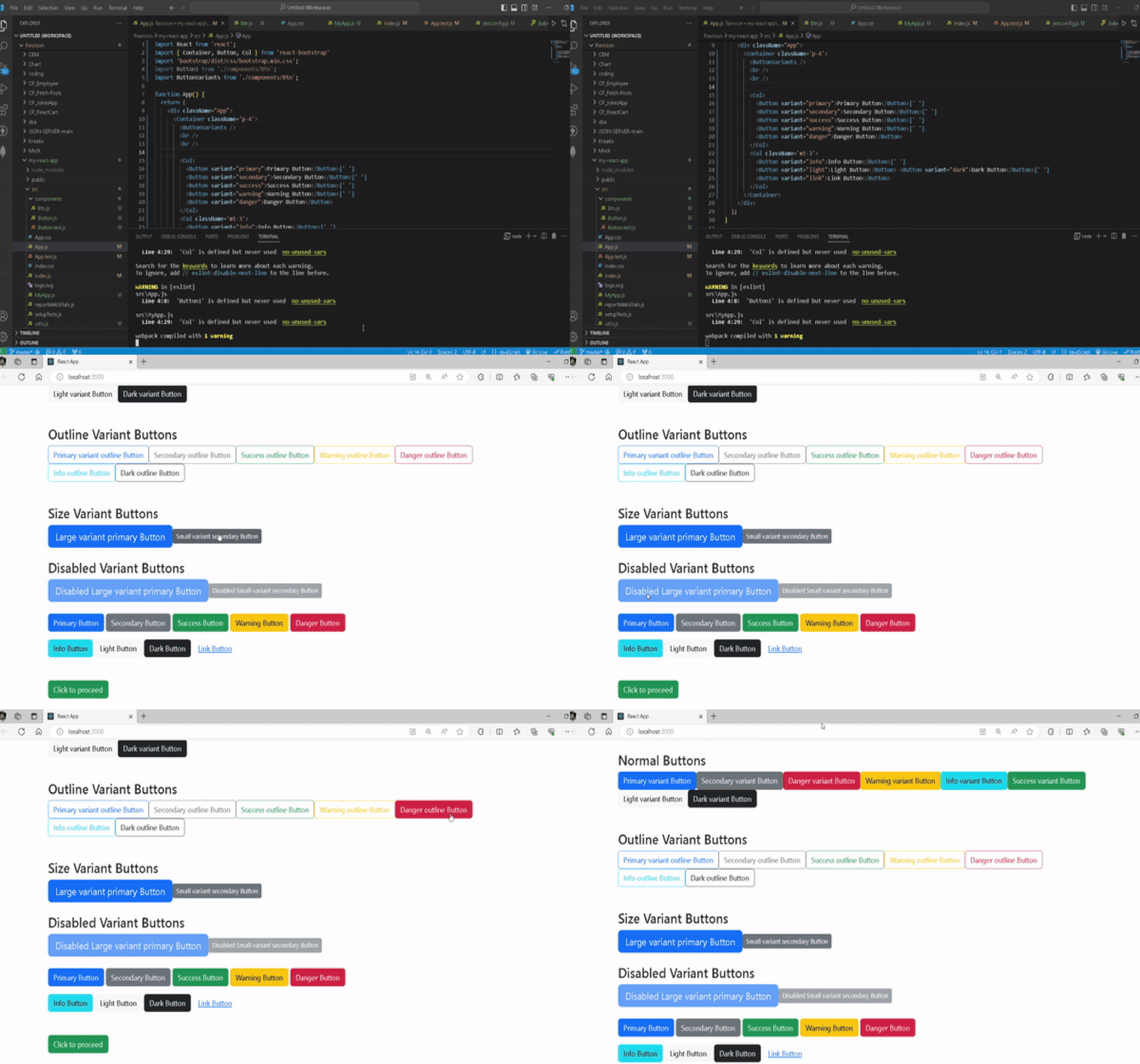
npm install react-bootstrap @restart/uiExample: Below is the code example of React Bootstrap @restart/ui utilities.
Step to Run the Application:
npm startOutput: