|
VOOZH | about |
|
VOOZH | about |
The onFocus event in React is triggered when an element receives focus, meaning it becomes the active element that can accept user input. This event is commonly used to execute functions or perform actions when an element gains focus.
It is similar to the HTML DOM onfocus event but uses the camelCase convention in React.
Syntax:
onFocus={handleOnFocus}Parameter: The function handleOnFocus which is invoked when onFocus is triggered
Return Type: It is an event object containing information about the methods and triggered on method calls.
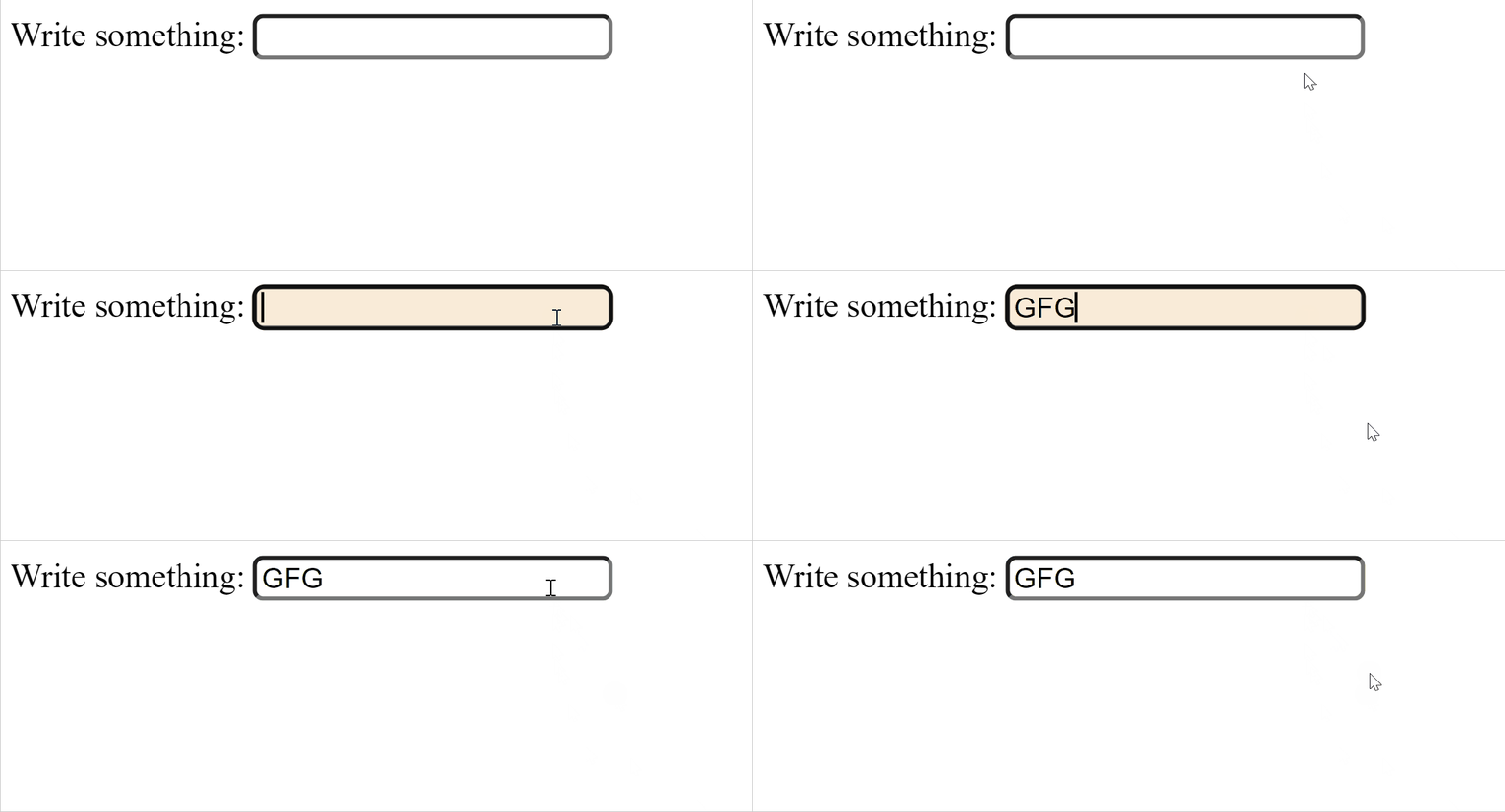
Example 1: The React component tracks the focus state of an input field, dynamically changing its background color and adding a border radius when focused, and resets styles when blurred.
Output:
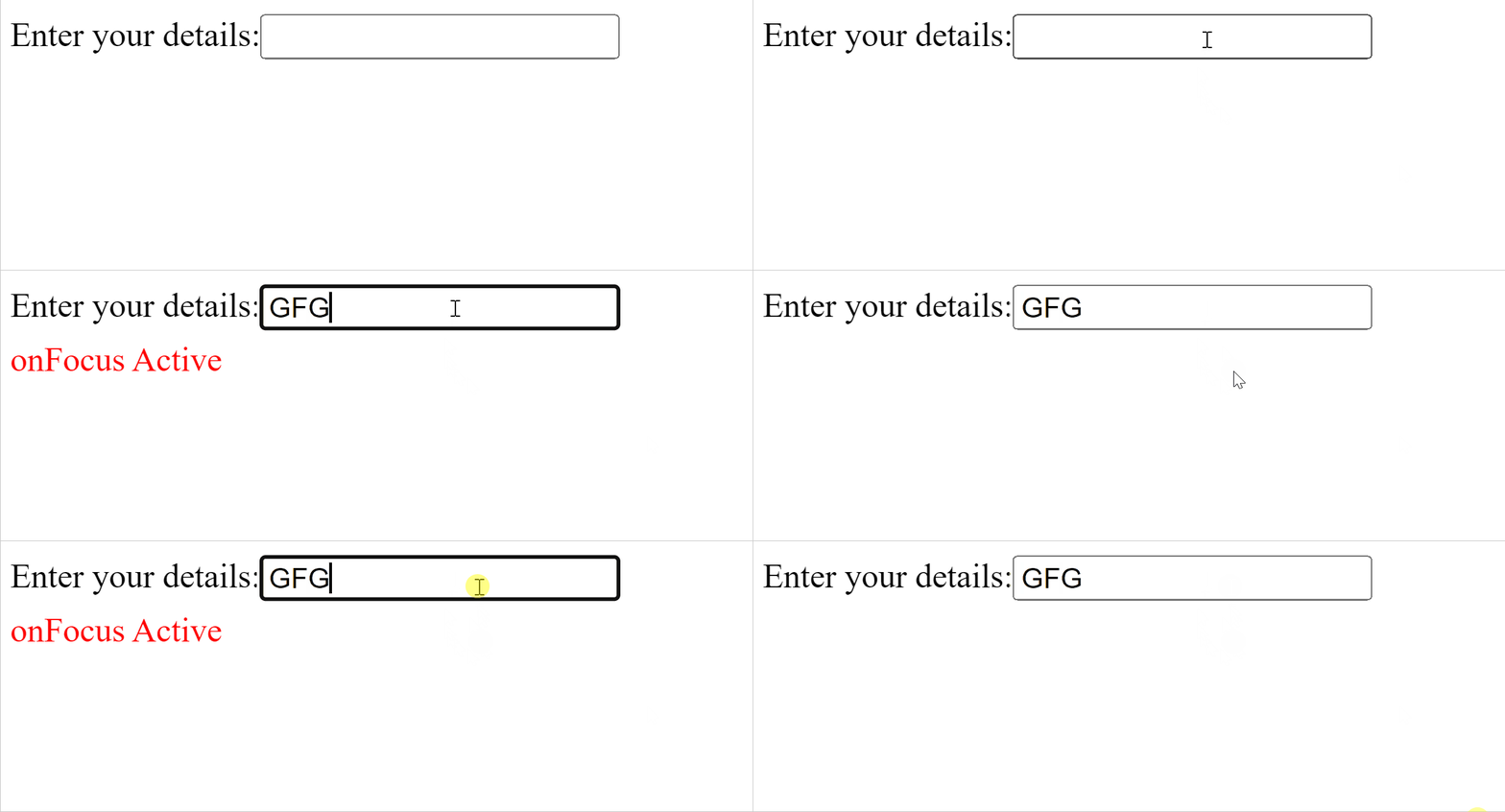
Example 2: The React component tracks the focus state of an input field, displaying "onFocus Active" in red below the input when it gains focus and hiding the message when out of focus.
Output: