|
VOOZH | about |
|
VOOZH | about |
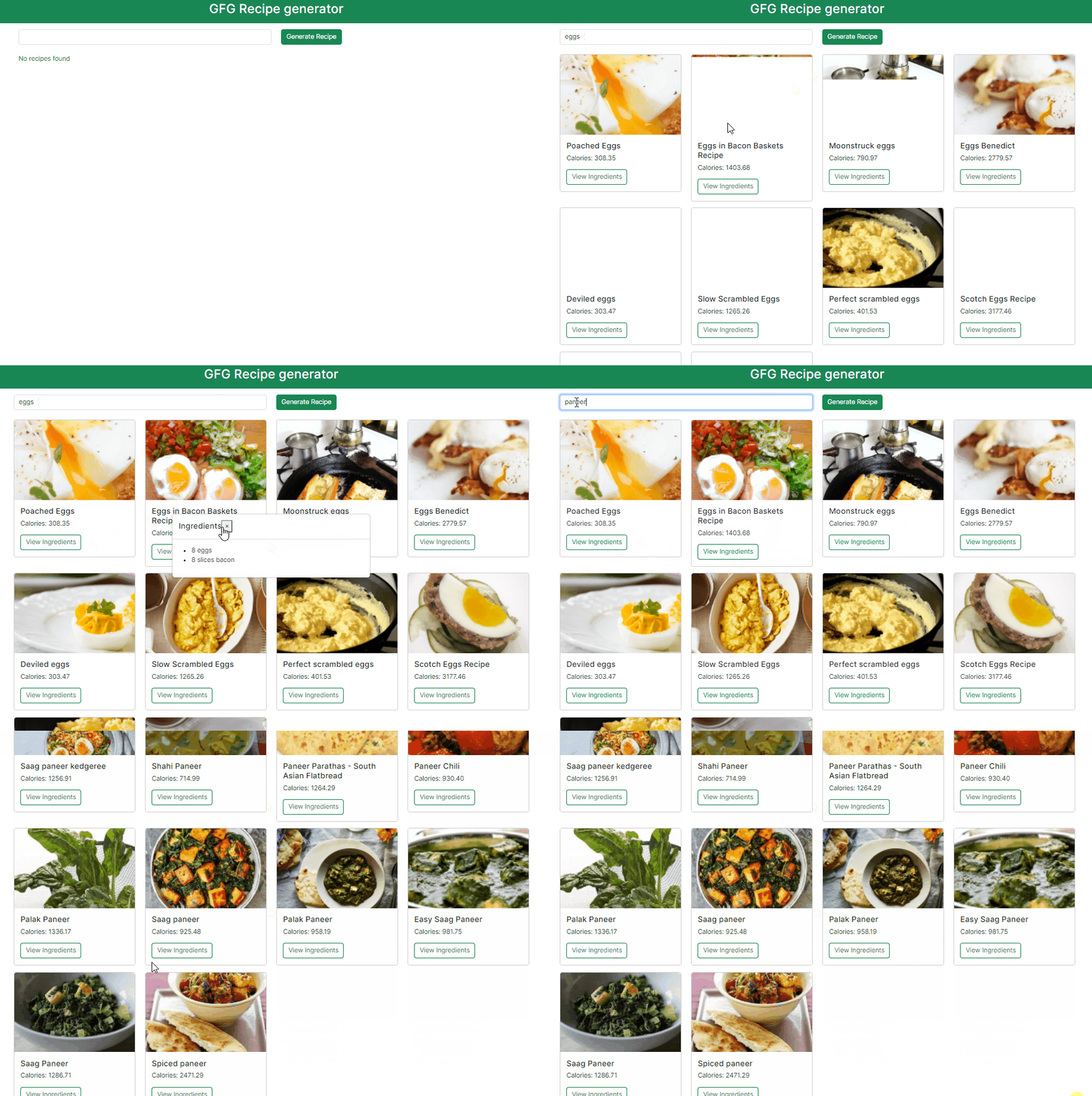
In this tutorial, we'll create a Recipe Generator App using Next.js, a React framework that allows users to generate random recipes. This type of application can be useful for people looking for new meal ideas or wanting to explore different cuisines. application fetches recipe data from API and displays it to the user.
Output Preview: Let us have a look at how the final output will look like.
Step 1: Create a application of NextJS using the following command.
npx create-next-app recipe-generatorStep 2: Navigate to project directory
cd recipe-generatorStep 3: Install the necessary package in your project using the following command.
npm install bootstrap
npm install axios
Step 4: Create the folder structure as shown below and create the files in respective folders.
The updated dependencies in package.json file will look like:
"dependencies": {
 "axios": "^1.6.7",
 "bootstrap": "^5.3.3",
 "next": "14.1.0",
 "react": "^18",
 "react-dom": "^18"
}
Example: Below are the components which describes the implementation of the Recipe Generator.
Start your application using the following command.
npm run devOutput: Open web-browser and type the following URL http://localhost:3000/


.png)