|
VOOZH | about |
|
VOOZH | about |
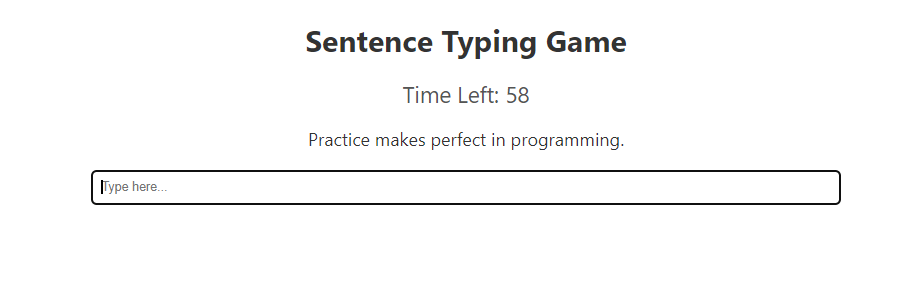
React Typing Game is a fun and interactive web application built using React. It tests and improves the user's typing speed and accuracy by presenting sentences for the user to type within a specified time limit. The game provides real-time feedback by highlighting any mistakes made by the user, making it both educational and entertaining.
A preview image of the final output:
👁 typing game react js preview image
Step 1: Set up a new React project using:
npx create-react-app typing-game
Step 2: Navigate to the root of the project using the following command:
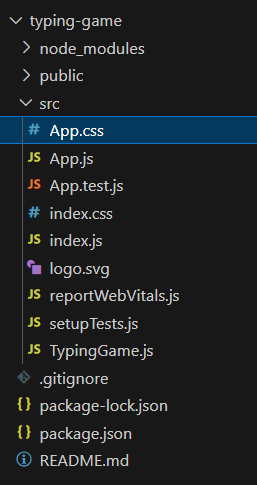
cd typing-game👁 Screenshot-2024-04-26-231232
The Updated package.json will look like:
 "dependencies": {
 "react": "^18.3.0",
 "react-dom": "^18.3.0",
 "react-scripts": "5.0.1",
 "web-vitals": "^2.1.4"
 }
Example: Below is an example of creating a write typing game using React.
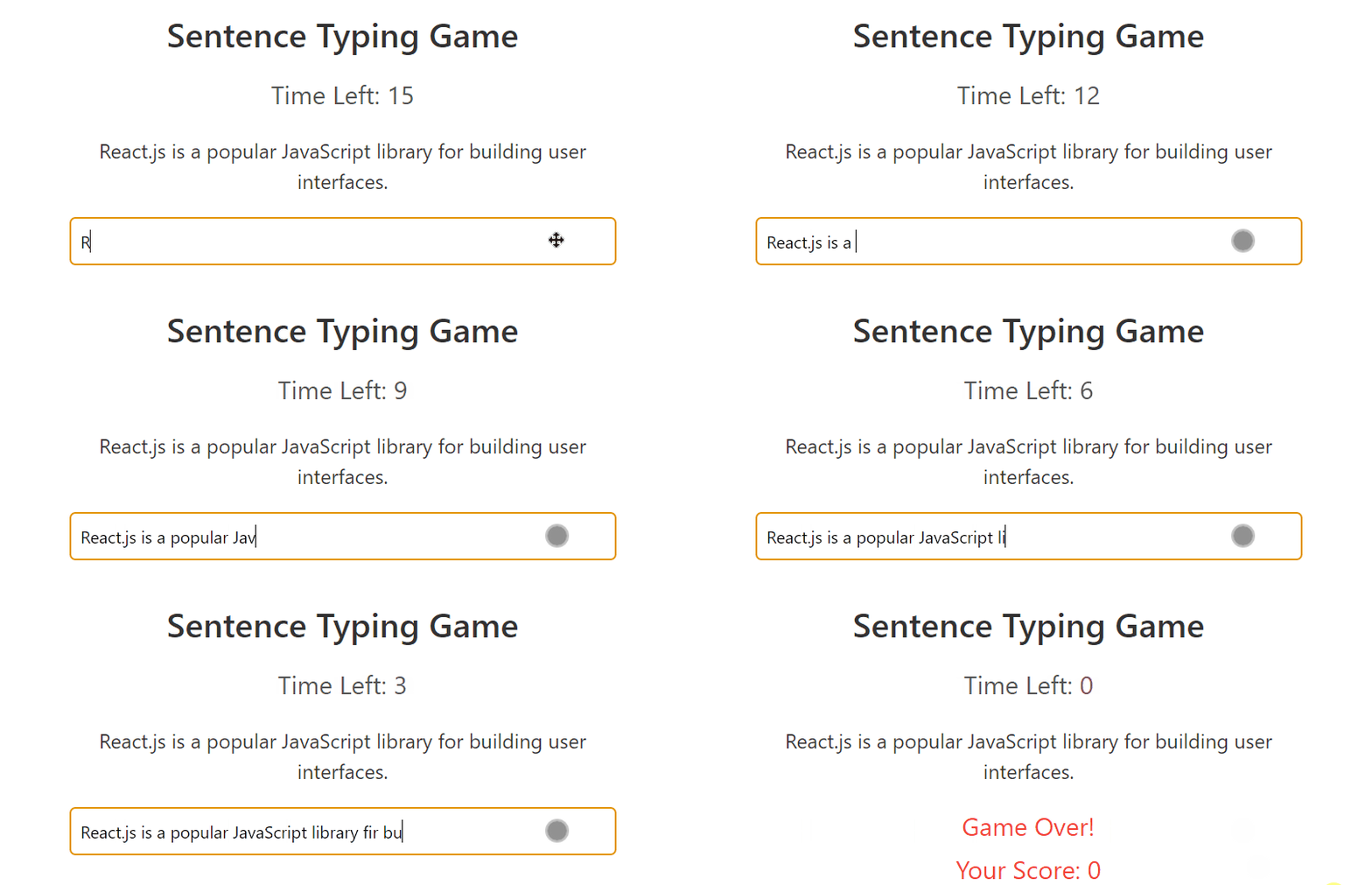
Start your application using the following command:
npm startOutput: