|
VOOZH | about |
|
VOOZH | about |
Apache Camel File Component is one of the famous technologies handling File Systems to handle different kinds of files. Like CSV, JSON, and other format files. This Apache Camel File component is mostly used for Processing the Files based on our business logic. This File Component allows other components' messages to be saved into disk.
Now, we will explore this using the Apache Camel File component. Take data from a CSV file and process the data. Then insert it into MongoDB in Spring Boot with a good real-time example. For this, we need to follow the below steps.
Note: The Apache File Component always poll the source folder path to check whether any new file is coming into that folder. If came, it process that.
dependencies {
 implementation("org.springframework.boot:spring-boot-starter-data-mongodb")
 implementation("org.apache.camel.springboot:camel-spring-boot-starter:4.3.0")
 implementation("org.apache.camel:camel-csv:4.3.0")
 implementation("org.apache.camel:camel-bindy:4.3.0")

 compileOnly("org.projectlombok:lombok")
 developmentOnly("org.springframework.boot:spring-boot-devtools")
 annotationProcessor("org.projectlombok:lombok")
 testImplementation("org.springframework.boot:spring-boot-starter-test")

}
Below, we have provided the required Data format in CSV File then only Data inserted into MongoDB otherwise the Apache File component Gives an error message.
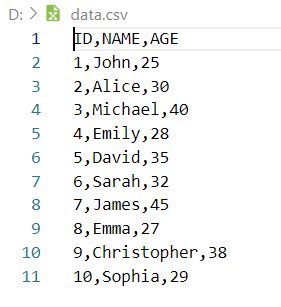
Here, we have taken one CSV File with ten rows of data.
👁 Data in CSV File
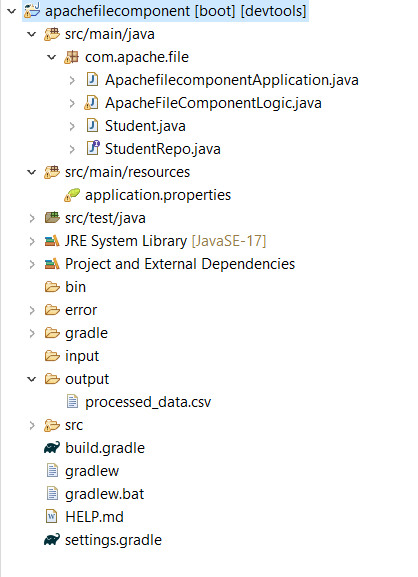
Now we will provide entire project code for reference, and we will explain each and every class. We have already provided the project folder structure. We can see all created classes in that project folder image. For this Project first we need configure the Apache Camel File component in application properties file. This file available in Project resource folder, Below, we have provided that configuration code for handling Apache Camel File Component.
In this File, we have provided configuration for MongoDB connection and handling Apache File component and enabled loggers. Also, we have provided the dedicated folder path also for polling files and once processed then move into another location..
spring.data.mongodb.host=localhost
spring.data.mongodb.port=27017
spring.data.mongodb.database=working
# folder properties for source,destination and error
camel.sourcefolder = input/
camel.destinationfolder = output/
camel.errorfolder = error/
spring.task.scheduling.pool.size=2
camel.springboot.main-run-controller=true
logging.level.org.apache.camel=debug
After this, in main package folder, we have created one Java class for Handling data format in CSV file as well as save the data into MongoDB by using Mongo Repository.
This is called model in Java projects.
Here, we have created one interface for handling database related operation. In our case, we perform insert operation. This means we read data from CSV file then process it. After completion of process saved into database. This interface is created by using @Repository.
Here, we have created one more Java class for handling Apache File component.
Apache File component have some methods to handle like from, to. The from method is used for polling input folder, to method is used for moving the file into some other location after completion of the business logic.
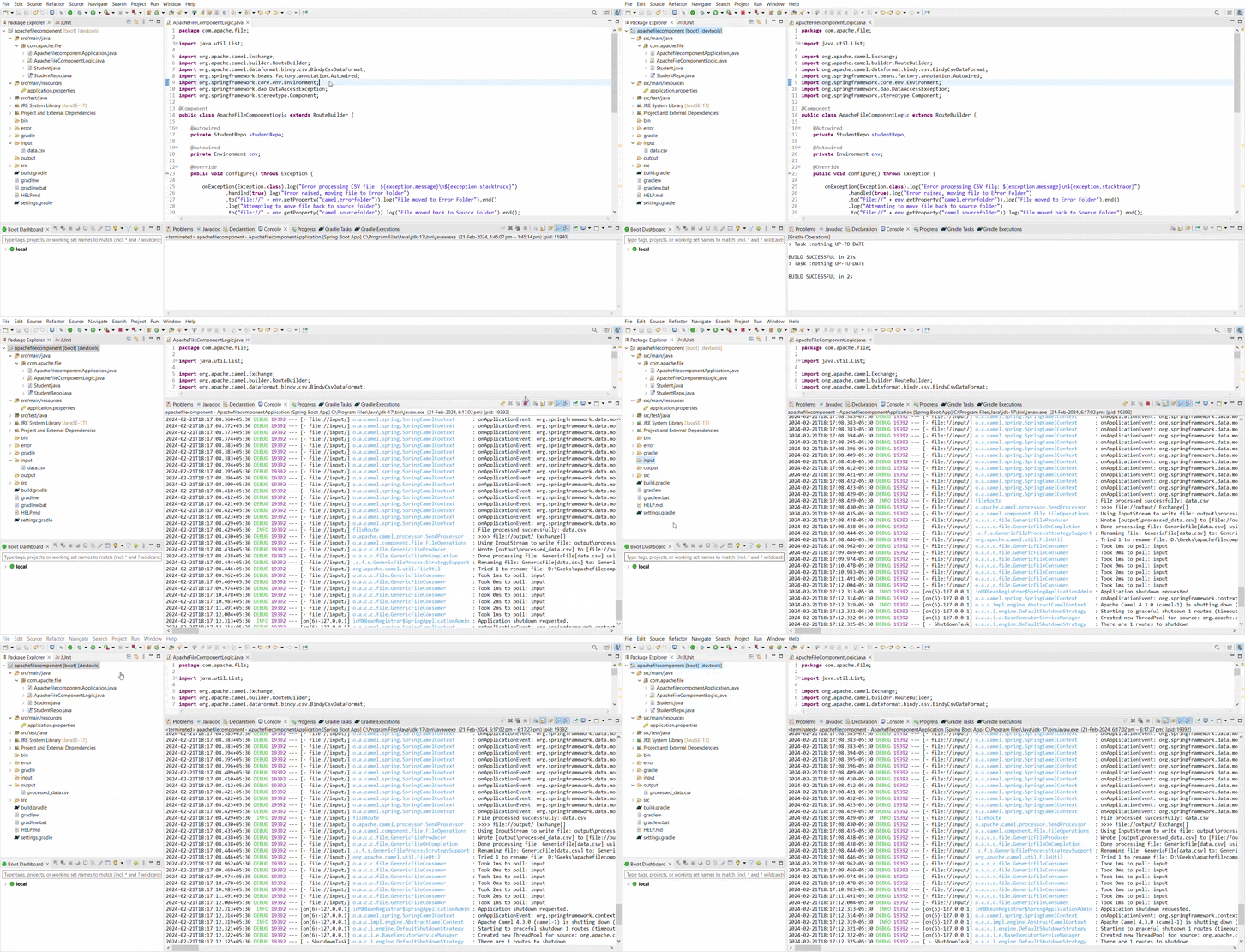
Below we can see the output in form of GIF.
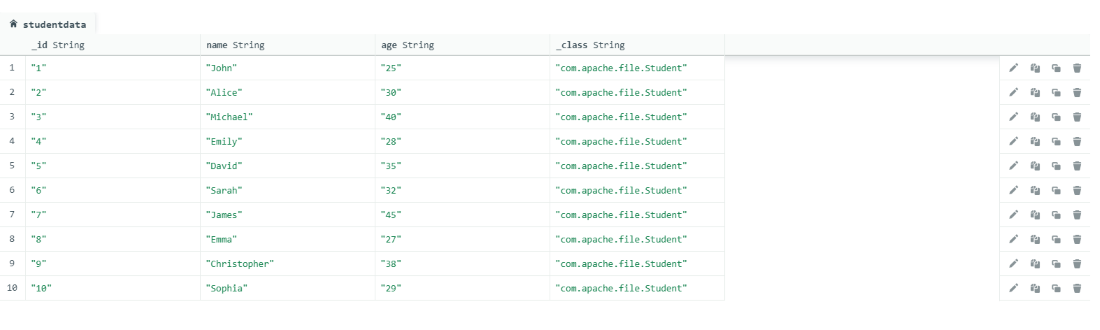
👁 GIF OutputAfter successfully run this project as Spring Boot app then the CSV File data is inserted into Mongo DB. Below, we can see the image for reference.
👁 Inserted data into Mongo DB