|
VOOZH | about |
|
VOOZH | about |
Auditing with Hibernate Envers in Spring Boot allows automatic tracking of entity changes such as insert, update, and delete operations. It maintains historical data without requiring manual audit logic or separate tracking code.
@Audited for easy configuration Auditing serves multiple critical purposes in applications:
Hibernate Envers simplifies the auditing process by automatically tracking entity changes and maintaining audit tables. Here’s what makes Hibernate Envers unique:
@Audited, developers can easily specify which entities and fields should be audited, reducing configuration complexity.Spring Boot, combined with Hibernate Envers and Spring Data JPA, provides robust auditing capabilities. Below are the steps to implement auditing in a Spring Boot application using Hibernate Envers.
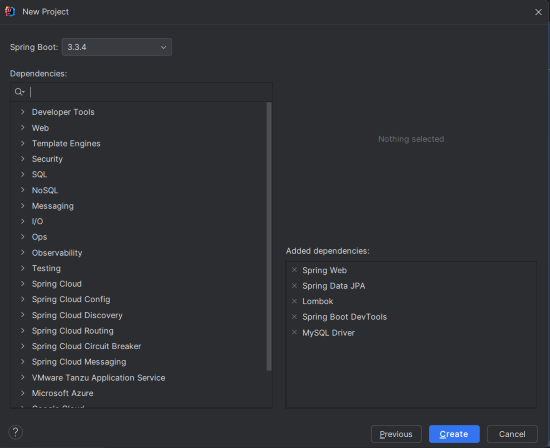
Create a new Spring Boot project using IntelliJ IDEA. Choose the following options:
spring-boot-audit-exampleClick on the Next button.
Add the following dependencies into the Spring Boot.
Click on the Create button.
<!-- https://mvnrepository.com/artifact/org.hibernate/hibernate-envers -->
<dependency>
 <groupId>org.hibernate</groupId>
 <artifactId>hibernate-envers</artifactId>
 <version>3.5.3-Final</version>
</dependency>
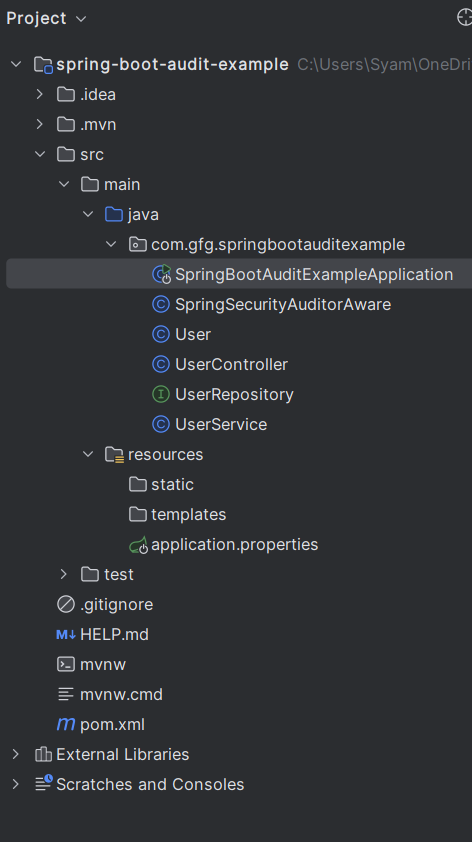
After the project creation done, the folder structure will look like the below image:
Open the application.properties file and add the following configuration for MySQL and Hibernate Envers properties:
spring.application.name=spring-boot-audit-example
spring.datasource.url=jdbc:mysql://localhost:3306/audit_example
spring.datasource.username=root
spring.datasource.password=mypassword
spring.jpa.hibernate.ddl-auto=update
spring.jpa.show-sql=true
spring.jpa.properties.hibernate.ejb.interceptor=org.hibernate.envers.event.EnversIntegrator
Create the User entity that will be audited in your Spring Boot project.
User.java:
Create the UserService class to handle user-related operations in the Spring Boot application.
UserService.java:
Create the UserController class to expose the user API endpoints of the Spring Boot application.
UserController.java:
No changes are required in the main class.
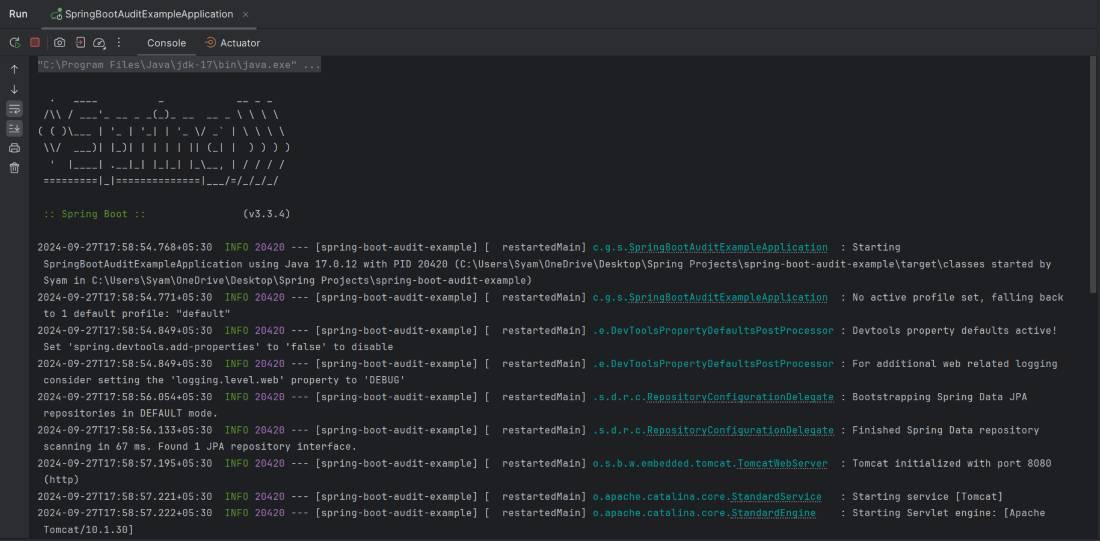
Once the project will be completed, it will run and start at port 8080. It will automatically create the necessary database tables, including the audit tables.
Console Logs:
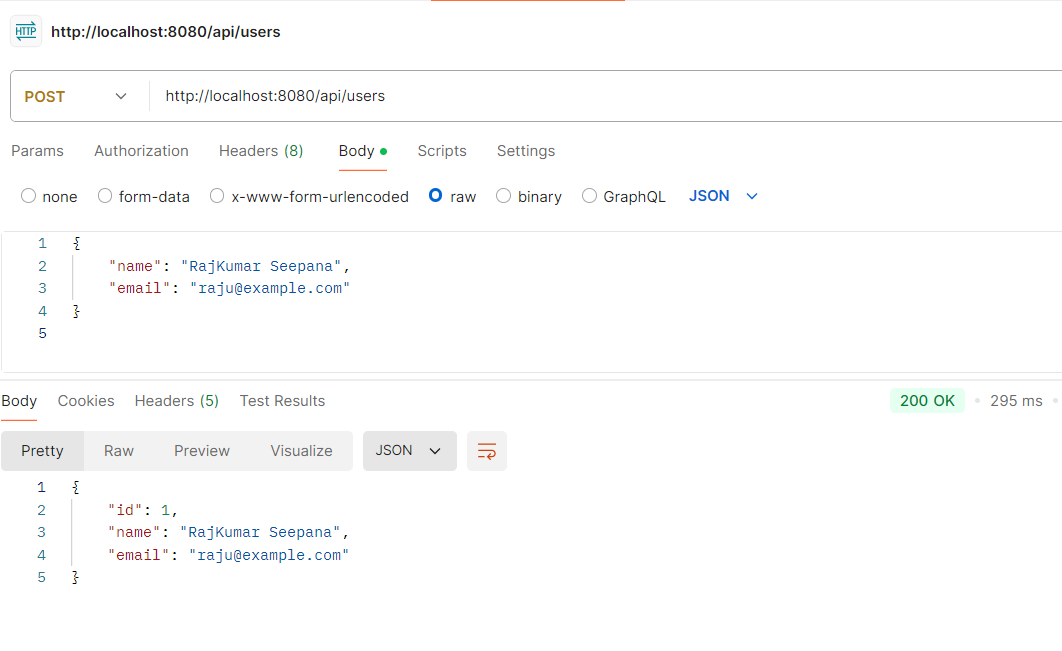
To test the auditing functionality, you can use tools like Postman or cURL to interact with the API endpoints:
1. Create a User
Make a POST request to /api/users with a JSON body.
POST http://localhost:8080/api/users2. Get All Users
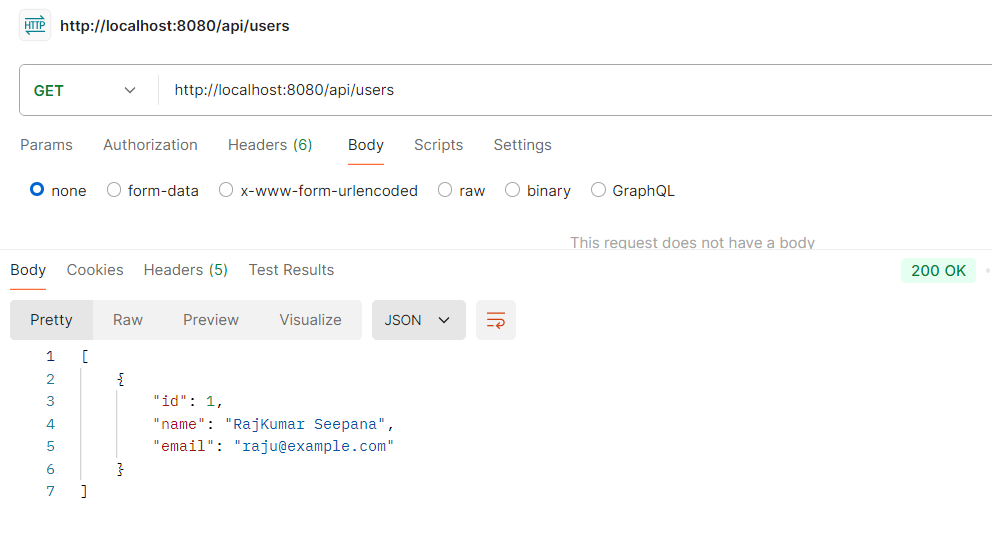
Make a GET request to /api/users to retrieve all users.
GET http://localhost:8080/api/users3. Get a User by ID
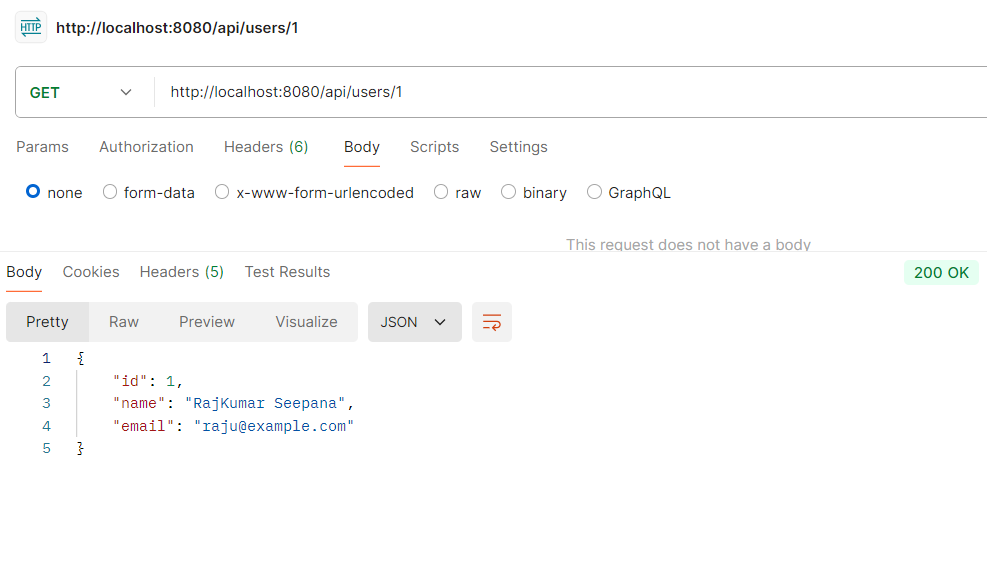
Make a GET request to /api/users/{id} to retrieve a specific user.
GET http://localhost:8080/api/users/14. Delete User
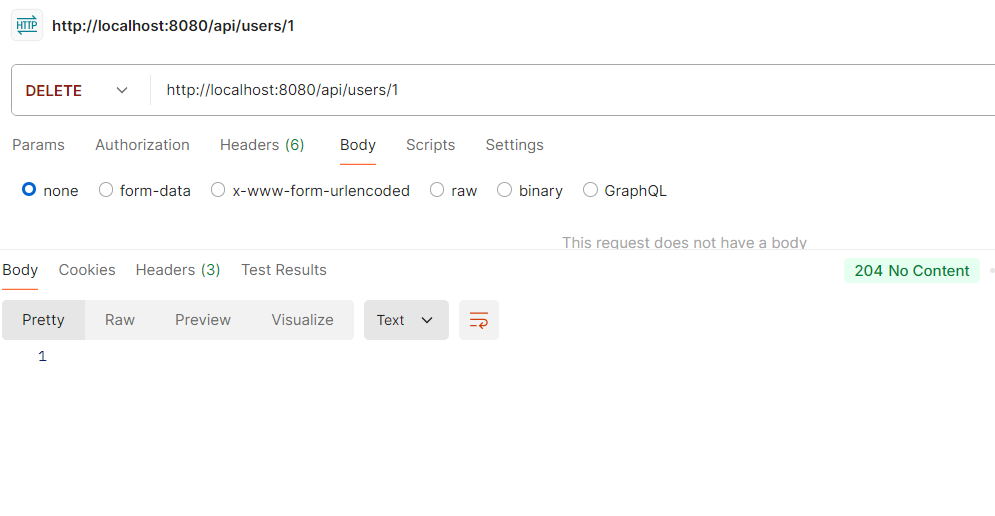
Make a DELETE request to /api/users/{id} to delete a user.
DELETE http://localhost:8080/api/users/1
Note: After deleting a user, the record is removed from the main table, but Hibernate Envers stores the last state in the audit table (e.g.,
user_AUD) with a delete revision (REVTYPE = DEL). This allows tracking deleted data.
User Table:
Hibernate Envers automatically creates an audit table (e.g., user_AUD) that stores all changes including insert, update, and delete operations. Even if a user is deleted, its historical data remains available here.
Accessing Deleted Data from Audit Table
AuditReader reader = AuditReaderFactory.get(entityManager);
User user = reader.find(User.class, userId, revisionNumber);
This allows retrieving past versions of an entity, even after it has been deleted.