|
VOOZH | about |
|
VOOZH | about |
In Spring Boot, the @Value annotation is commonly used to inject values from property files into variables. When binding these values to Enum fields, the process is case-sensitive by default. This can be problematic if you want flexibility in how values are defined in property files. For example, you may want to allow lowercase or mixed-case input to map to uppercase enum constants.
In this article, we will explore how to bind a case-insensitive @Value to an Enum in Spring Boot by implementing a custom Converter.
By default, Spring Boot’s @Value does not handle case-insensitive binding between Strings and Enums. This can result in an IllegalArgumentException if the case of the string in the properties file does not match the case of the enum constant.
For example:
public enum MyEnum {
 OPTION_ONE,
 OPTION_TWO
}
And in your application.properties:
app.enum-value=option_oneThis will throw an exception because option_one does not match OPTION_ONE. To handle this case-insensitively, we need to implement a custom converter.
Without customization, the following code works only when the property value matches the enum case exactly:
For example:
@Value("${app.enum-value}")
private MyEnum enumValue;
OPTION_ONE, it will work.option_one or Option_One, it will throw an IllegalArgumentException.To allow case-insensitive mapping between property strings and enums, the solution requires two components:
Converter that transforms a string into an enum, ignoring the case.To bind a case-insensitive @Value to an Enum in a Spring project, we need to ensure that Spring can handle the conversion between the String and the target Enum. By default, Spring's @Value binding is case-sensitive when mapping to Enums. To address this, we will create a custom converter.
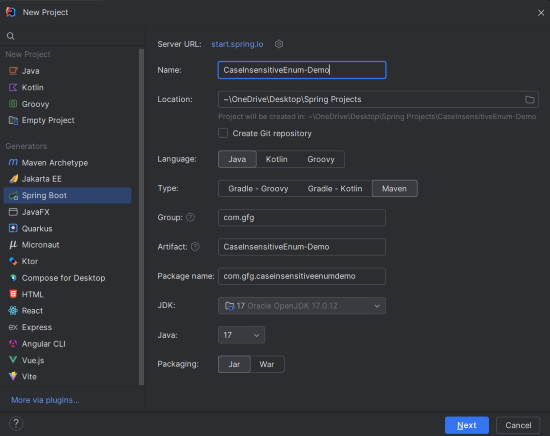
Create a new Spring Boot project using IntelliJ IDEA. Choose the following options:
Click on the Next button.
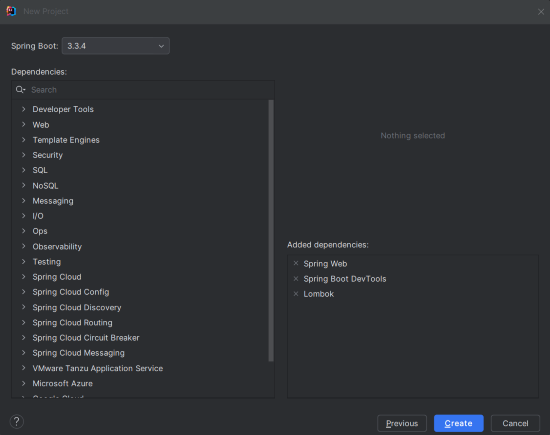
Add the following dependencies to your Spring Boot project:
Click on the Create button.
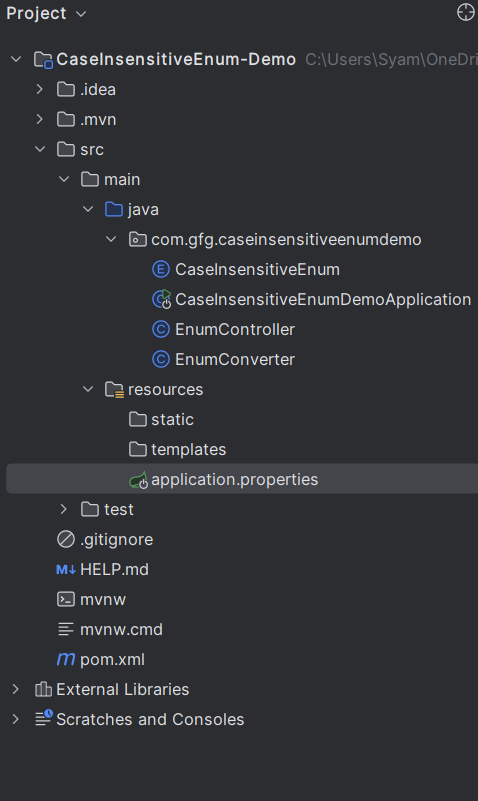
Once the project is created, the file structure will look like the image below.
Open the application.properties file and add the value that will be case-insensitively bound to the Enum in the Spring application.
spring.application.name=CaseInsensitiveEnum-Demo
app.enum-value=option_one
CaseInsensitiveEnum ClassCreate a class named CaseInsensitiveEnum.java and add the following code.
CaseInsensitiveEnum.java:
Create a class named EnumConverter that will handle the case-insensitive conversion for the Enum in the application.
EnumConverter.java:
Create the EnumController class and this class can demonstrates the how to bind the case-insensitive value to the Enum.
EnumController.java
No changes are required in the main class.
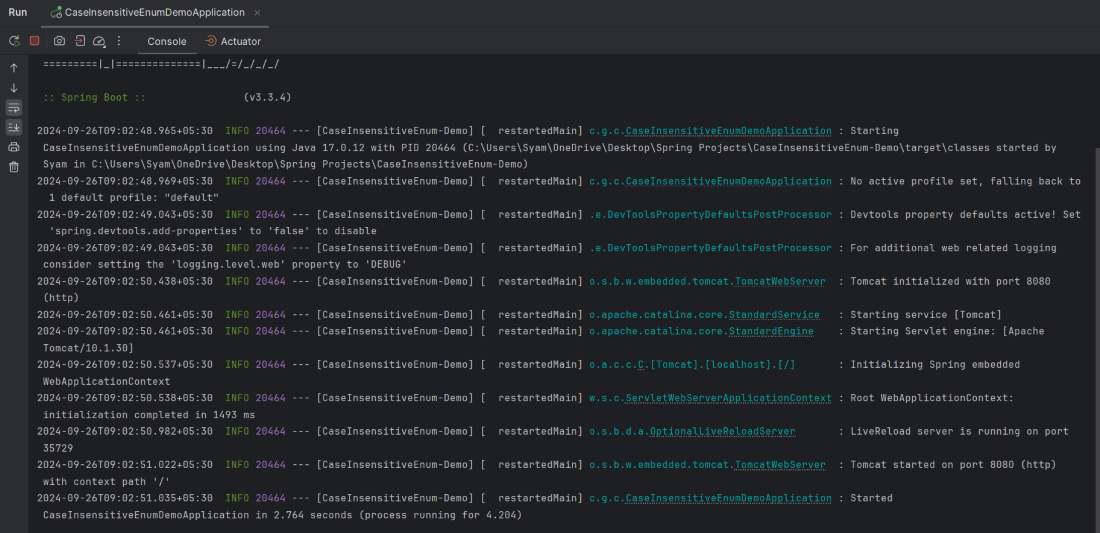
Once the project is completed, it will run and start on port 8080.
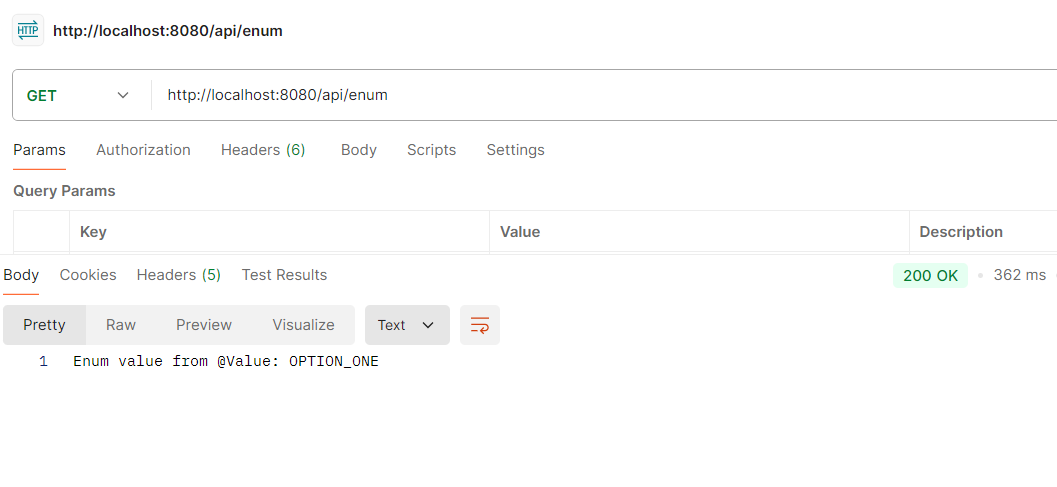
Now, we will test the below endpoint using postman tool.
This example project demonstrates how to create the Spring Boot project where the @Value can bind to the Enum case-insensitively by using the custom Converter.
In this article, we demonstrated how to bind the case-insensitive @Value to an Enum in Spring Boot. We achieved this by creating a custom Converter that handles the case conversion, ensuring that the string value from the properties file can be matched to the enum value regardless of case. This approach adds flexibility to how enum values are specified in the configuration files.