|
VOOZH | about |
|
VOOZH | about |
Event-driven communication with messaging queues is like having a virtual post office where system components can send and receive messages without waiting for each other. It's a pattern that allows different parts of a system to talk to each other asynchronously, which means they don't have to be in sync all the time. This setup is super useful for building systems that can handle lots of events happening at once, and it makes the whole microservices architecture more flexible and scalable.
To demonstrate event-driven communication, we'll develop a simple Spring Boot application that publishes messages to the RabbitMQ message broker, and consumers process those messages.
We can install and run the RabbitMQ locally of the computer system.
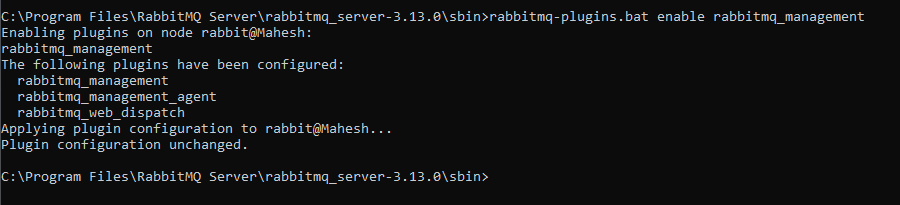
Run the RabbitMQ:
rabbitmq-plugins.bat enable rabbitmq_managementRefer the image:
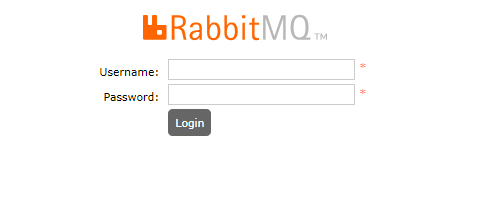
Once run the above command then the rabbitMQ runs on the localsystem at port number 15672. Default username and password are guest.
Create the new Spring Boot project using Spring initializer on creating the project including the below dependencies into the project.
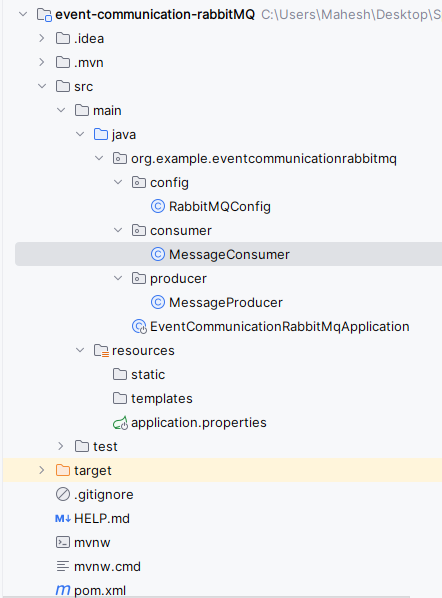
Once create the project then the file structure looks like the below image.
Open the application.properties file then add the RabbitMQ connection properties into the project.
spring.application.name=event-communication-rabbitMQ

# RabbitMQ connection properties
spring.rabbitmq.host=localhost
spring.rabbitmq.port=5672
spring.rabbitmq.username=guest
spring.rabbitmq.password=guest

# Queue name
spring.rabbitmq.queue=myQueue
We will create the component class to send the message to RabbitMQ
Go to src > org.example.eventcommunicationrabbitmq > producer > MessageProducer and put the below code.
We will create the component class to consume the message to RabbitMQ
Go to src > org.example.eventcommunicationrabbitmq > consumer > MessageConsumer and put the below code.
We will define the queue in the Spring application and we can use the @Configuration class of the project.
Go to src > org.example.eventcommunicationrabbitmq > config > RabbitMQConfig and put the below code.
Open the main class and inject the MessageProducer and send the message.
Go to src > org.example.eventcommunicationrabbitmq > EventCommunicationRabbitMqApplication and put the below code.
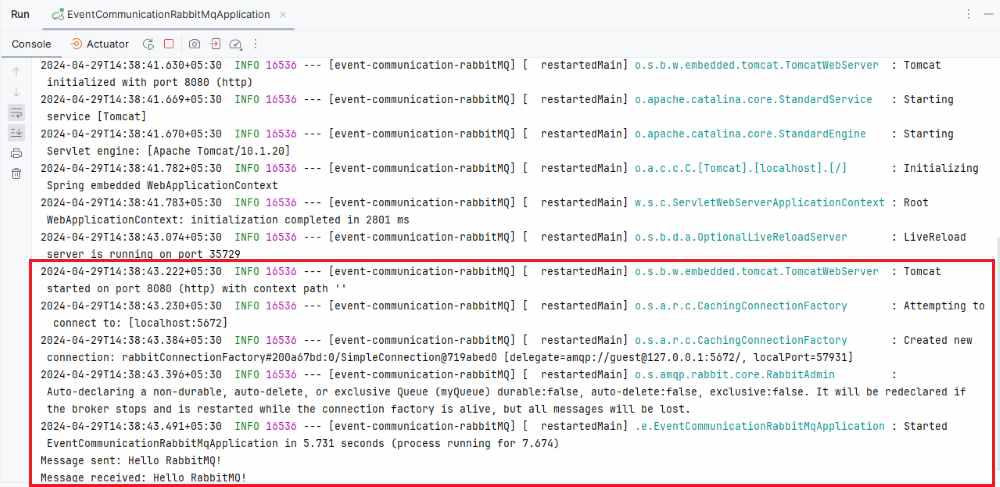
Once we run the application, then the project will run at port 8080. We can see the messages being sent and received in the console.
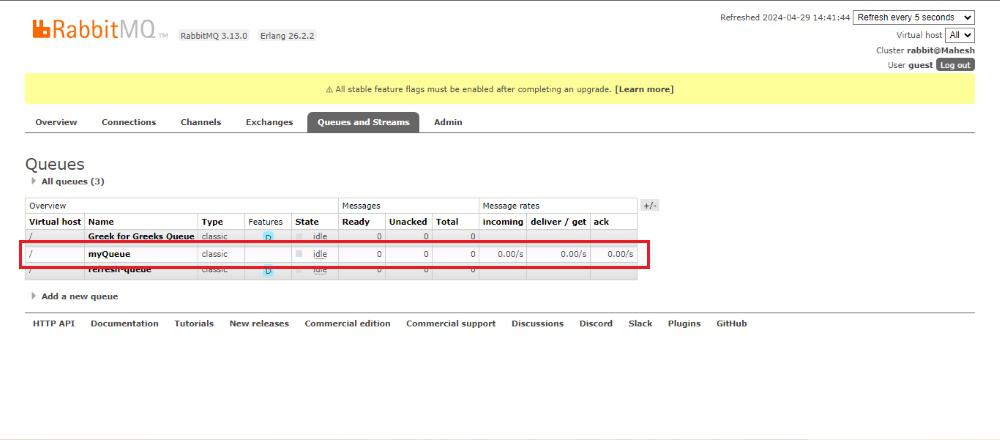
RabbitMQ Dashboard:
Output:
Below in the console, we can see the Message is successfully sent and received.
This project demonstrates a basic Spring Boot application that sends messages to RabbitMQ using a producer component and consumes them using a consumer component.