|
VOOZH | about |
|
VOOZH | about |
In a Spring application, beans are core components created and managed by the Spring IoC (Inversion of Control) container. They are usually annotated with stereotypes like @Component, @Service, @Repository, or @Controller.
During debugging or analysis, it’s often useful to retrieve all managed beans to inspect which components are registered in the Spring context.
Spring provides several ways to access all beans registered within the ApplicationContext.
One of the most straightforward approaches is using the getBeanDefinitionNames() method of the ApplicationContext interface. This method returns an array of all bean names managed by the Spring container.
Let’s build a simple Spring Boot application that lists all the beans managed by the Spring container.
Use Spring Initializr to create a new Spring Boot project. Add the following dependencies:
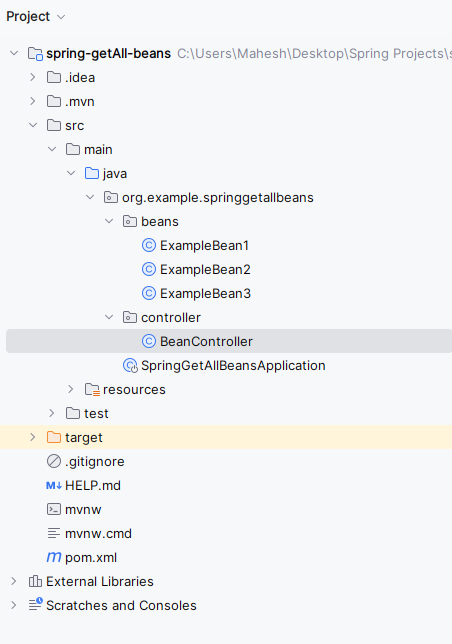
Once, the project created, then the file structure will look like the below.
👁 Folder StructureIn the application.properties file, set the server port.
server.port= 8080
Create a package named bean and define three sample beans.
ExampleBean1.java:
ExampleBean2.java:
ExampleBean3.java:
Create a new package named controller and define a controller class.
Explanation:
This class bootstraps the Spring Boot application and enables component scanning and auto-configuration.
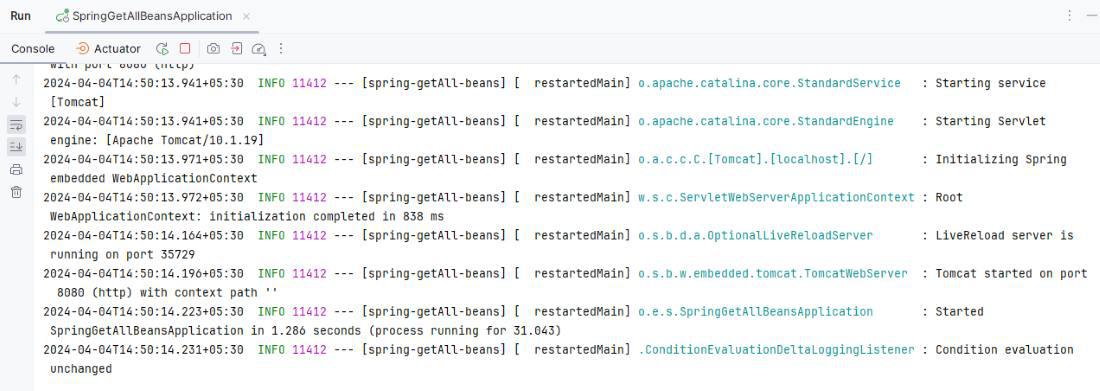
Run the application as a Spring Boot Application. Once started, it will run on port 8080.
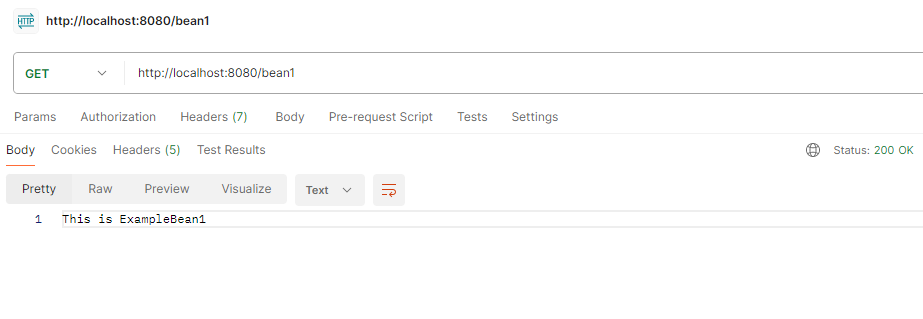
👁 Application RunsGET http://localhost:8080/bean1
Output in Postman:
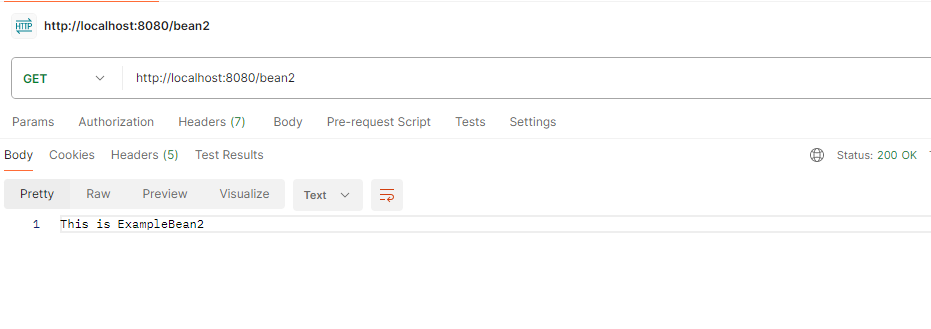
👁 Get the Bean1GET http://localhost:8080/bean2
Output in Postman:
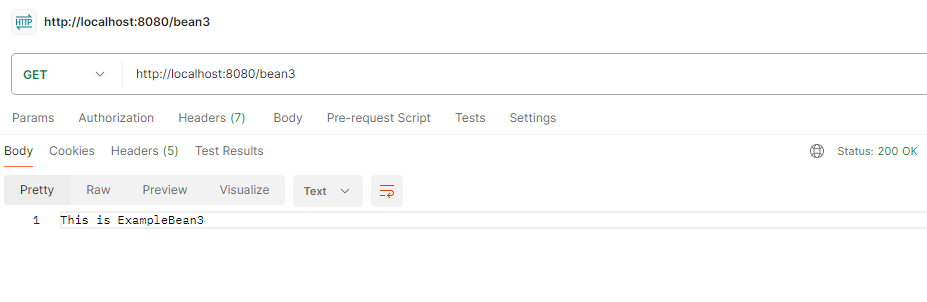
👁 Get the Bean2GET http://localhost:8080/bean3
Output in Postman:
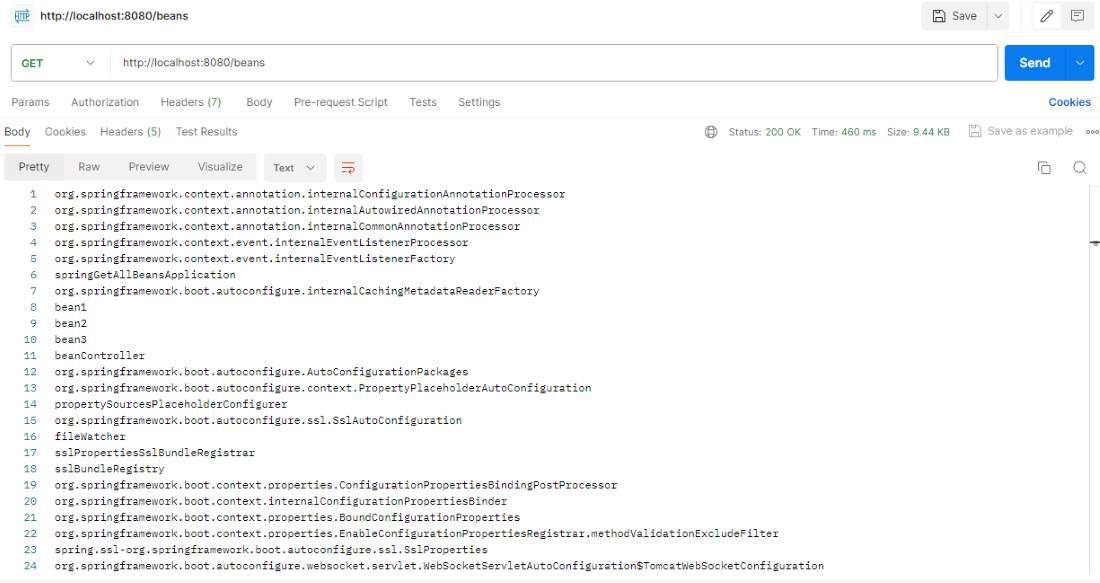
👁 Get the Bean3👁 Get All the BeansGET http://localhost:8080/beans
Note:
The list retrieved from /beans includes not only custom beans (bean1, bean2, bean3) but also internal Spring beans and auto-configuration components that Spring Boot registers automatically.