|
VOOZH | about |
|
VOOZH | about |
Configuration versioning is the critical aspect of maintaining and managing the configurations in the microservices architecture. It can allow the teams to track the changes, revert to previous versions and manage the configurations more efficiently, Spring Cloud Config can provide a powerful way to externalize configurations and supports the versioning through integration with version control systems like Git. This article will guide you through the process of implementing the configuration version using Spring Cloud Config of the Spring applications.
Spring Cloud Config can provides the server and client-side supports for the externalized configuration in the distrubted system. With the Spring Cloud Config, we can manage the configurations in the central place and version it using the Git repository. This setup can allows the application to fetch their configuration from the server which can retrives it from the version-controlled repository.
We can create the git repository and add the application.properties file with the following content.
# application.properties
message=Hello from Config Server
Dependencies:
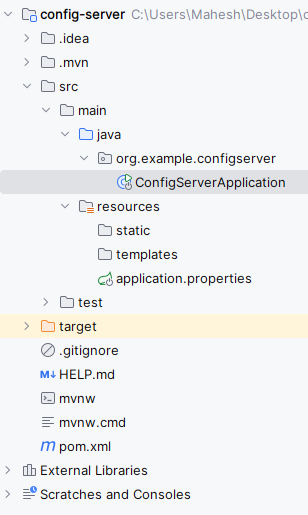
After creating the Spring project, the file structure will be like below image.
Open the application.properties file and add the configuring the server port and git repository uri configuration of the application.
spring.application.name=config-server
spring.cloud.config.server.git.uri=https://github.com/yourusername/config-repo
server.port=8888
Open the main class, add the @EnableConfigServer to activate the Spring cloud config functionality of the application.
pom.xml
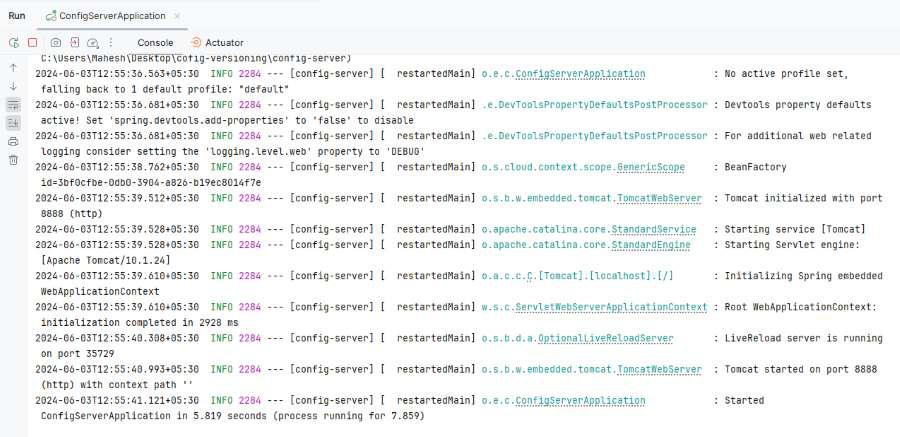
Once the Spring project is completed and successfully runs as a Spring application, it will start at port 8888.
Dependencies:
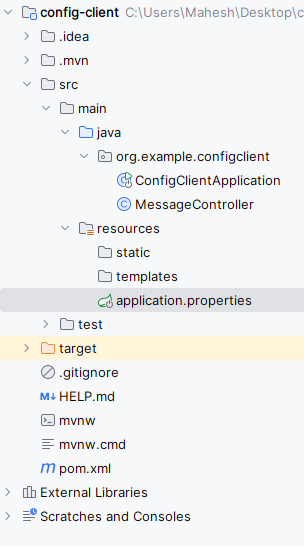
After creating the Spring project, the file structure will be like below:
Open the application.properties file and add the configuring the server port and import git uri configuration
spring.application.name=config-client
spring.cloud.config.uri=http://localhost:8888
Go to src > main > java > org.example.configclient > MessageController and put the below code.
Open the main class (No changes are required) and put the below code.
pom.xml
After the project completed, we will run this as a Spring Boot Application and it will start at port 8080.
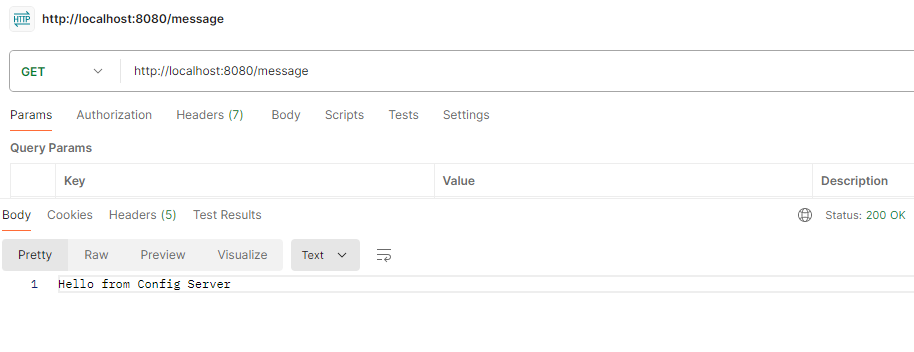
GET http://localhost:8080/messageUpdate git application.properties file
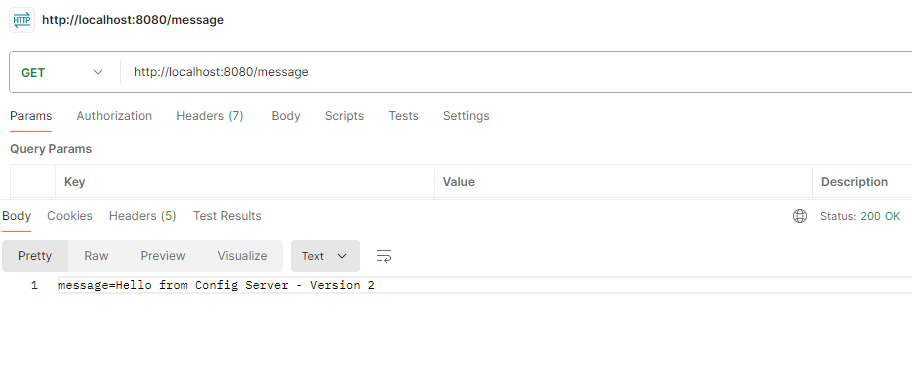
Hello from Config Server - Versioncommit and push the changes to Git repository
git add application.properties
git commit -m "Update configuration message to version 2"
git push
GET http://localhost:8080/messageImplementing the configuration versioning with Spring Cloud Config allows you to manage the configuration centrally and leverage version control for the tracking changes of the application. This setup can enhances the maintainability and reliability of the microservices architecture. By the following the steps outlined above, we can easily set up and manage the configuration versioning in the Spring Cloud projects.

.jpg)