|
VOOZH | about |
|
VOOZH | about |
JUnit is a popular testing framework in the Java ecosystem that enables developers to create and run tests efficiently. While it is common to run tests through IDEs or build tools, running them programmatically allows greater flexibility in integrating testing into various stages of the application execution, such as during development, automated workflows, or even in production environments. This article covers how to run JUnit tests programmatically using the JUnit Platform API.
JUnit is structured around a few key components:
@Test indicates a test method, while @BeforeEach and @AfterEach are used for setup and teardown logic, respectively.assertEquals(), assertTrue(), and assertNotNull().JUnit 5 introduced a modular architecture known as the JUnit Platform. It consists of three main components:
Running JUnit tests programmatically is facilitated by the JUnit Platform Launcher API, which allows you to discover and execute tests flexibly. Here's a breakdown of how to run tests programmatically:
Launcher interface is the primary entry point for running tests. It is created using LauncherFactory.create().LauncherDiscoveryRequest is used to define what tests to run. You can select specific classes, packages, or custom conditions using selectors. For example, DiscoverySelectors.selectPackage("com.gfg") selects all tests in the specified package.launcher.execute(request) runs the selected tests. Additional configurations or listeners can be passed at this stage.SummaryGeneratingListener captures the outcome of the tests, enabling you to print a summary of the results.This example demonstrates how to run JUnit tests programmatically in a Java application.
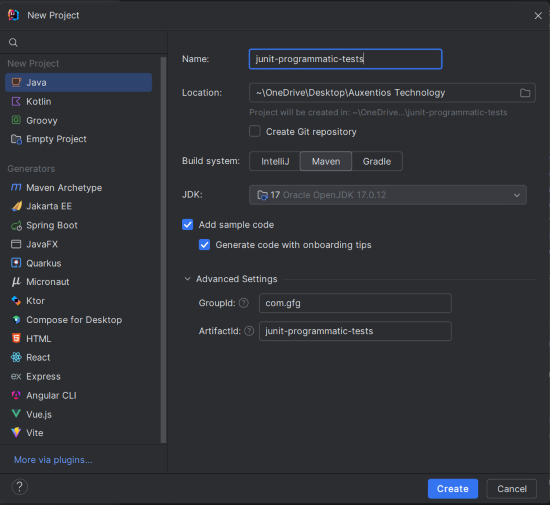
Create a new Maven project using IntelliJ IDEA:
junit-programmatic-testsClick on the Create button.
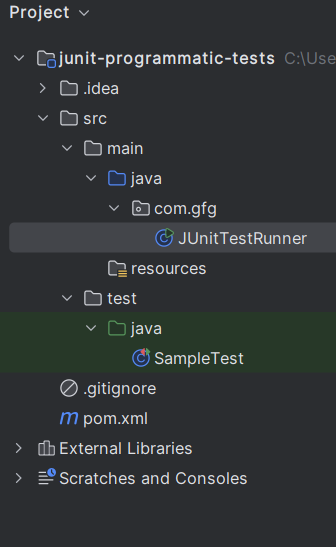
After the project creation done, the folder structure will look like the below image:
pom.xmlAdd the following dependencies to your Maven pom.xml file to include JUnit 5 and its components.
junit-jupiter-api, junit-jupiter-engine, and junit-platform-launcher for creating and running tests programmatically.JUnitTestRunner.This is the main class that runs the tests programmatically using the JUnit Launcher API.
selectPackage to run all test classes in the com.gfg package.This is the test class that contains sample test methods.
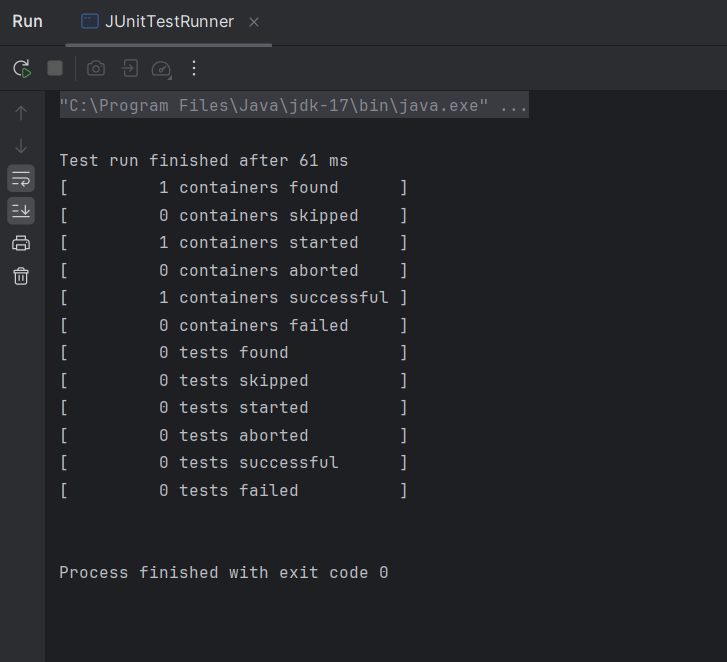
We can execute the JUnitTestRunner class by running the following command:
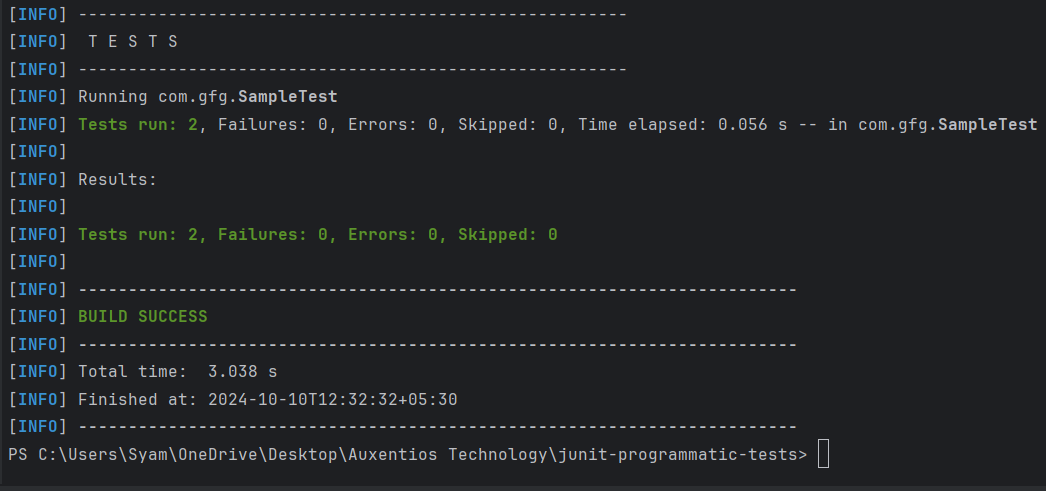
mvn exec:java -Dexec.mainClass="com.gfg.JUnitTestRunner"We can also run the test suite using the Maven command:
mvn testThis example project demonstrates how to set up the basic Maven project to run the JUnit tests programmatically. This structure includes the test class with sample tests and a runner that utilizes the JUnit platform API to discover and execute those tests.