|
VOOZH | about |
|
VOOZH | about |
Spring WebFlux is the framework for building reactive applications on the JVM. It is useful for reactive programming and makes it easier to build asynchronous, non-blocking and event-driven applications. Apache Kafka is a distributed streaming platform which allows us to publish and subscribe to streams of the records in a fault-tolerant way and process streams of the records as they occur.
Integrating the Spring WebFlux with Apache Kafka can allow you to build scalable, reactive applications that can handles large amounts of data in real-time. This article will guide you through setting up the Spring WebFlux application and integrating it with Kafka for reactive messaging.
The integration of the Spring WebFlux with Kafka can involve using Spring Kafka and the Spring framework project that simplifies the Kafka-based messaging. The key components of this integration are:
We can refer to this link to ensure Kafka is installed and running on the local system of the Kafka server application.
Create the Spring Boot project using the Spring Initializr and add the required dependencies.
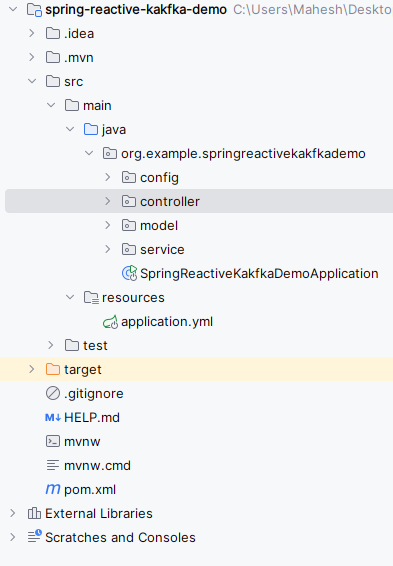
After Creating then the project folder structure will be like the below.
Open the application.properties rename into the application.yml and add the below code for the configurations of the Apache Kafka of the Spring project.
spring:
 kafka:
 consumer:
 bootstrap-servers: localhost:9092
 group-id: group_id
 auto-offset-reset: earliest
 producer:
 bootstrap-servers: localhost:9092
 listener:
 type: single
Go to src > main > java >org.example.springreactivekafkademo > model > Message and put the below code.
We can create the configuration class for the kafka into the Spring reactive project. Go to src > main > java > org.example.springreactivekafkademo > config > KafkaConfig and put the below code.
We can create the service that will send the messages to the kafka topic of the Spring reactive application. Go to src > main > java > org.example.springreactivekafkademo > service > KafkaConsumerService and put the below code.
We can create the service that will consume the messages from the kafka topic of the Spring reactive application. Go to src > main > java >org.example.springreactivekafkademo > service > KafkaProducerService and put the below code.
We can create the controller to expose the endpoints for the producing and consuming of the spring reactive application. Go to src > main > java > org.example.springreactivekafkademo > controller > KafkaController and put the below code.
No changes are required in the main class of the application.
pom.xml
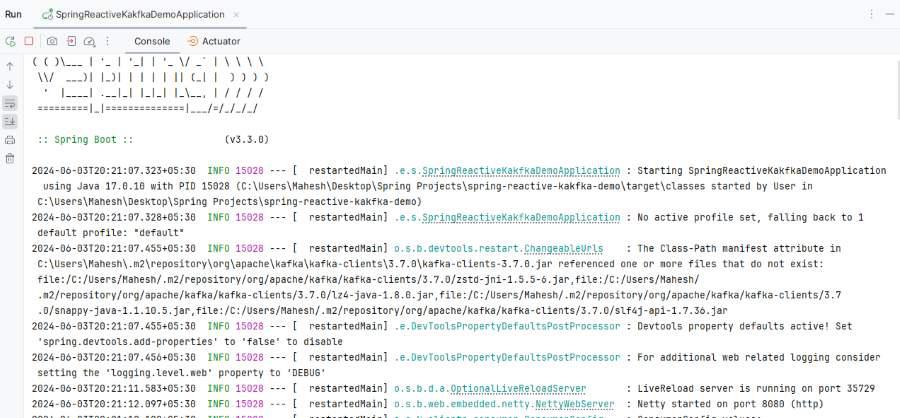
Once complete the application then it will start the application at port 8080.
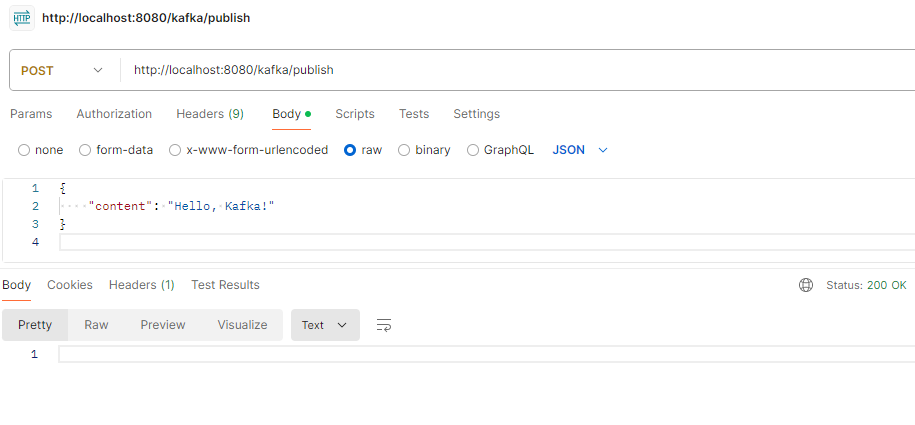
Produce the Message
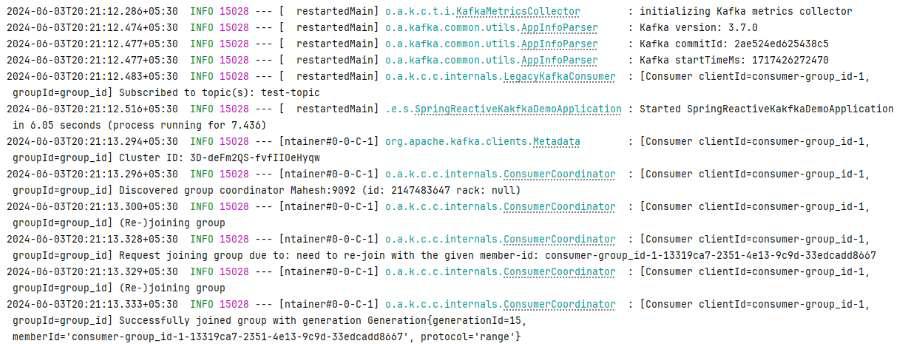
POST http://localhost:8080/kafka/publishCheck the logs of topic configuration of the kafka
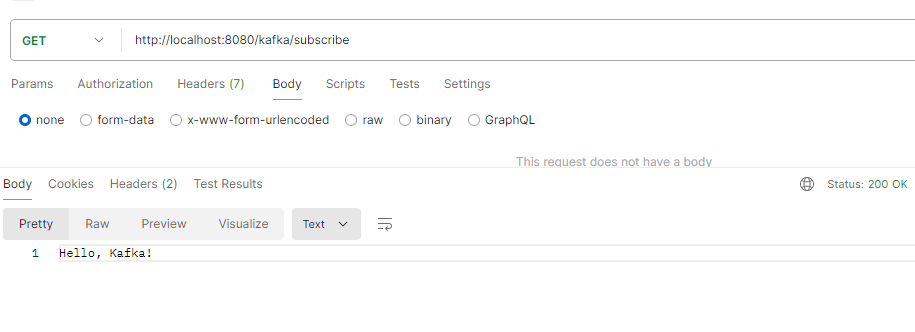
Consume the Message
GET http://localhost:8080/kafka/subscribeBy the following these steps, we have successfully integrated Spring WebFlux with the Kafka for the reactive messaging. This setup can allows you to produce and consume the messages in the non-blocking, reactive manner and leveraging the full potiential of the Spring WebFlux and Kafka.