|
VOOZH | about |
|
VOOZH | about |
Spring WebFlux is a component of the Spring Framework that supports reactive programming. It enables developers to build asynchronous, non-blocking applications. WebFlux uses Project Reactor as its reactive library and introduces two main types: Mono and Flux. Aspect-Oriented Programming (AOP) in Spring allows for the separation of cross-cutting concerns such as logging or transaction management. By combining WebFlux with AOP, we can trigger REST calls within the AOP interceptor and handle the results using reactive types.
This article will guide you on how to set up a Spring WebFlux project with AOP to trigger REST calls during method interception and handle these calls using Mono and Flux.
Spring WebFlux is built on reactive principles, enabling applications to handle massive concurrency with fewer resources compared to traditional blocking architectures.
AOP is a programming paradigm that allows for the separation of concerns by enabling the addition of behavior to existing code without modifying it. Spring AOP is typically used for cross-cutting concerns like logging, security, and transaction management.
By leveraging AOP in a WebFlux application, we can intercept method calls and trigger asynchronous REST requests. This approach is useful in scenarios where actions such as logging or auditing require data from external services.
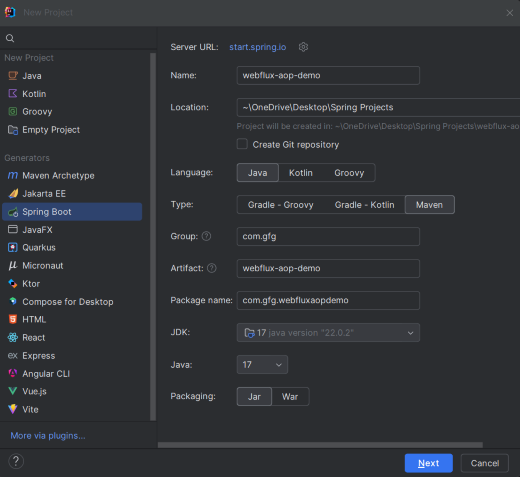
@Aspect: Declares the class as an aspect.@Pointcut: Declares the pointcut expression.@Before: Advice that runs before the matched method's execution.@AfterReturning: Advice that runs after the matched method successfully returns.@AfterThrowing: Advice that runs if the matched method throws an exception.@Around: Advice that runs before and after the matched method's execution.Create a new spring boot project using intelliJ idea and choose the below options:
Click on the Next button.
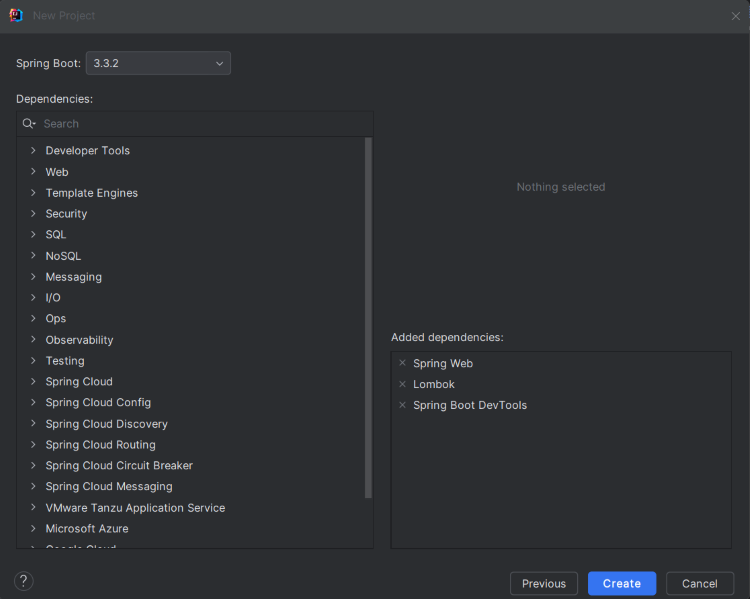
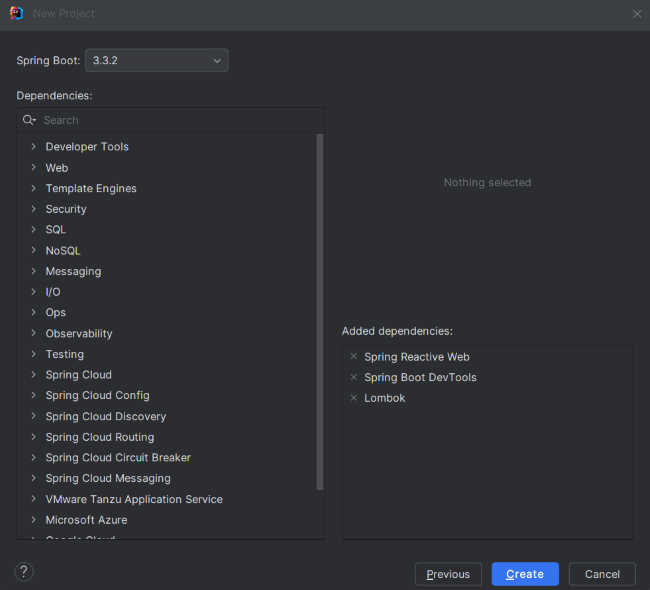
Add the following dependencies to the project and click the "Create" button. Refer to the provided image for better understanding.
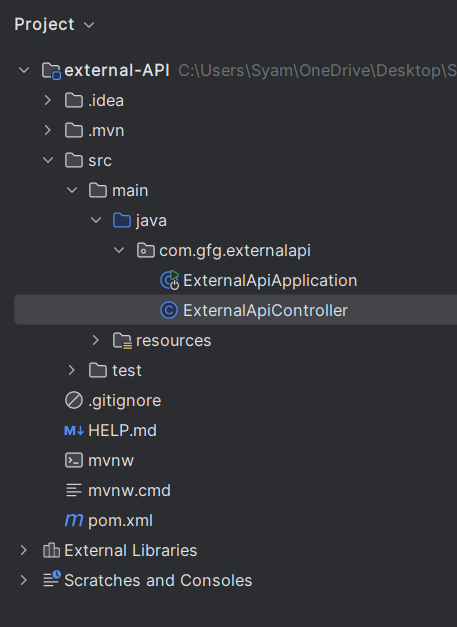
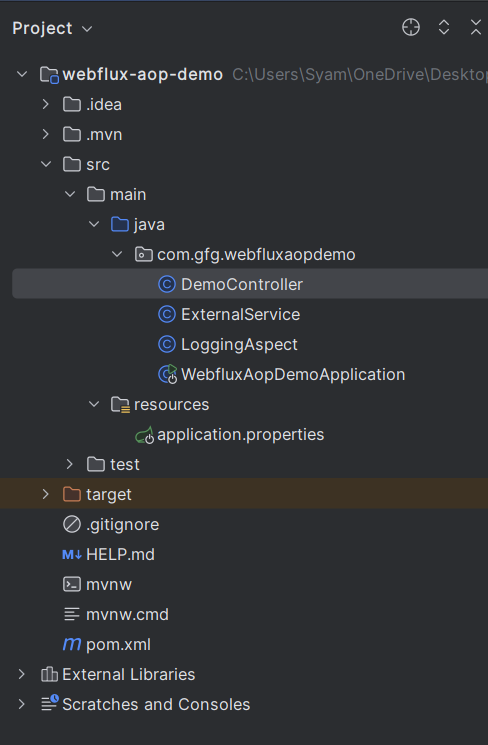
Once the project is created, the file structure will look like the provided image.
Create a simple endpoint to expose the external API of the project.
Navigate to src > main > java > com.gfg.externalapi and create ExternalApiController with the following code:
No changes are required in the main class. The code for the main class is:
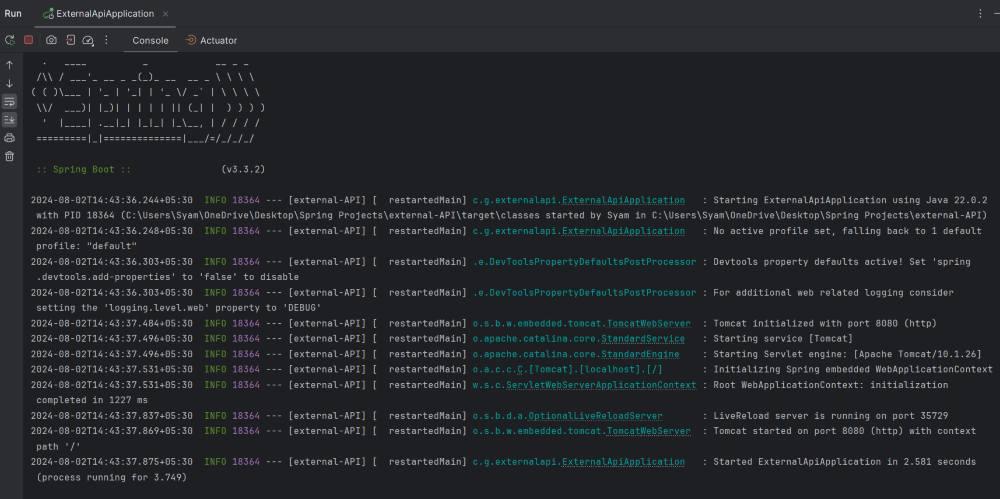
Once completed the application, it will run and start at port 8080.
We can create the new Spring Reactive project using the IntelliJ Idea. Choose the below options:
Click on the Next button
We can add the below dependencies into the project.Refer the below image for better understanding.
Once create the project then the file structure looks like the below image.
We can create the simple service class named as ExternalService class
Go to src > main > java > com.gfg.webfluxaopdemo > ExternalService and put the below code.
Go to src > main > java > com.gfg.webfluxaopdemo > LoggingAspect and put the below code.
Go to src > main > java > com.gfg.webfluxaopdemo > DemoController and put the below code.
No changes are required in the main class
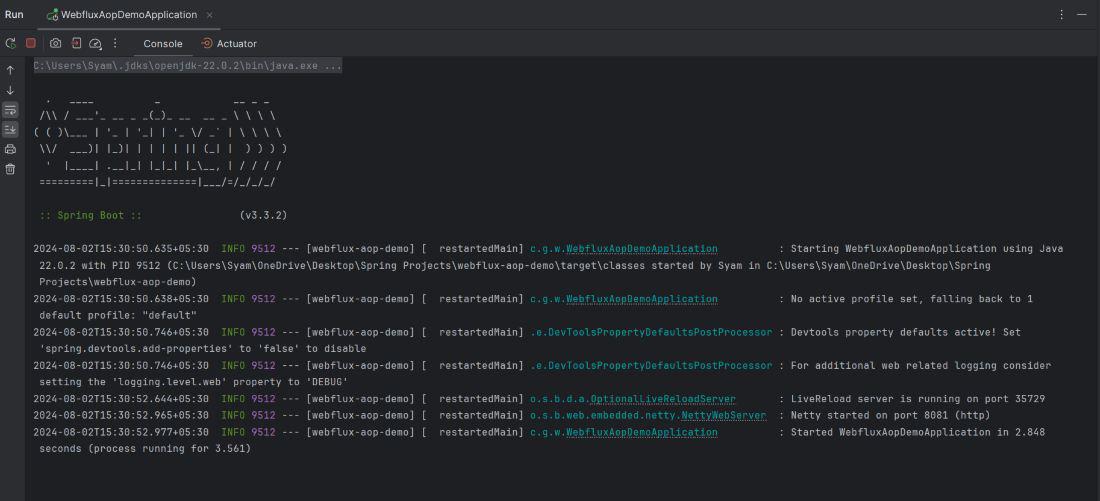
Once the project is complete, it will run and start on port 8081.
Test the endpoints using Postman:
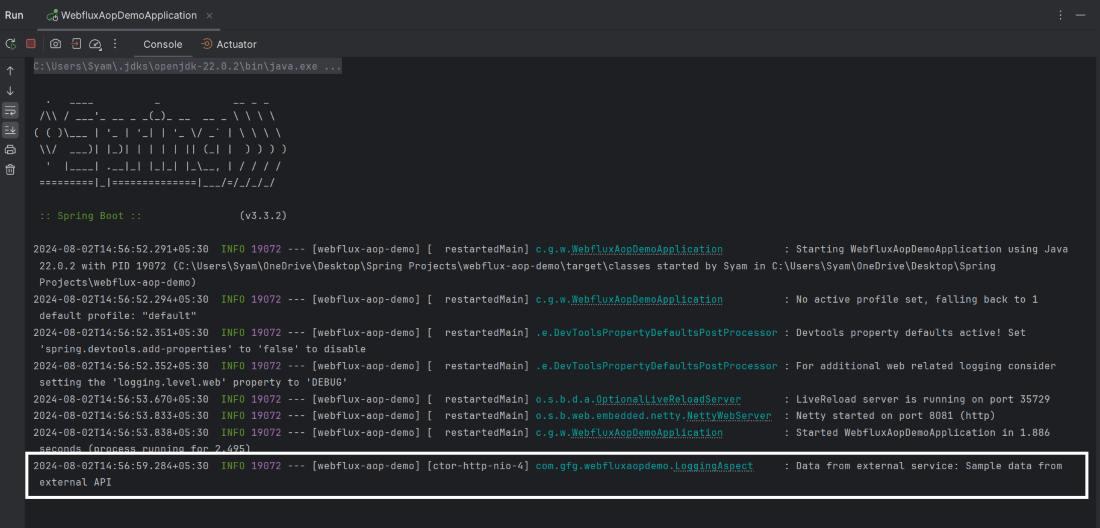
GET http://localhost:8081/helloRefer to the provided image for the logs result.
In this article, we explored how to set up a Spring WebFlux project with AOP to trigger REST calls during method interception and handle these calls using Mono and Flux. This approach provides a powerful and flexible way to integrate cross-cutting concerns with reactive programming.