|
VOOZH | about |
|
VOOZH | about |
Spring WebFlux is a part of the Spring Framework that supports reactive programming and offers an alternative to Spring MVC for building asynchronous, non-blocking web applications. Reactor is the reactive library behind WebFlux, providing tools and abstractions for working with asynchronous streams. Understanding the threading model of Spring WebFlux and Reactor is crucial for efficiently building scalable applications that handle a large number of concurrent users without blocking threads.
In traditional web frameworks like Spring MVC, each request is handled by a dedicated thread from a thread pool. This model can lead to performance issues as the number of concurrent users increases, potentially exhausting the thread pool and causing delays or failures.
Spring WebFlux, on the other hand, is built on Reactor and follows a different threading model. WebFlux leverages a small number of threads, often as few as one per CPU core, to handle many concurrent requests due to the non-blocking nature of reactive programming.
Reactor provides a set of Schedulers that control how tasks are executed on different threads. The commonly used Schedulers in WebFlux are:
WebFlux uses an event loop model similar to Node.js, where a small number of threads handle I/O events. The Netty or Undertow server, commonly used with WebFlux, runs the event loop that processes I/O events and delegates request processing to the reactive pipeline.
In WebFlux, I/O operations such as database calls or HTTP requests are non-blocking. Instead of waiting for I/O operations to complete, the thread can continue processing other requests, improving overall throughput.
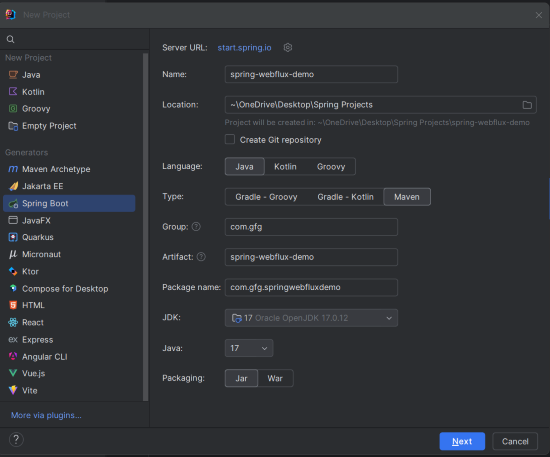
Create a new Spring WebFlux project using your preferred IDE (e.g., IntelliJ IDEA) with the following options:
Click on the Next button.
Add the following dependencies into the spring reactive project.
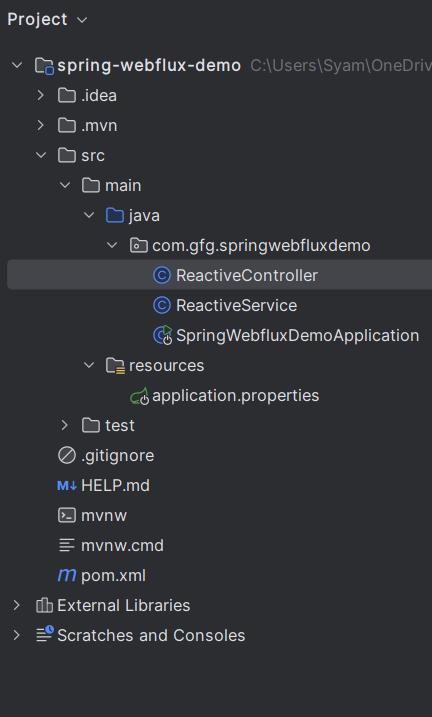
Once created, the project structure should include standard directories like below:
Add the following property to application.properties file:
spring.application.name=spring-webflux-demoThis service returns a reactive Mono containing a string, using an elastic scheduler for non-blocking execution.
This controller maps the /reactive endpoint to the ReactiveService, returning a reactive Mono.
No changes are required in the main class.
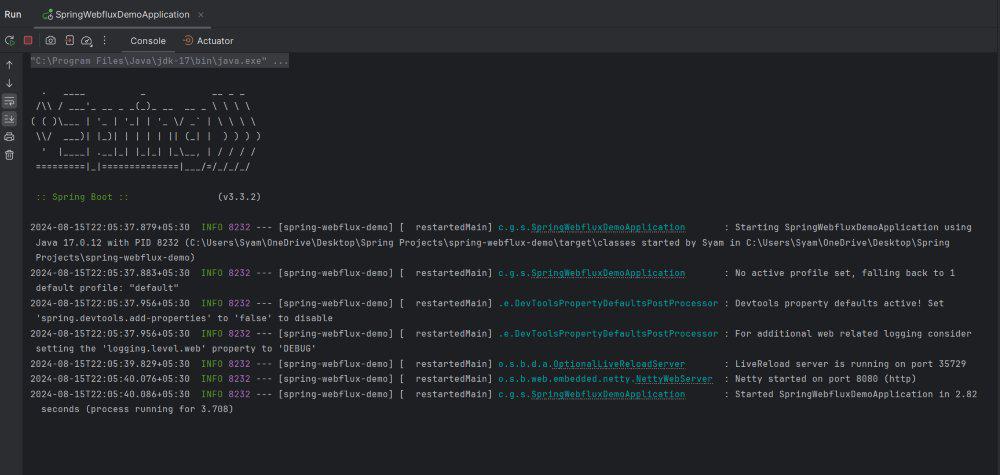
Start the application, which will run on port 8080.
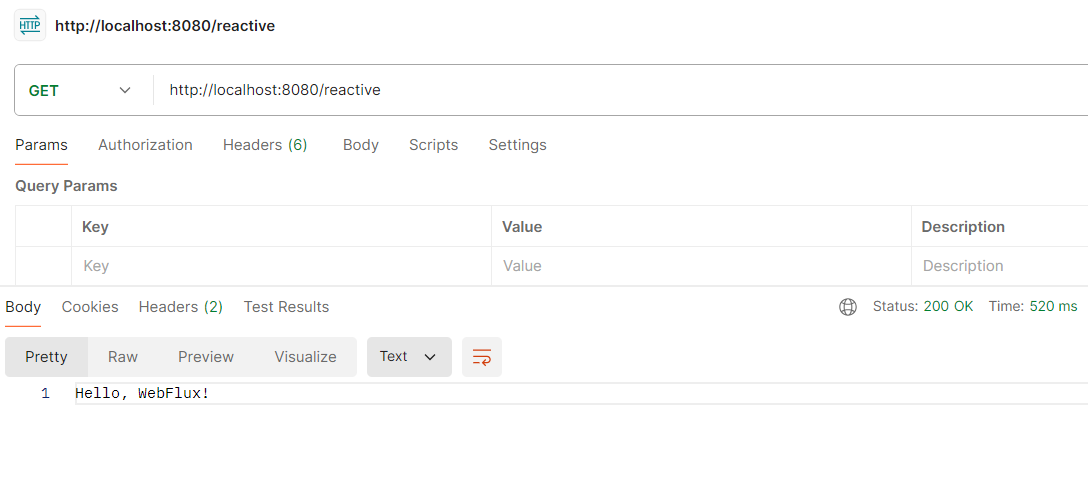
Access the endpoint via a GET request:
GET http://localhost:8080/reactiveThis test verifies that the service correctly returns "Hello, WebFlux!"
This project demonstrates the understanding of the threading model in the Spring WebFlux and Reactor while providing the practical example to the reinforce the concepts of the Spring Reactive Application.