|
VOOZH | about |
|
VOOZH | about |
JdbcTemplate is a central class in Spring's JDBC framework, simplifying database interactions by abstracting much of the boilerplate code. A common use case involves querying the database with a dynamic list of values in the IN clause. This article will guide you through the process of using a list of values in a JdbcTemplateIN clause, ensuring efficient and secure database querying.
When you need to query the database with a variable number of parameters, the IN clause is particularly useful. However, using a list of values in the IN clause with JdbcTemplate requires careful handling to avoid SQL injection and to ensure the safe binding of parameters to the SQL query.
Key Points:
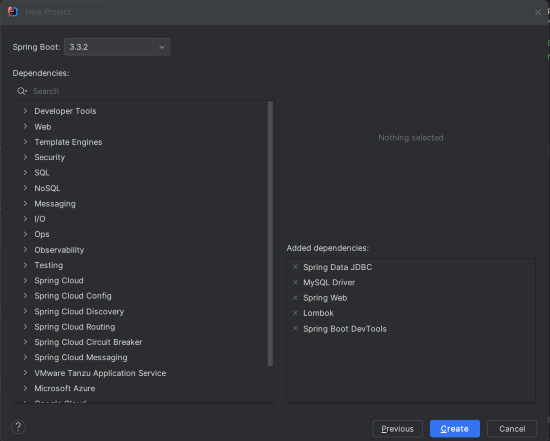
? placeholders in the SQL query.JdbcTemplate.query method for safe execution of the query.Create a new Spring Boot project using IntelliJ IDEA or another IDE of your choice. Choose the following options:
Add the following dependencies into the Spring Boot project.
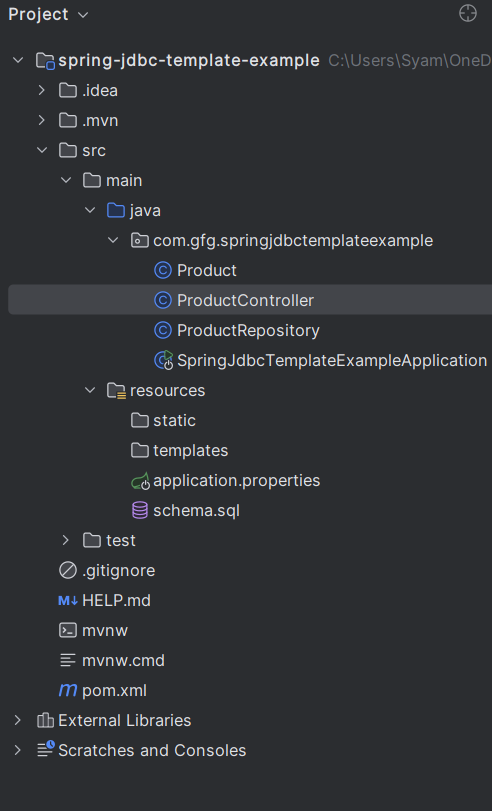
Once the project is created, the file structure should resemble the following:
In the application.properties file, configure the MySQL database connection:
spring.application.name=spring-jdbc-template-example

spring.datasource.url=jdbc:mysql://localhost:3306/testdb
spring.datasource.username=root
spring.datasource.password=mypassword
spring.datasource.driver-class-name=com.mysql.cj.jdbc.Driver
spring.jpa.hibernate.ddl-auto=update
spring.sql.init.mode=always
Create a products table in the MySQL database:
CREATE TABLE products (
 id INT AUTO_INCREMENT PRIMARY KEY,
 name VARCHAR(255) NOT NULL,
 category VARCHAR(255) NOT NULL,
 price DECIMAL(10, 2)
);

INSERT INTO products (name, category, price) VALUES
('Laptop', 'Electronics', 1200.00),
('Headphones', 'Electronics', 150.00),
('Book', 'Books', 20.00),
('Smartphone', 'Electronics', 800.00),
('Novel', 'Books', 10.00);Create a Product entity to represent the table data:
Create a repository class to handle database operations:
Explanation:
categories list.Collections.nCopies(categories.size(), "?"): Creates placeholders for the SQL query.categories.toArray() converts the list to an array, which JdbcTemplate requires for the IN clause.query method executes the SQL query and maps the result set to the Product object.Create a controller to expose the API endpoint:
The main class remains unchanged:
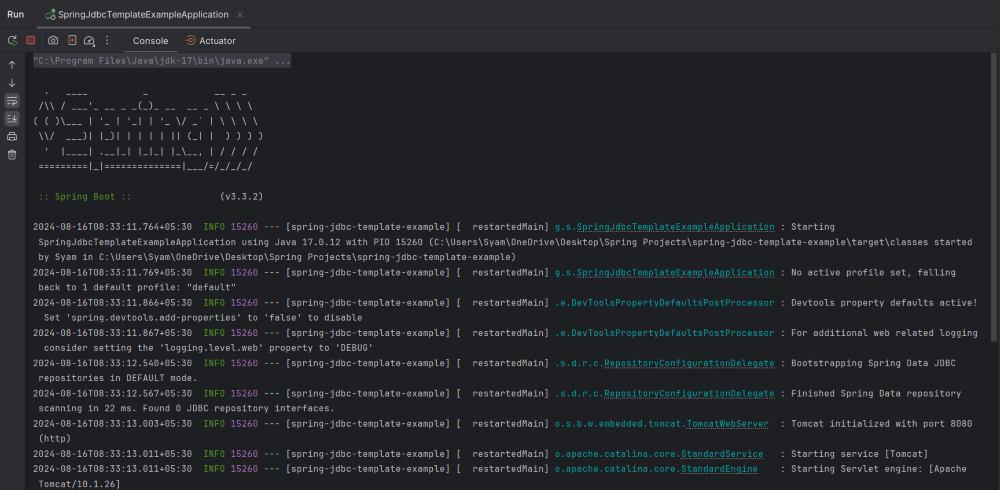
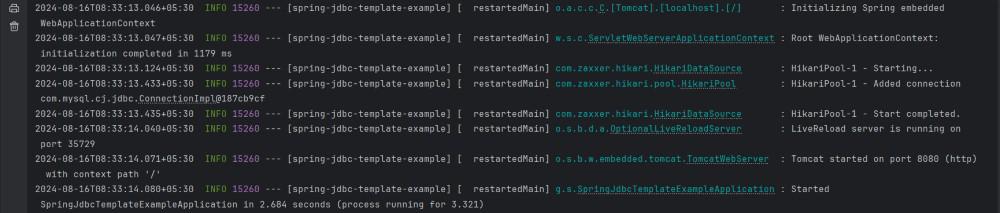
After completing the project setup, run the application. It will start on port 8080.
Console logs:
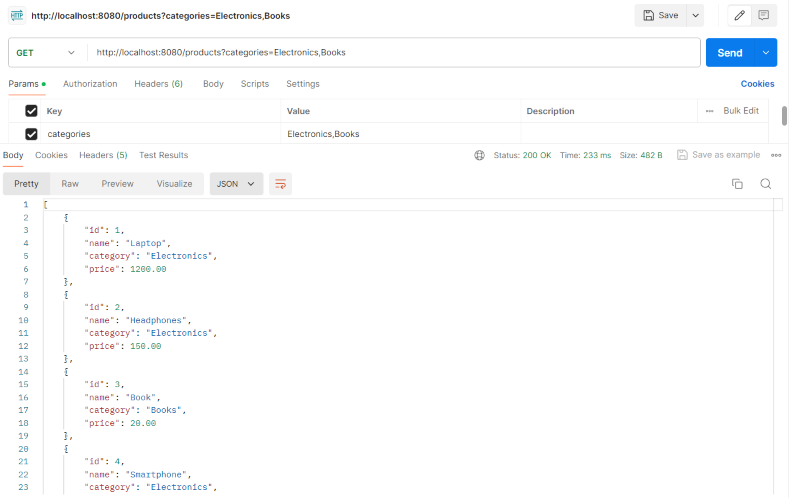
Test the API by making a GET request:
GET http://localhost:8080/products?categories=Electronics,BooksThis endpoint indicates that the IN clause worked correctly with the list of the categories.
This example project provides a guide on how to use a list of values in a JdbcTemplateIN clause within a Spring Boot application, demonstrating how to integrate dynamic database queries efficiently and securely.