|
VOOZH | about |
|
VOOZH | about |
Bulma is an Open source CSS framework developed by Jeremy Thomas. This framework is based on the CSS Flexbox property. It is highly responsive and minimizes the use of media queries for responsive behavior.
Bulma Installation Steps: To install the Bulma using the following steps, first you need to install node.js. You can see the articles to install Node.js in Windows or Linux System.
npm install bulmayarn add bulmabower install bulmaAfter installation of Bulma, import the CSS file into your project using the following code snippet:
@import 'bulma/css/bulma.css'CDN Link: Without installing the Bulma, you can directly run the Bulma code using Bulma CDN link. Add this link inside the head section of the code.
<link rel='stylesheet' href='https://cdn.jsdelivr.net/npm/bulma@0.9.3/css/bulma.min.css'>Now let's understand the working of it using an example.
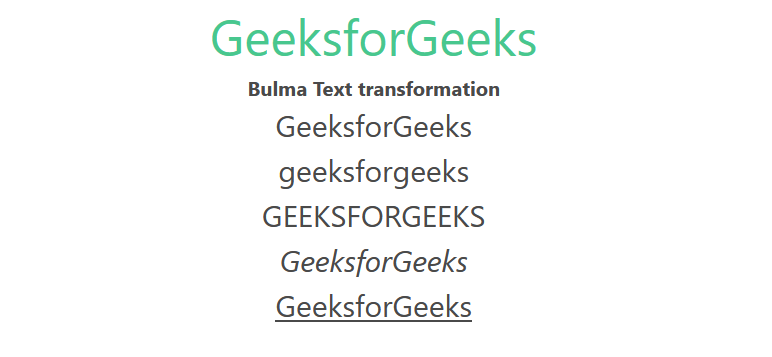
Example: The below example illustrates the text transformation class.
Output:
👁 Image