|
VOOZH | about |
|
VOOZH | about |
Node.js can be installed on Linux using package managers or official repositories. It enables server-side JavaScript execution along with npm for package management.
Ensure your system is ready before installing Node.js on Linux.
The easiest way to install Node.js on Linux is through the default package manager.
Follow these steps to install Node.js and npm using the apt package manager.
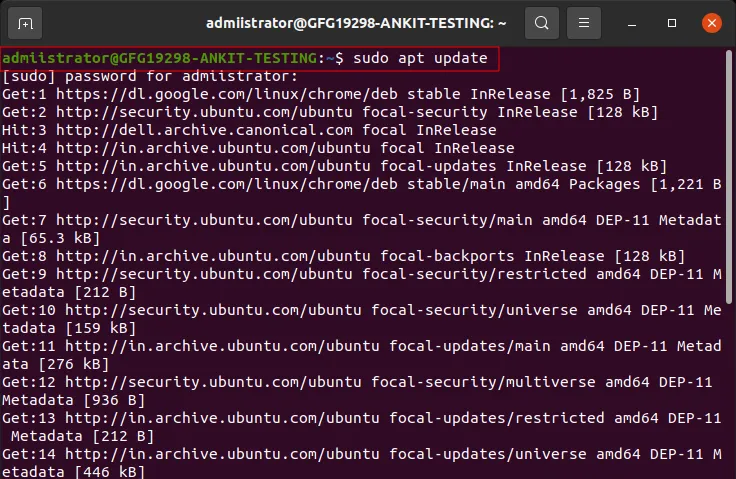
Step 1: Update your system
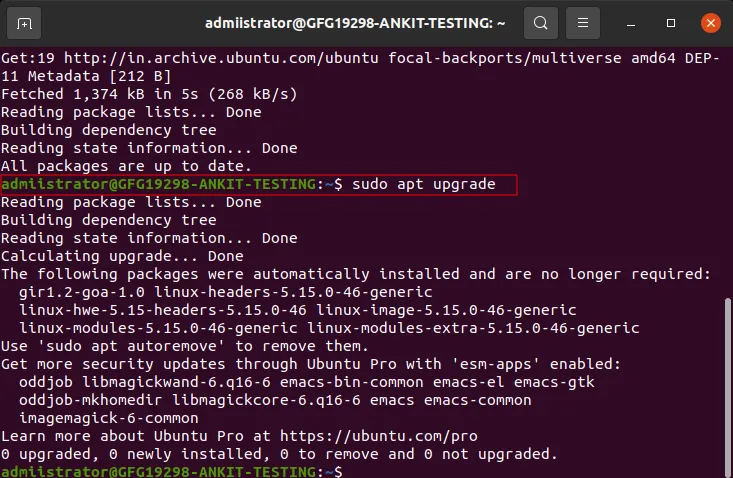
sudo apt updateStep 2: Upgrade the system
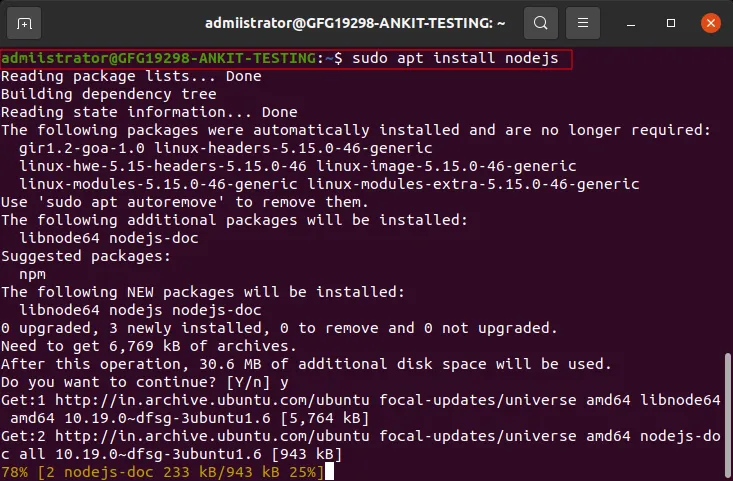
sudo apt upgradeStep 3: Install Node.js
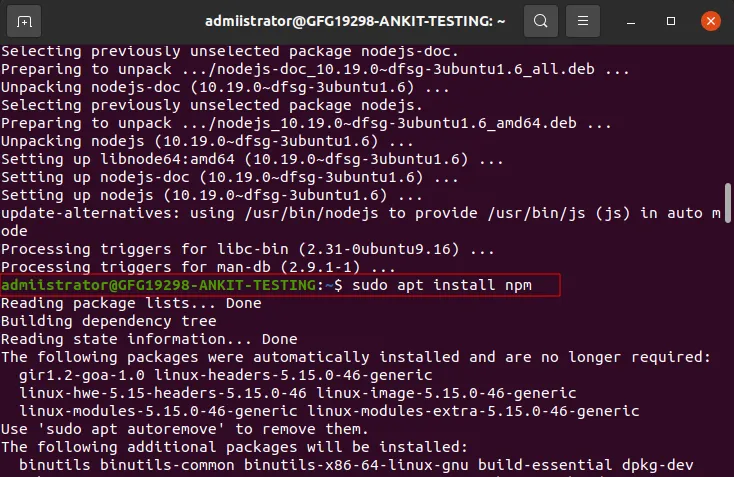
sudo apt install nodejsStep 4: Install npm
sudo apt install npmStep 5: Verify the Installation
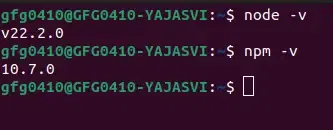
To confirm that Node.js and npm are installed correctly, you can check their versions using:
node -v
npm -vFollow these steps to install Node.js on CentOS/RHEL.
Step 1: Update system
sudo yum updateStep 2: Install Node.js
You can install Node.js by adding the NodeSource repository:
curl -sL https://rpm.nodesource.com/setup_16.x | sudo -E bash -
sudo yum install -y nodejs
Step 3: Verify the Installation
Open Terminal to check the installed versions by running these commands:
node -v
npm -vNVM allows installation and management of multiple Node.js versions.
Step 1: Install and Activate NVM
First, download and install NVM using the following script:
curl -o- https://raw.githubusercontent.com/nvm-sh/nvm/v0.40.1/install.sh | bashOnce installed, you need to add NVM to your shell configuration. You can do this by running the following command:
source ~/.bashrcStep 2: Install Node.js (LTS Version)
To install the latest LTS (Long Term Support) version of Node.js, run:
nvm install --ltsSwitch Versions:
nvm ls
nvm use <version>
Step 3: Verify the Installation
node -v
npm -vProvides the latest Node.js versions.
Step 1: Add NodeSource Repository
sudo su
curl -sL https://deb.nodesource.com/setup_16.x | sudo -E bash -sudo apt install -y nodejsnode -v
npm -vUseful for containerized installations.
Step 1: Install Node.js
sudo snap install node --classicStep 2: Verify Installation
After installation, check the Node.js version:
node -v