|
VOOZH | about |
|
VOOZH | about |
Buffers in Node.js are used to store binary data directly in memory. They are very useful when working with files, streams, images, videos, or network data where normal strings are not enough.
Listed below are some common methods and properties of the Buffer module.
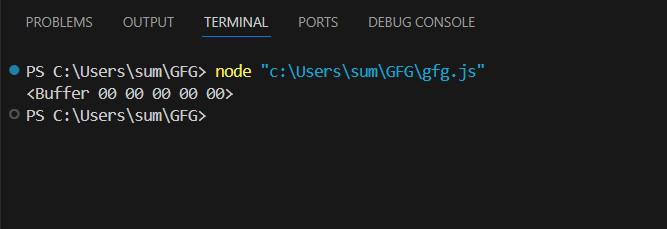
1. Using alloc() Method: It creates a Buffer object of the given length.
Output:
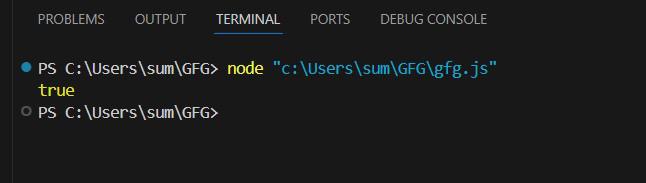
2. equals() Method: It compares two buffer objects. Returns true if the object match else returns false.
Output:
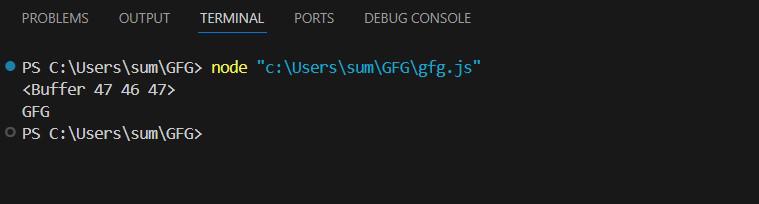
3. copy() Method :It copies the given number of bytes of a buffer object.
Output:
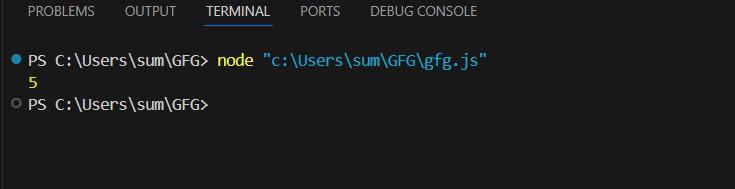
4. length Property: Return the length of a buffer object in bytes.
Output:
5. toString() Method: It returns a string form of a buffer object.
Output:
6. toJSON() Method: It returns a JSON form of a buffer object.
Output:
In Node.js, buffers can be created using the Buffer class provided by the buffer module. Here are some common ways to create a buffer:
You can create a buffer from a string by specifying the encoding (default is utf-8).
const buffer = Buffer.from('Hello, World!', 'utf-8');
console.log(buffer); // <Buffer 48 65 6c 6c 6f 2c 20 57 6f 72 6c 64 21>To create a buffer of a specific size without initializing it, use the Buffer.allocUnsafe method. This is faster but might contain old data.
const buffer = Buffer.allocUnsafe(10);
console.log(buffer); // Uninitialized buffer with a size of 10Use Buffer.alloc to create a buffer and initialize it with zeroes.
const buffer = Buffer.alloc(10);
console.log(buffer); // Initialized buffer with a size of 10You can write data to a buffer using the write method.
const buffer = Buffer.alloc(20);
buffer.write('Hello', 'utf-8');
console.log(buffer.toString('utf-8')); // HelloYou can read data from a buffer by converting it to a string or accessing its individual bytes.
const buffer = Buffer.from('Hello, World!', 'utf-8');
console.log(buffer.toString('utf-8')); // Hello, World!
console.log(buffer[0]); // 72 (ASCII code for 'H')